
AI Eye Color Changer
Upload a photo to change iris color—6 contact lens effects (blue, green, brown, gray, amber, purple) previewable online.
Click to upload / Drag & drop images here / Ctrl+V Paste
Supports JPG, PNG, WebP, GIF, BMP, ICO, TIFF, SVG; up to 15MB · Images are uploaded to server for processing and deleted immediately after.
👆 Please upload images on the left first
🖼️ Preview


Sample effect · Real comparison appears here after uploading your photo
Change eye color in photos online—natural, realistic results in seconds…
Change eye color in photos online—natural, realistic results. Try blue, green, light brown, gray, or creative hues in seconds.
About AI Eye Color Changer
Want to try contact lenses but fear choosing the wrong shade? Upload a photo to instantly swap iris colors—6 styles (blue, green, brown, gray, amber, purple) to test freely. Sclera and highlights remain natural, closely mimicking real lenses.
In Filter Mode, only the iris within the eye strip is replaced—sclera and skin remain untouched; binding to the generation model enables true re-rendering.
How to use AI Eye Color Changer?
Step 1 · Upload Photo
Choose a clear, frontal photo with unobstructed eyes.
Step 2 · Select Iris Color
Pick from 6 iris colors.
Step 3 · Generate & Download
Generate and download the eye-color-swapped image.
Why Choose ikoutu AI Eye Color Changer?
✓6 Iris Colors
Try cool, warm, and special tones all at once.
✓Natural Highlights
Preserves original eye highlights and catchlights.
✓Sclera-Safe
Changes only the iris—keeps sclera clean and bright.
FAQ
Will the effect look fake?+
Filter Mode preserves eye highlights and shadows for a realistic contact lens look; higher photo resolution yields more natural results.
Can I adjust contact lens diameter?+
Currently focuses on color adjustment; limited pupil diameter change. We recommend photos where eyes occupy a moderate portion of the frame.
Recommended Related Tools
View All 18 Tools →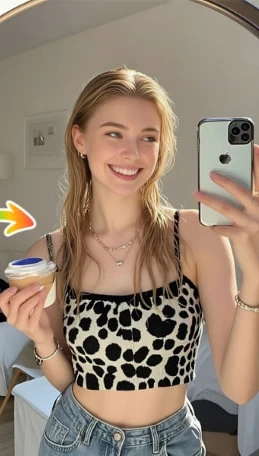
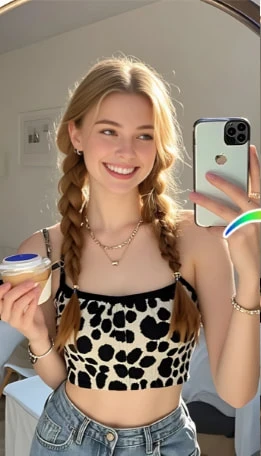
Preview before cutting: Try short, curly, bangs, and more with AI—find your perfect Tony look.
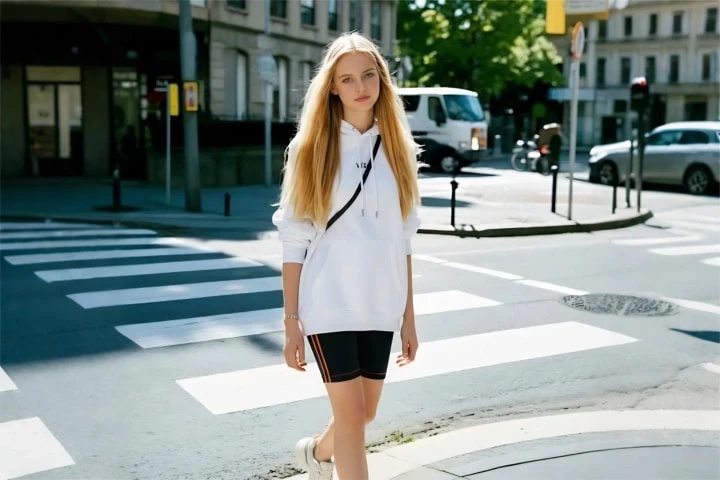

Online virtual fitting: preview suits, Hanfu, gowns, and more on your body with one click—shop online without regrets.
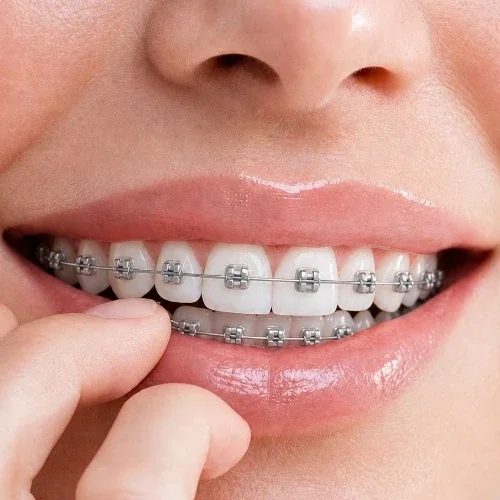
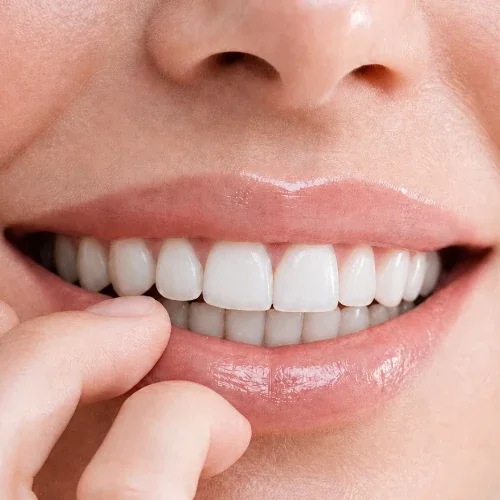
Upload a smiling photo to preview how you’d look with braces—metal braces simulation. Get an intuitive impression before your dental visit.
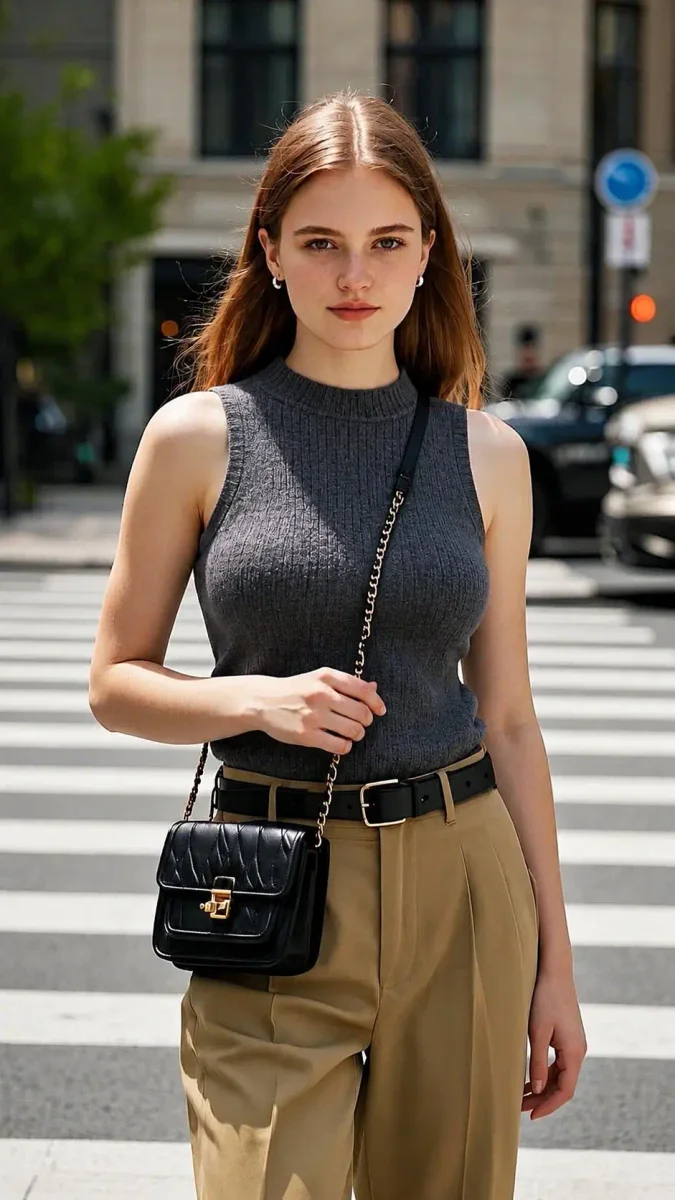
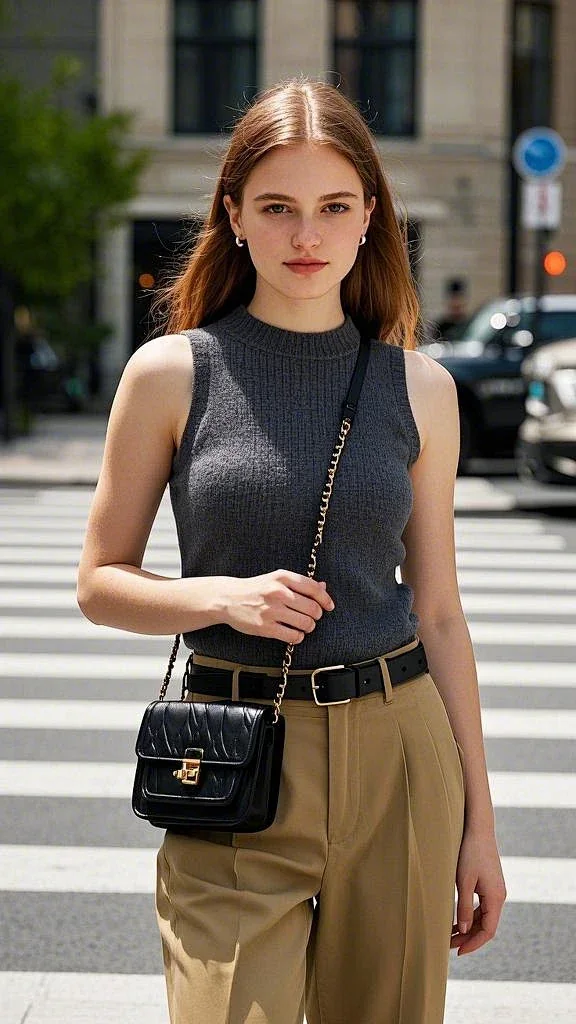
AI Body Proportion Adjustment Preview: View silhouette changes under different curves—strictly for outfit & photography reference.