
AI Polaroid Photo Generator
One-click Polaroid-style photo creation: white border, handwritten date, and vintage film tones—perfect for nostalgic social posts.
クリックで複数選択 / 複数画像をここにドラッグ / Ctrl+V 貼り付け
JPG・PNG・WebP対応、1枚最大15MB・選択済み0/9 枚、順序はドラッグで調整可能。削除ボタンで先に削除してください
👆 まず少なくとも 20 を選択してください
🖼️ 効果図
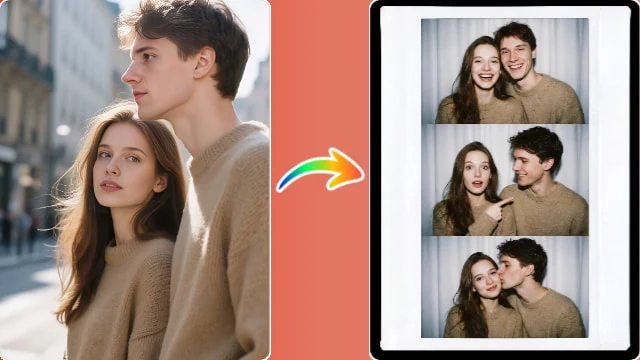
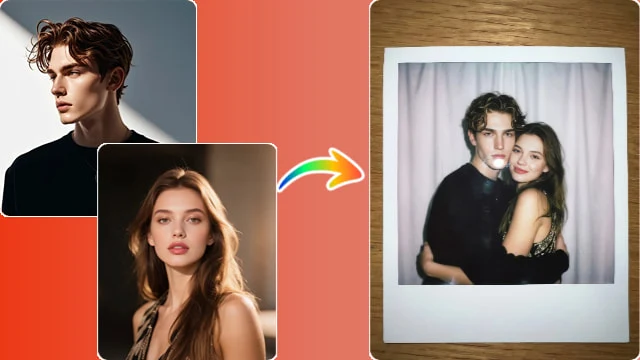
例効果・あなたの写真をアップ後、ここに実際の比較が表示されます
More than a filter—explore diverse AI Polaroid photo templates
Ever dreamed of taking a Polaroid with your idol, strolling along a sunset beach, or capturing a quiet moment in a cozy café? Our AI Polaroid generator offers rich immersive scene templates to bring your fantasies to life.
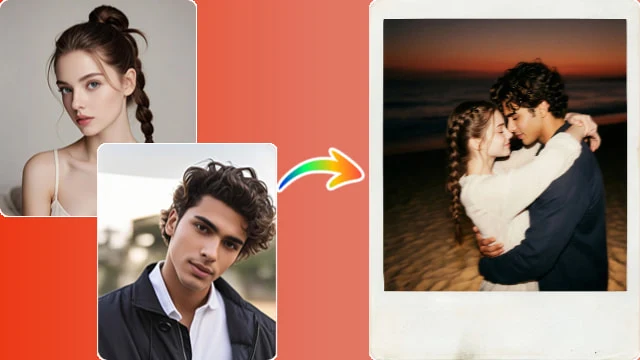
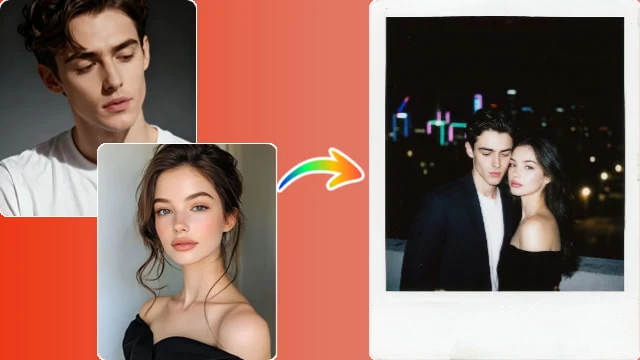
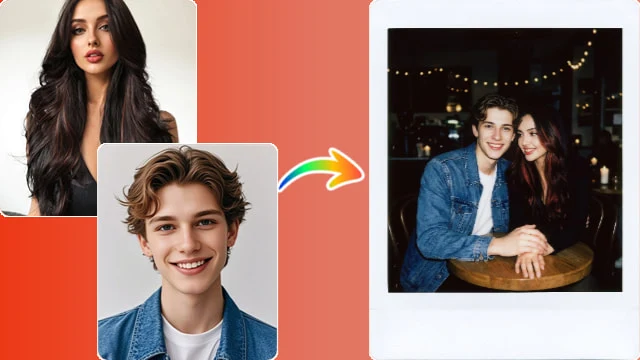
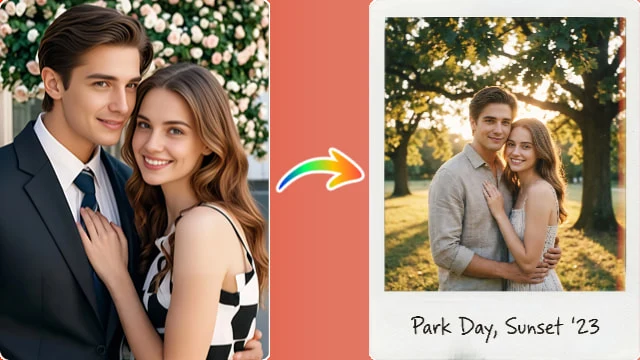


About AI Polaroid Photo Generator
Want ceremony in your travel photos? Polaroid is the classic choice. Upload a photo to instantly get white borders, handwritten dates, and retro film tones—a single snap becomes a memory card.
Perfect for travel check-ins, birthdays, graduation moments—enhanced with handwritten notes.
How to use AI Polaroid Photo Generator?
Step 1 · Upload Photo
Select travel or daily life photos.
Step 2 · Select Ratio
Choose square or 4:3 portrait/landscape ratio as you prefer.
Step 3 · Generate & Download
Generate & download Polaroid-style photo.
Why Choose ikoutu AI Polaroid Photo Generator?
✓Classic White Frame
Iconic Polaroid white border and photo paper texture.
✓Retro Tone
Low-contrast film tones with nostalgic charm.
✓Great for Sharing
Square composition displays better on social platforms.
FAQ
Is this a real Polaroid photo?+
This is an online-generated Polaroid-style preview—download directly or print at a photo lab.
Will the tone look yellowish?+
Slight warm yellow fading is intentional—it’s part of the authentic film aesthetic.
Recommended Related Tools
View All 18 Tools →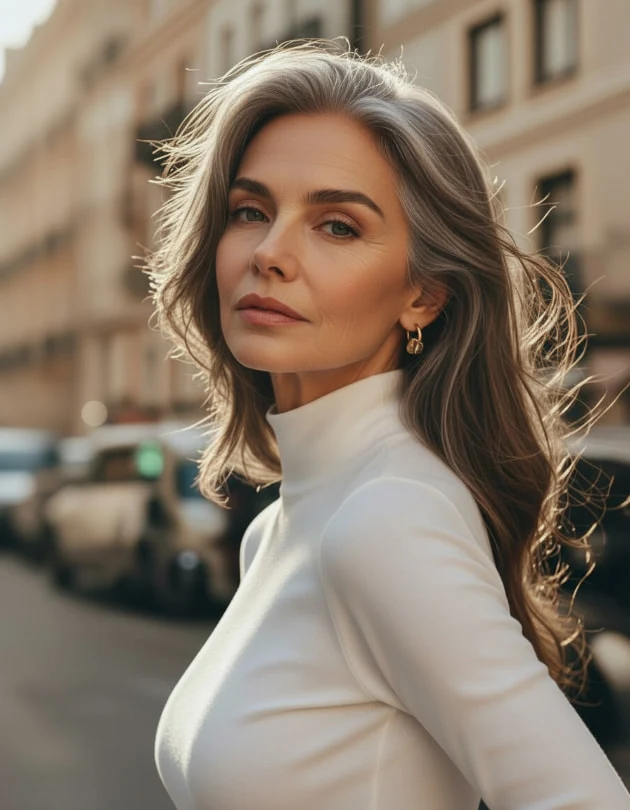
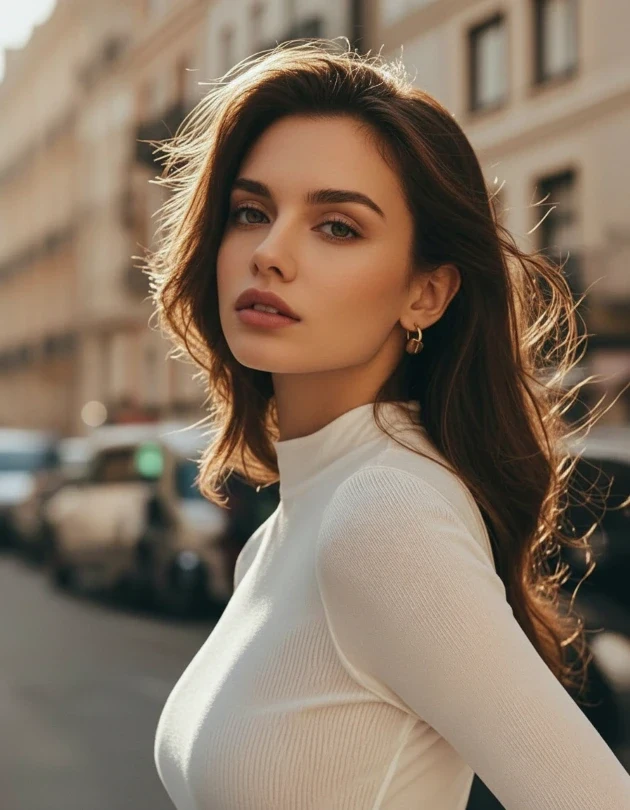
6 age styles: infant, child, teen, adult, middle-aged, elderly — AI generates natural, believable age-altered photos in one click.
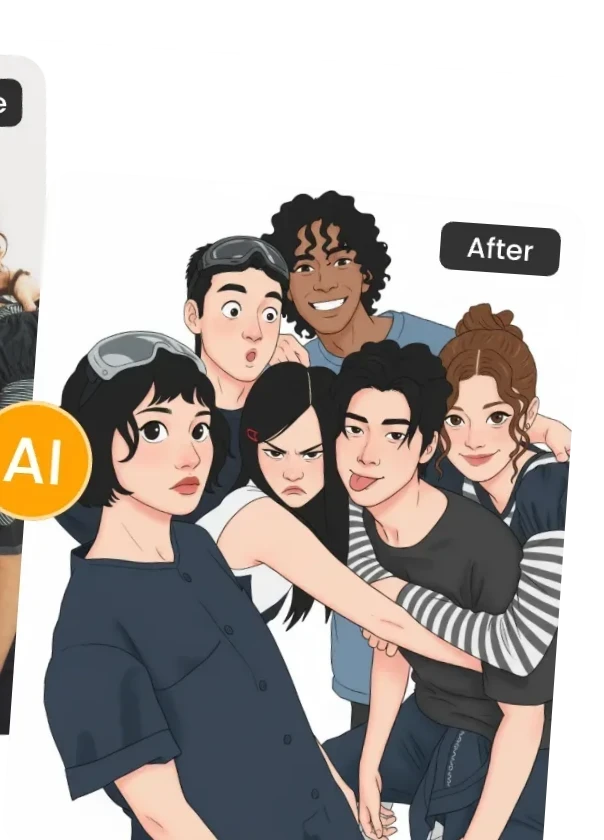
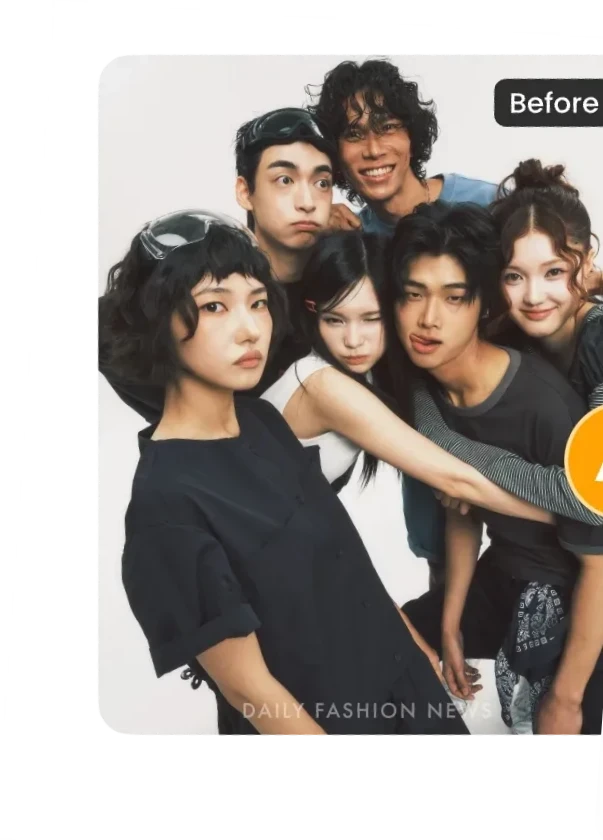
Turn photos into cartoon comics instantly—bold color blocks, strong outlines, perfect for cute comic avatars.
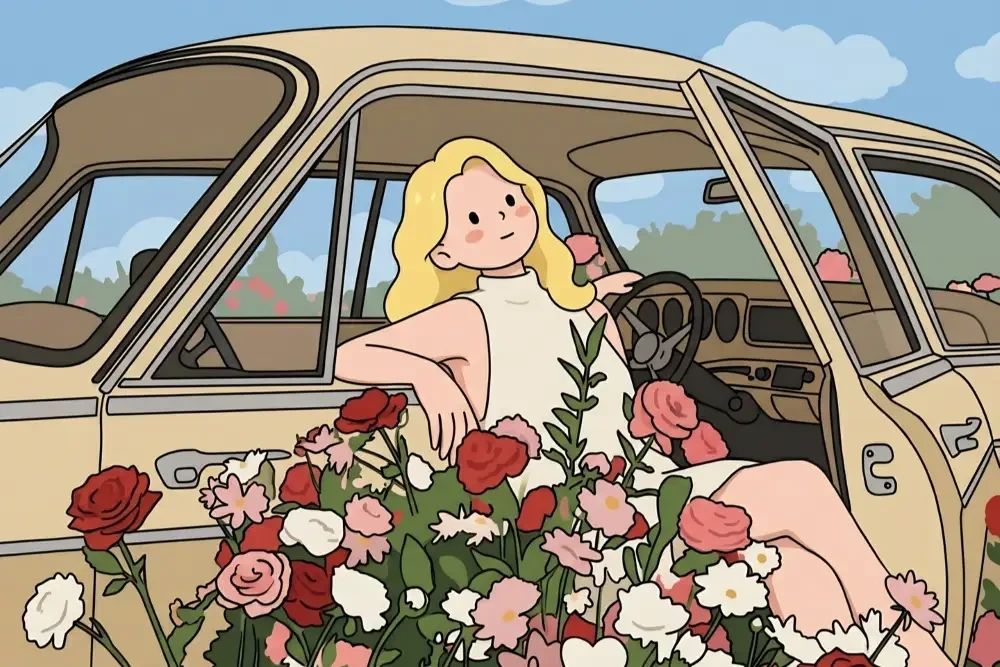
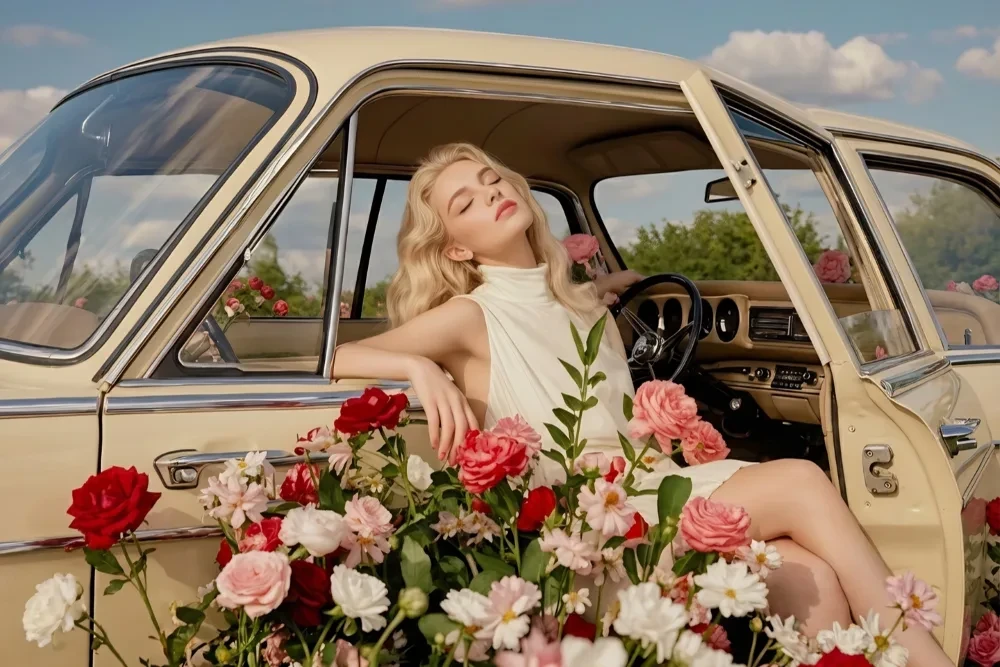
Transform photos into soft, luminous, translucent Japanese anime style—step into Makoto Shinkai’s world in one second.
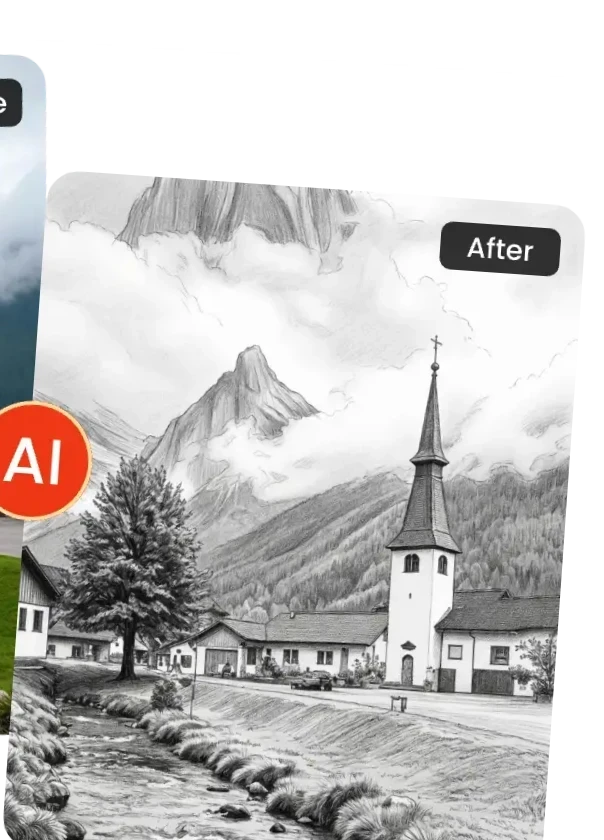
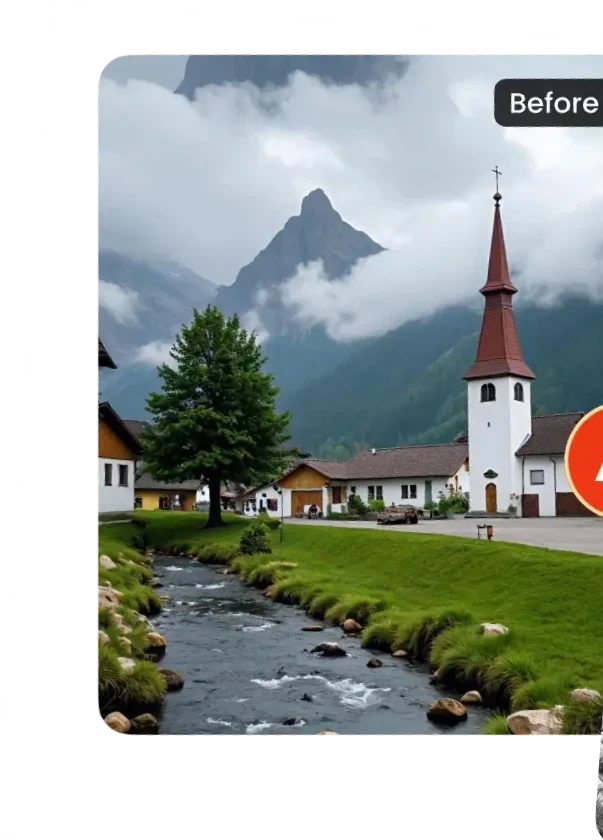
Turn photos into pencil sketches instantly—choose between clean line art or realistic pencil texture, both rich in artistic flair.