
South Park Style Avatar
Turn photos into South Park-style characters instantly—bold outlines and high-saturation anime-style avatars.
Click to upload / Drag & drop images here / Ctrl+V Paste
Supports JPG, PNG, WebP, GIF, BMP, ICO, TIFF, SVG; up to 15MB · Images are uploaded to server for processing and deleted immediately after.
👆 Please upload images on the left first
🖼️ Preview
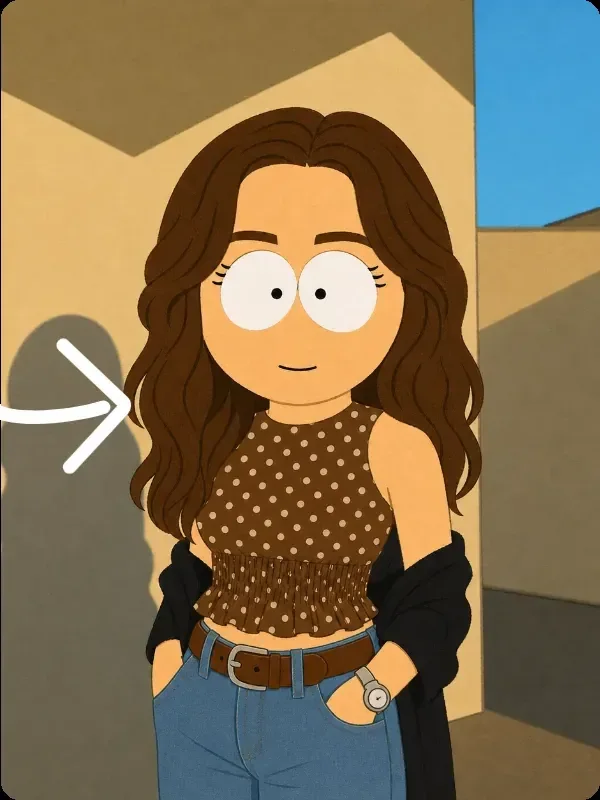
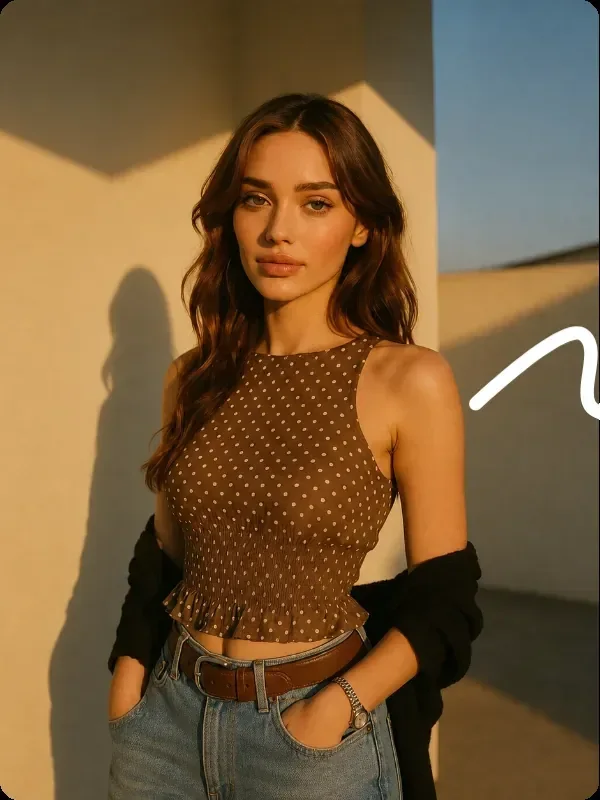
Sample effect · Real comparison appears here after uploading your photo
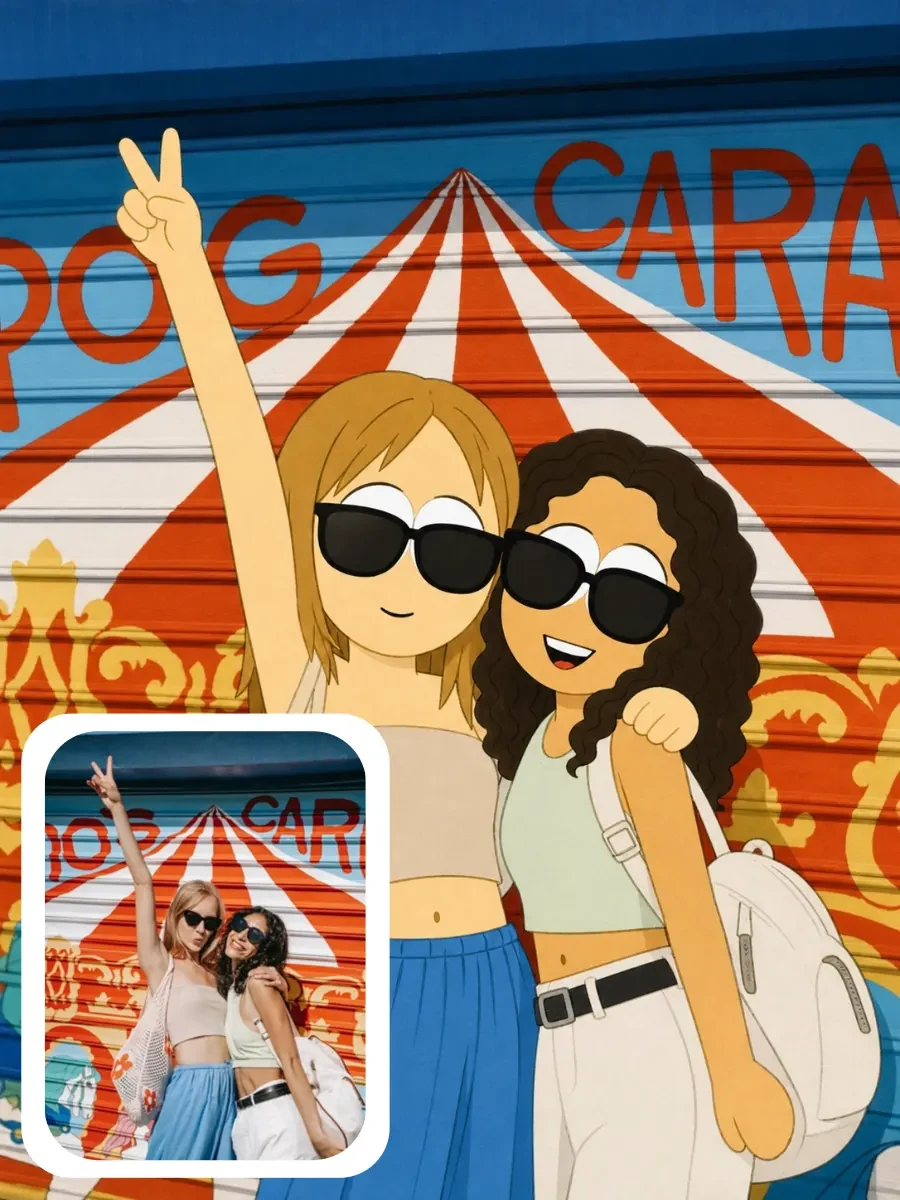
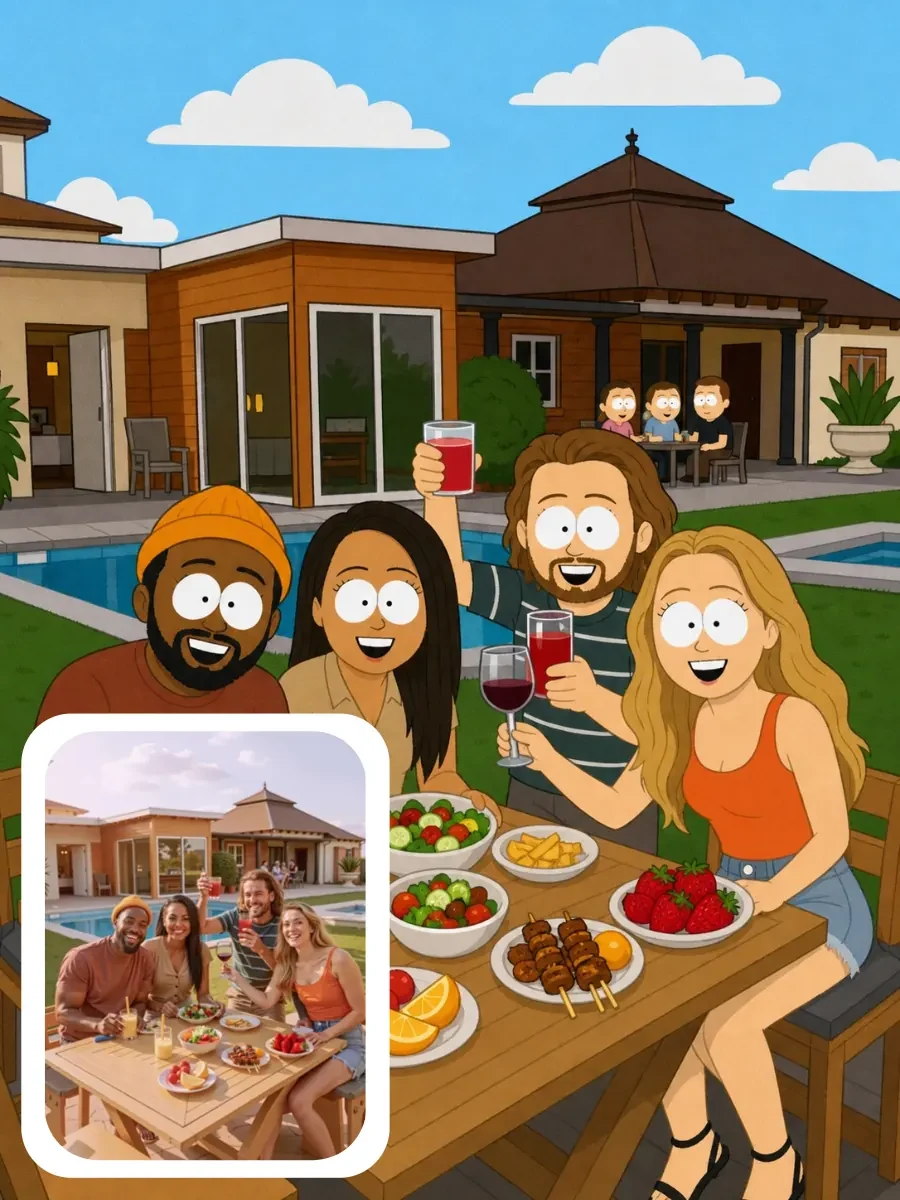
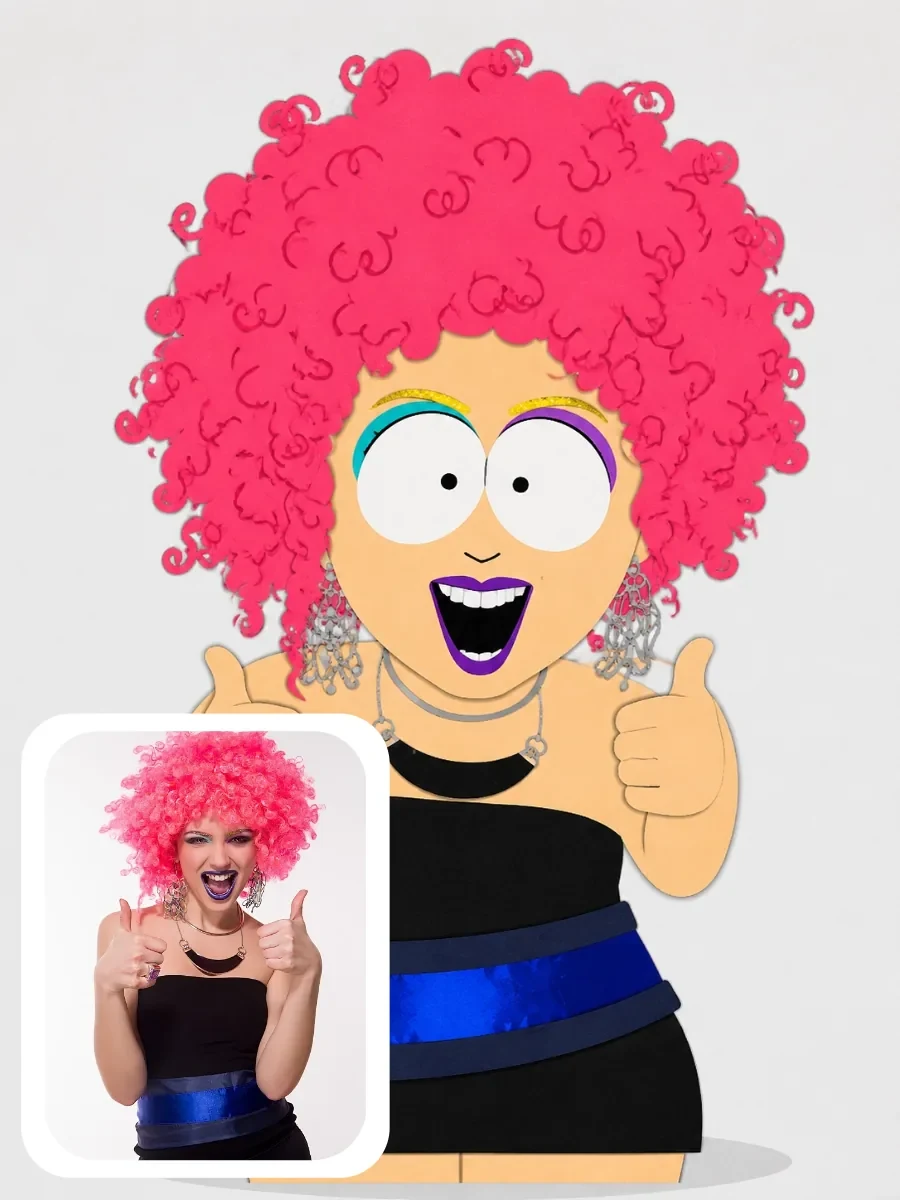
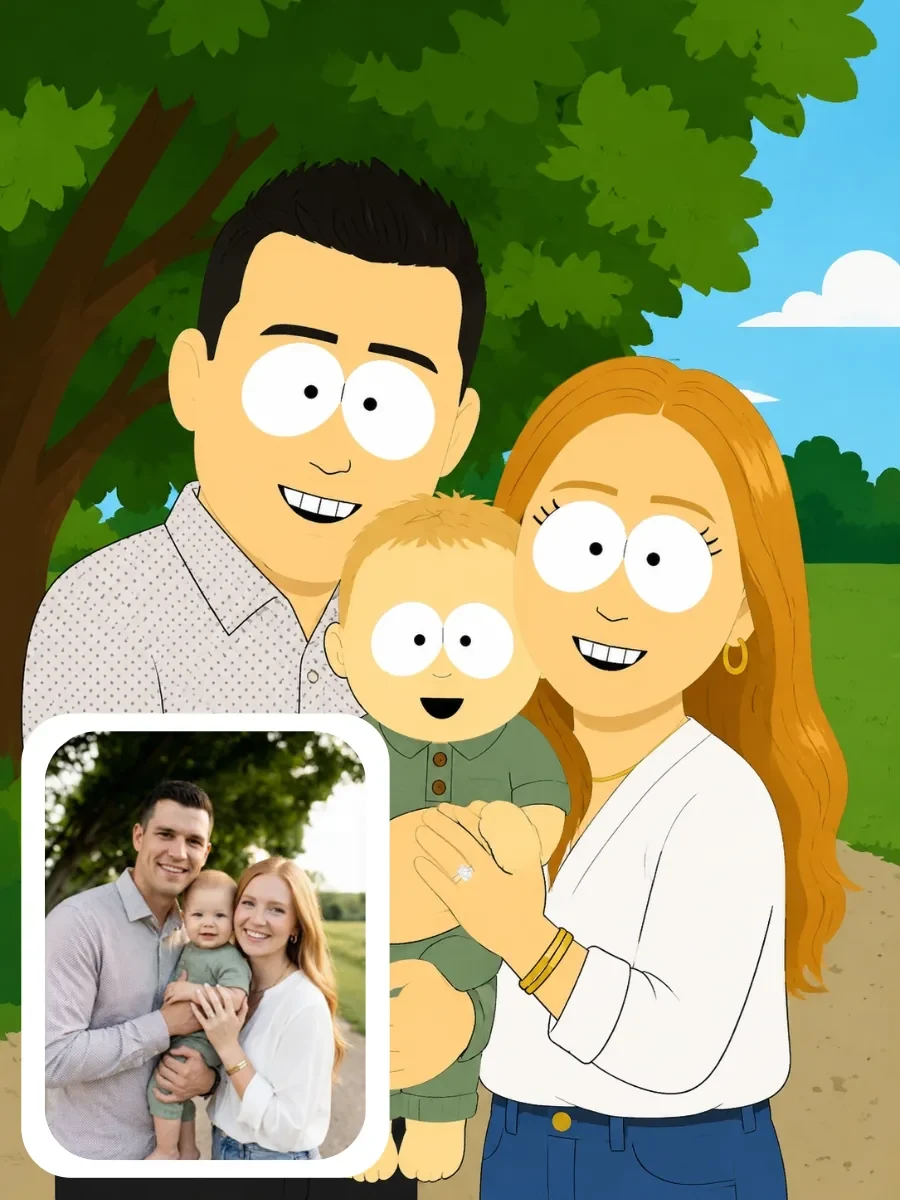
South Park Character Examples
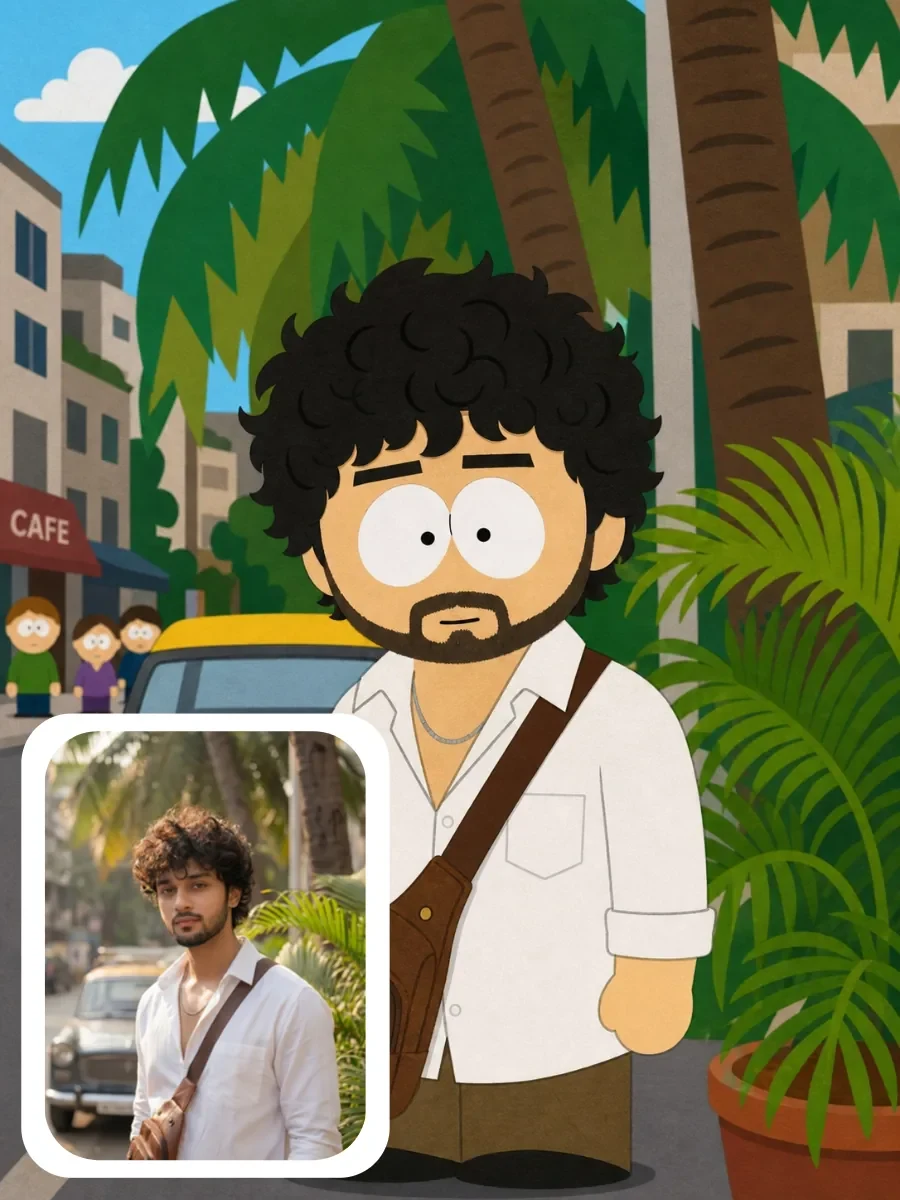
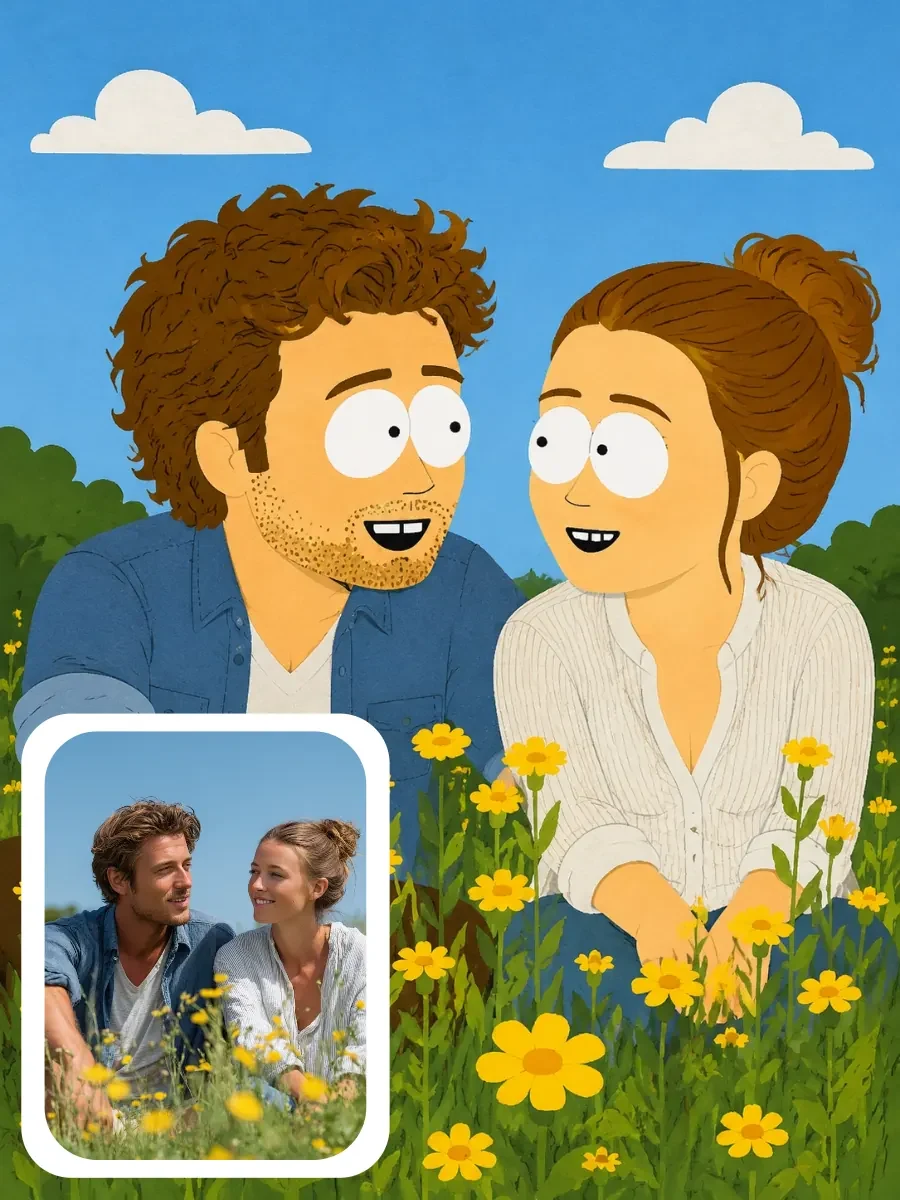
Browse real-photo-generated South Park–style character examples—see how different people, outfits, and expressions become classic cartoon icons, then create your own.

About South Park Style Avatar
The iconic South Park style features bold black outlines, highly saturated colors, and exaggerated, simplified facial proportions. Our tool uses edge detection for outlining and color enhancement to transform photos into this signature character look.
Currently processed locally—fast and no waiting. For more realistic cartoon characters resembling the original person, bind a text-to-image model to this tool in the backend.
How to use South Park Style Avatar?
Step 1 · Upload Photo
Choose a clear front-facing photo—the sharper the outline, the better the result.
Step 2 · Adjust Intensity
Drag the intensity slider to adjust outline thickness and color saturation.
Step 3 · Download Avatar
Compare with the original, then download or use directly as a social avatar.
Why Choose ikoutu South Park Style Avatar?
✓Bold Outline Feature
Automatically extracts facial features and contours to generate signature black outlines.
✓High-Saturation Coloring
Color enhancement brings the image closer to the visual feel of original animated shows.
✓Adjustable Intensity
Freely choose from subtle stylization to strong cartoonification.
FAQ
Will I still look like myself after conversion?+
Your facial structure and pose are preserved—only rendered in cartoon style. Similarity depends on photo clarity and lighting contrast.
Can it be used for formal occasions?+
Best suited for social avatars, greeting cards, and fun sharing; real photos are recommended for formal settings.
Does it support group photos?+
Yes—the entire image is uniformly stylized; best results with single-person front-facing photos.
Recommended Related Tools
View All 18 Tools →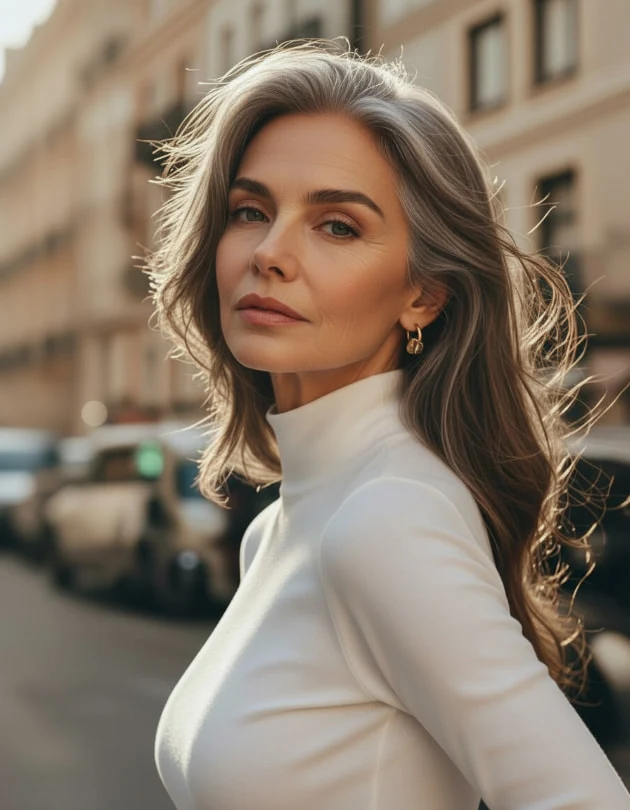
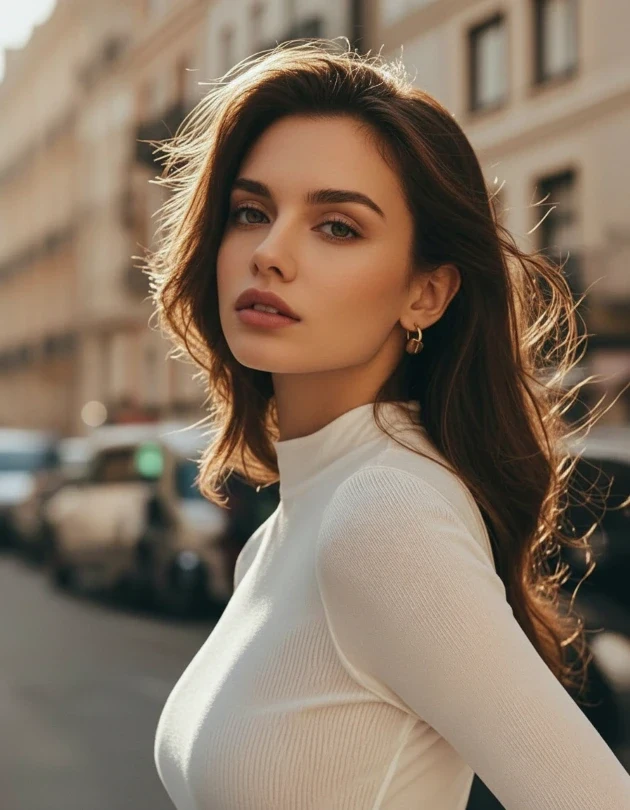
6 age styles: infant, child, teen, adult, middle-aged, elderly — AI generates natural, believable age-altered photos in one click.
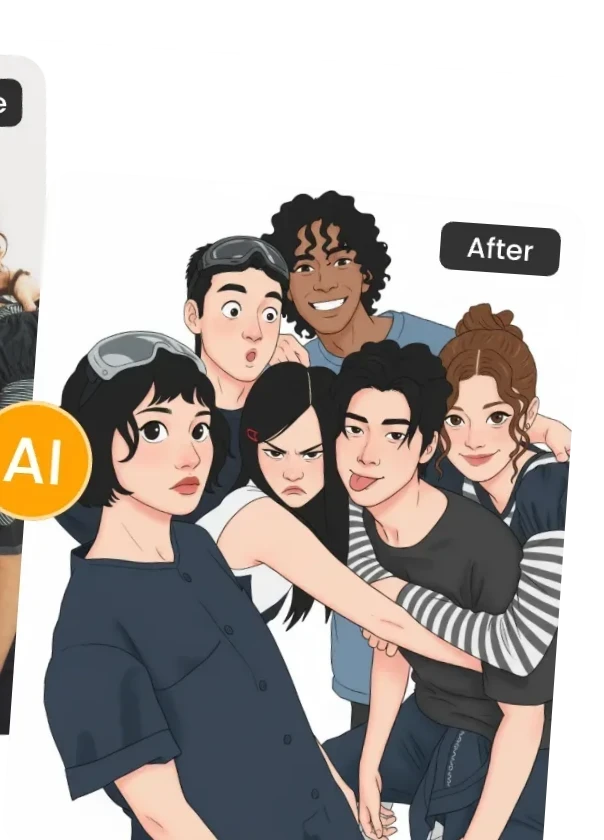
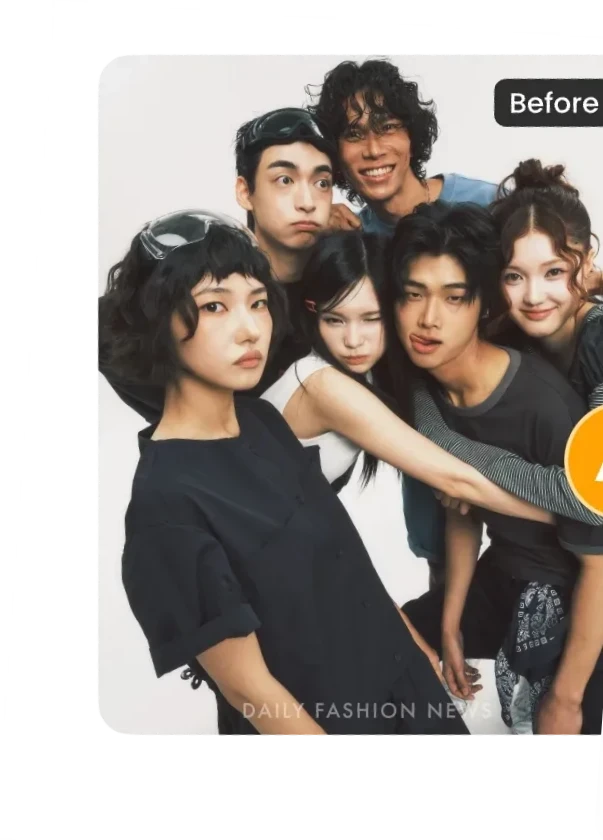
Turn photos into cartoon comics instantly—bold color blocks, strong outlines, perfect for cute comic avatars.
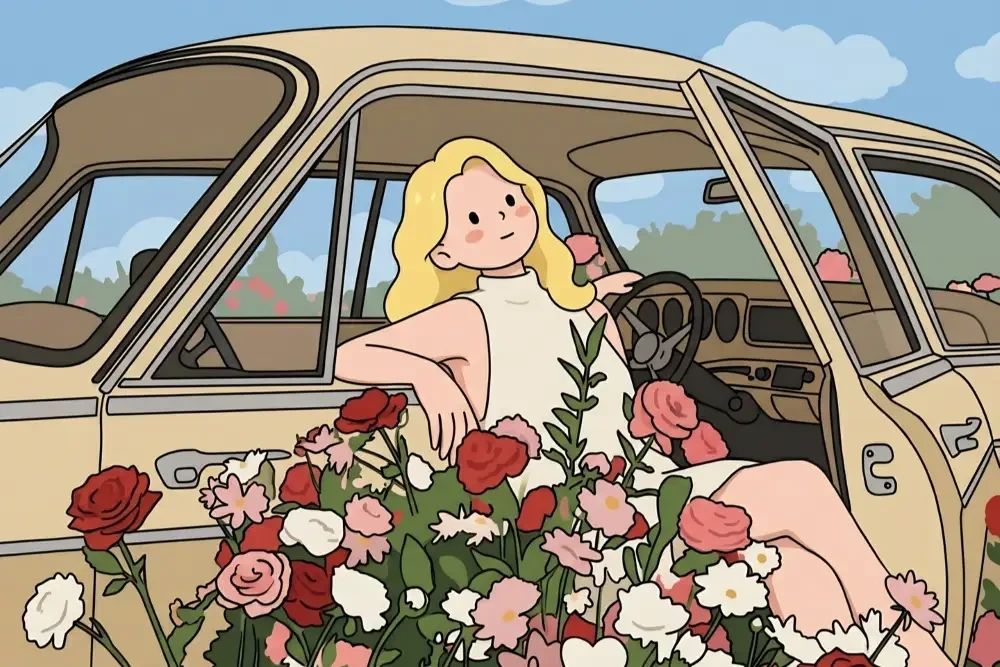
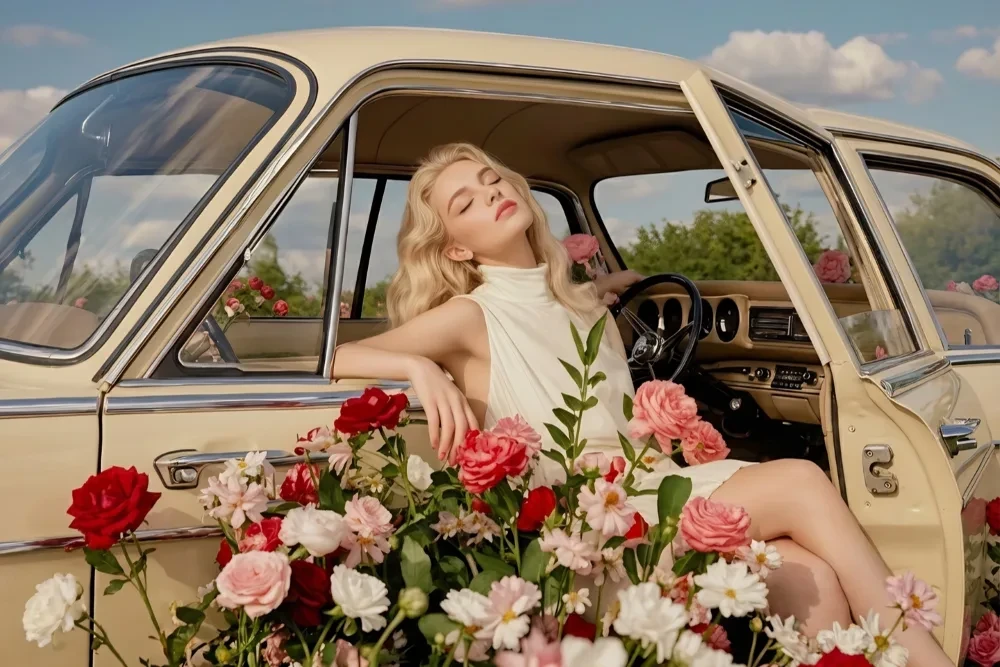
Transform photos into soft, luminous, translucent Japanese anime style—step into Makoto Shinkai’s world in one second.
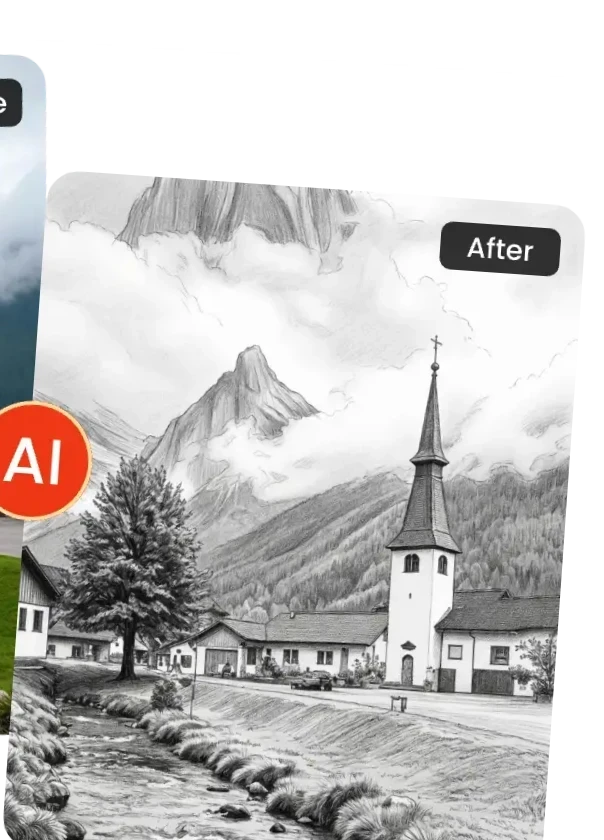
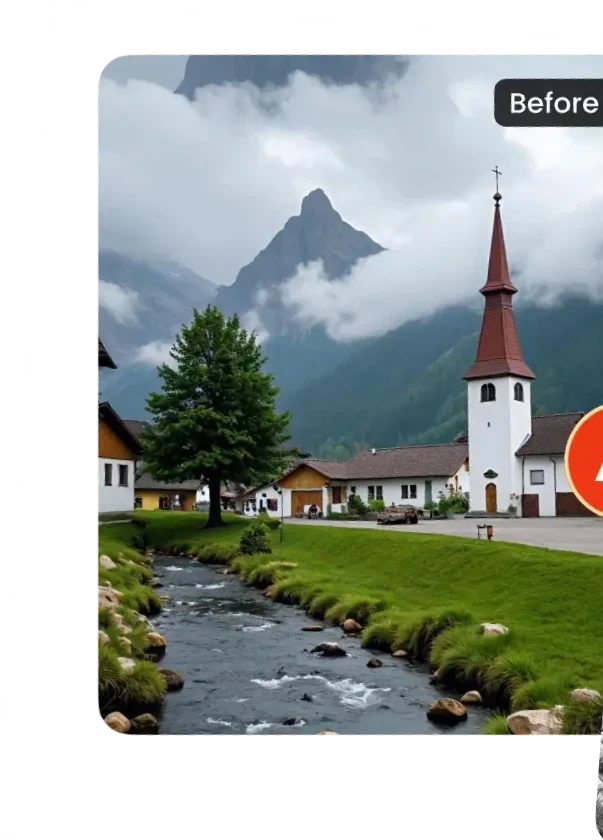
Turn photos into pencil sketches instantly—choose between clean line art or realistic pencil texture, both rich in artistic flair.