
Photo to Anime
Transform photos into soft, luminous, translucent Japanese anime style—step into Makoto Shinkai’s world in one second.
- ✓Upload a Photo
- ✓8 Anime Styles
- ✓10–40 Seconds per Image
- ✓Facial Features Preserved
- ✓Download Without Watermark
⭐ 4.8/547.9K conversions completed
Click to upload / Drag & drop images here / Ctrl+V Paste
Supports JPG, PNG, WebP, GIF, BMP, ICO, TIFF, SVG; up to 15MB · Images are uploaded to server for processing and deleted immediately after.
👆 Please upload images on the left first
🖼️ Preview
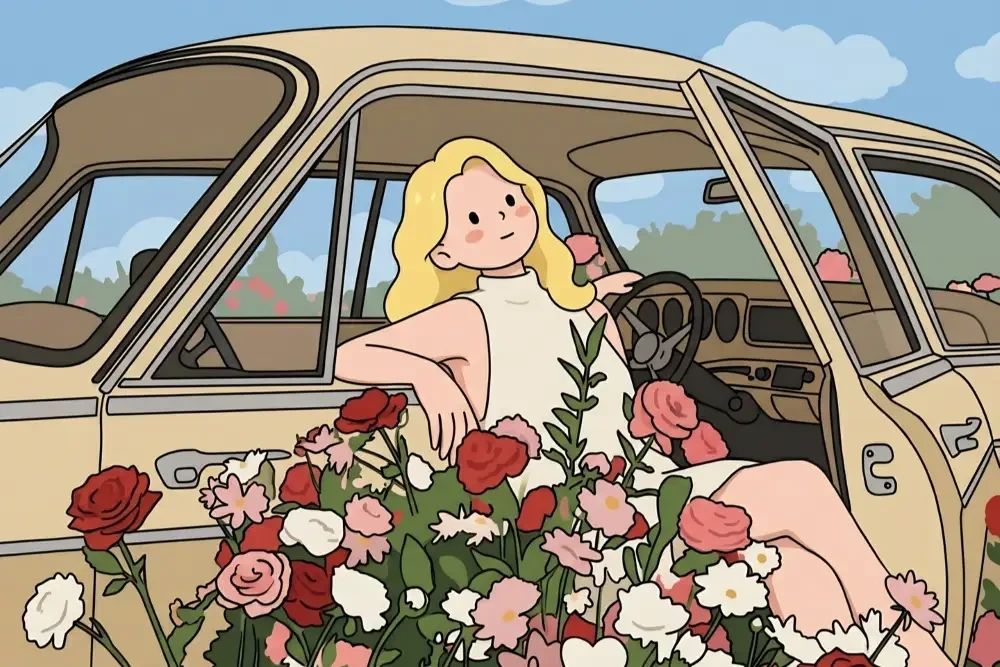
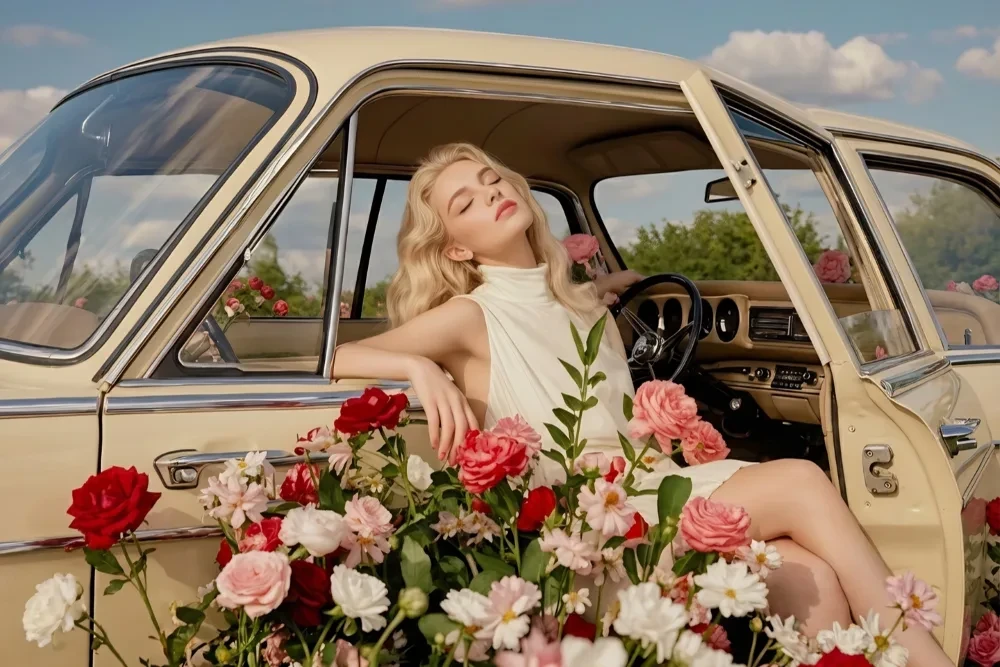
Sample effect · Real comparison appears here after uploading your photo
See your photo reborn as AI anime art
Same original photo, 8 completely different styles. Each shows ‘Original → Styled’ comparison.
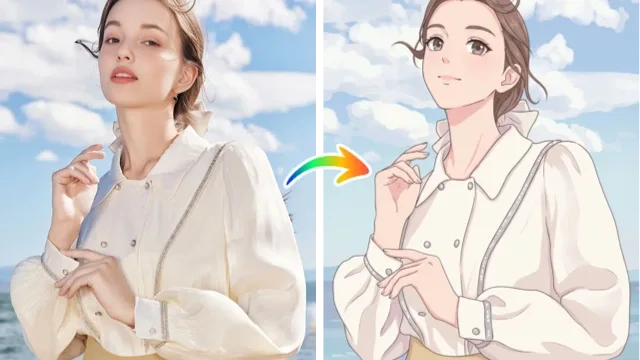
Japanese Anime
Ideal for:Social Avatars / Daily Sharing
Crisp line art, expressive big eyes, flat coloring—closest to modern anime characters.
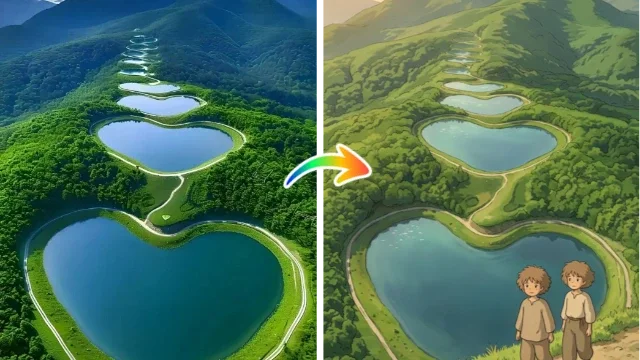
Ghibli
Ideal for:Healing Avatars / Wallpapers
Warm watercolor texture, soft brushwork, clean backgrounds—gentle, nostalgic mood.
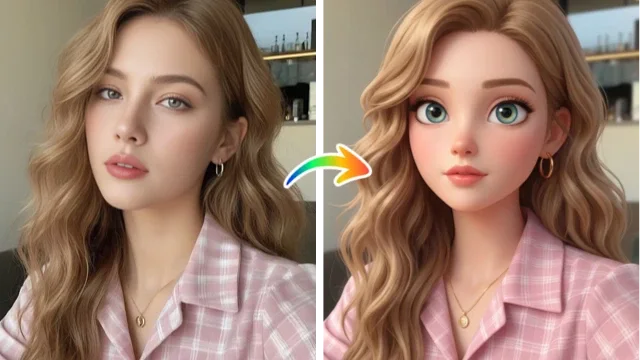
Pixar
Ideal for:3D Avatars / Greeting Cards
Volumetric 3D modeling, rounded forms, cinematic lighting—lively expressions.
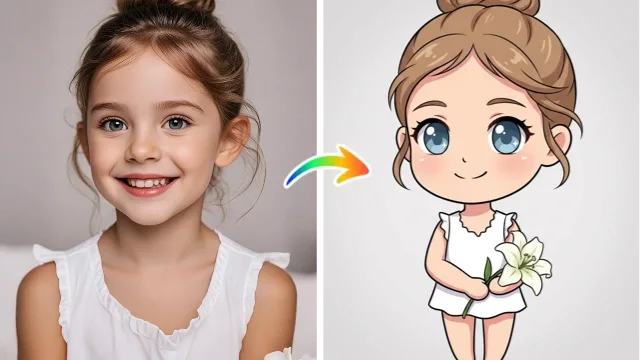
Chibi
Ideal for:Stickers / Avatars
Exaggerated head-to-body ratio, round cheeks, huge eyes—cute & energetic.
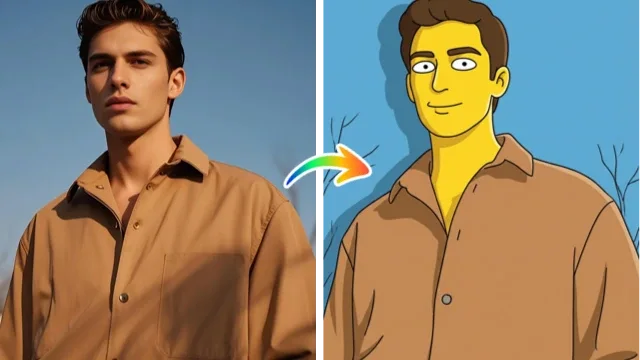
The Simpsons
Ideal for:Funny Avatars / Emojis
Yellow skin, round eyes, thick black outlines, flat colors—iconic cartoon look.
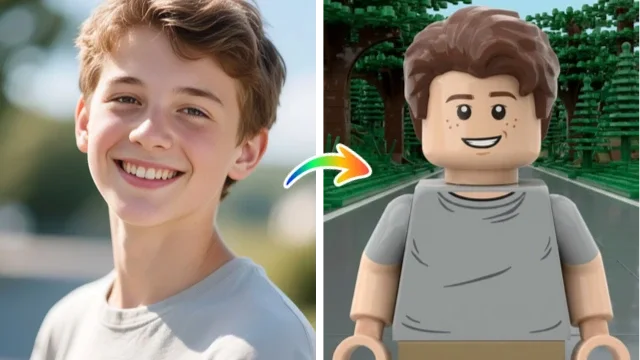
LEGO
Ideal for:Fun Avatars / Gift Images
Plastic brick-built figures: visible seams, studs, and round pins.
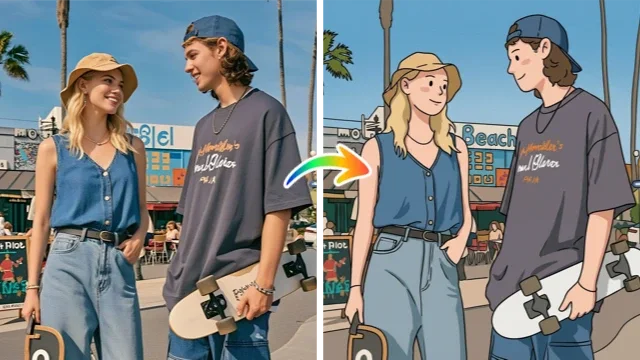
Snoopy Sketch
Ideal for:Minimalist Avatars / Emojis
Ultra-simple black outlines, solid color fills, no shadows—light comic sketch feel.
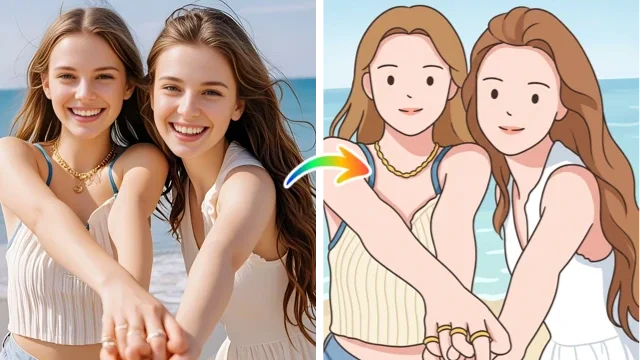
Minimal Line Art
Ideal for:Artistic Avatars / Prints
Fine lines only for contours & features—minimal coloring, generous white space: clean & restrained.
Meet diverse anime creation needs with this converter
Avatars, wallpapers, concept art, emojis—decide the use case first, then pick the ideal style. One-shot perfection.
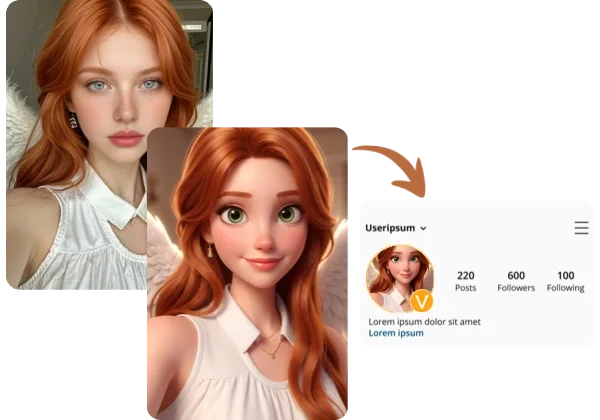
Create Social Media Anime Avatars
Want a unique, instantly recognizable profile pic? Upload a clear selfie, pick a style—AI redraws the whole image in that style while preserving facial features. Download & use on WeChat, QQ, Xiaohongshu, Discord.
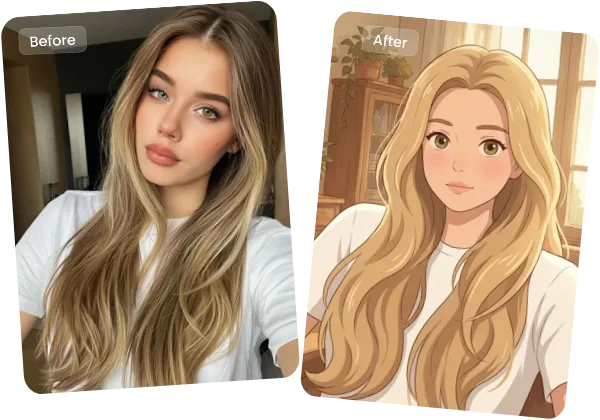
Turn Selfies into Anime Illustrations
Japanese anime, Ghibli, Simpsons, Chibi—you can switch styles on the same face. This isn’t a filter overlay; it’s full redrawing: lines, colors, lighting—all reimagined for authentic style.
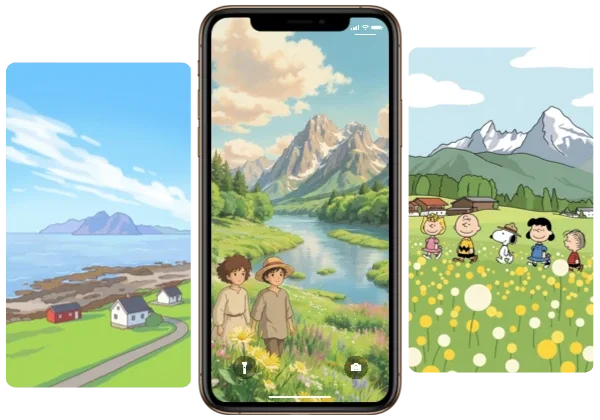
Create a Custom Phone Wallpaper
Landscapes work too! Turn mountains, seas, or cityscapes into anime art for lock screens & home screens. Since landscapes rely less on facial detail, pick atmospheric styles like Ghibli or Japanese anime.
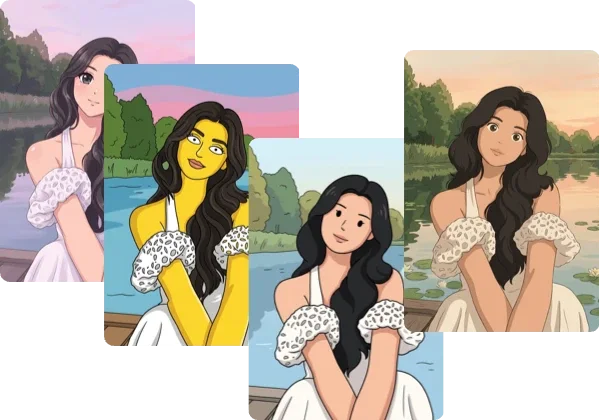
8 Styles, Switch Freely
Same photo, endless style trials: Chibi for cuteness, Simpsons for retro, Minimal Line for clean vibes. One click changes style—revert anytime until you find *your* match.
How to turn photos into anime with AI?
Three steps—no design skills needed.
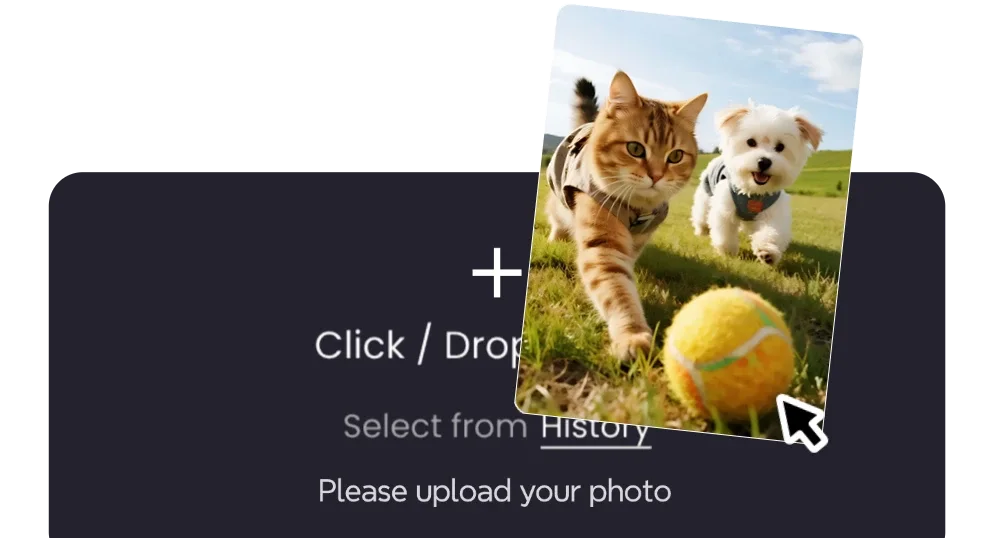
Upload Photo
Drag & drop into upload zone or click to select file. Supports JPG, PNG, WebP. Clearer photos with even lighting yield sharper facial features.
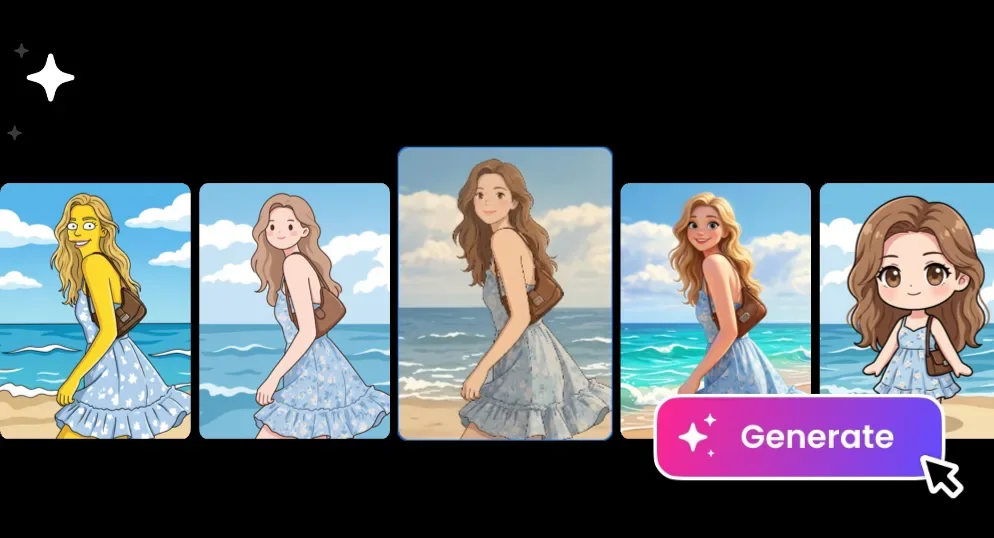
Pick an anime style
Click any style card—the preview updates instantly. 8 styles from Japanese anime to LEGO. Try multiple without re-uploading.
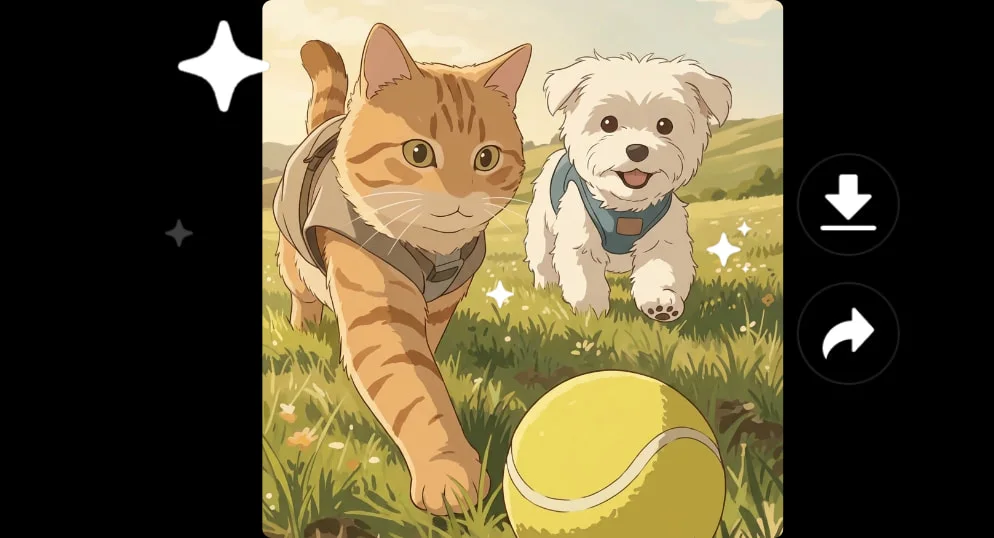
Generate & Download
Click ‘Start Generation’—results in ~10–40 sec. Download original or edit further in the online Canvas.
How does photo-to-anime work?
Send your photo into the 2D world! Our anime engine softens lighting, refines colors, and smooths transitions to achieve that translucent, film-like anime quality.
Adjust anime intensity: light settings preserve photo details; heavy settings fully stylize—find your perfect match.
Three Steps to Anime
Step 1 · Upload Photo
Works great on portraits, street scenes, and sky photos.
Step 2 · Adjust Intensity
Drag the slider to control anime intensity.
Step 3 · Download Wallpaper
Save your anime masterpiece—set as wallpaper or avatar.
Why Choose ikoutu’s AI Photo-to-Anime?
✓Japanese Translucent Colors
Simulates high-saturation, crystal-clear animation movie grading.
✓Soft-Light Texture
Soft highlights blend smoothly—dreamy yet never greasy.
✓Adjustable Intensity
Freely adjust from subtle anime to full 2D transformation.
Common Questions About AI Photo-to-Anime
Anime vs. Cartoon Filter: Which to Choose?+
Prefer soft, translucent Japanese anime? Or bold, blocky American cartoons? Try both and compare!
Does it work on landscapes?+
Highly effective—sky, street, and campus photos gain a distinct Makoto Shinkai vibe after conversion.
Will output resolution drop?+
No—output matches original resolution; details are preserved via stylized redrawing.
User Reviews of Our AI Anime Generator
Feedback collected across real-world use cases—to help you decide if this tool fits your needs.
I used to try many filters for a non-realistic avatar—but they looked fake and plastic. Redrawing by style changed everything: lines and colors are fully recreated. Colleagues even asked where I got it!
When taking small avatar jobs, testing styles for clients was time-consuming. Now I generate multiple styles from one photo for client selection—then refine. Time saved is worth more than the tool itself.
Still learning to draw—I convert my photos into Ghibli & Japanese anime styles to study composition, color, and line work. Not a replacement for hand-drawing, but great reference.
My cat’s daily shots look amazing as LEGO or Snoopy sketches—comments surged. Landscapes? I prefer Ghibli’s watercolor feel—it’s just soothing.
Minimal line art & sketch styles suit me best: clean lines don’t overpower pages. Print them for journals. Chibi version makes birthday stickers for friends—multiple at once.
Classmates writing short stories use this for character concept art—generate several styles, vote, and finalize faster than hand-drawing. Details aren’t hand-drawn level, but perfect for direction-setting.
I love shooting on phone then converting directly—no PC software needed. Pick style, wait ~10 sec, post same day.
Turn travel scenery into anime illustrations for lock screens—more enduring than raw photos. Ghibli’s watercolor feels like actual anime screenshots—I instantly recall the weather.
One selfie → multiple emoji versions: Chibi for daily use, Simpsons for teasing friends, LEGO for funny covers. Group reactions are always lively.
Was skeptical at first—uploaded a selfie to test. Upload → Pick style → Generate: just 3 steps, no sign-up required. Log in later if you want to save results.
Turn your photo into anime art now
Upload a photo, pick a style—get shareable illustrated avatars in ~10 seconds.
Instantly turn photos into animeRecommended Related Tools
View All 18 Tools →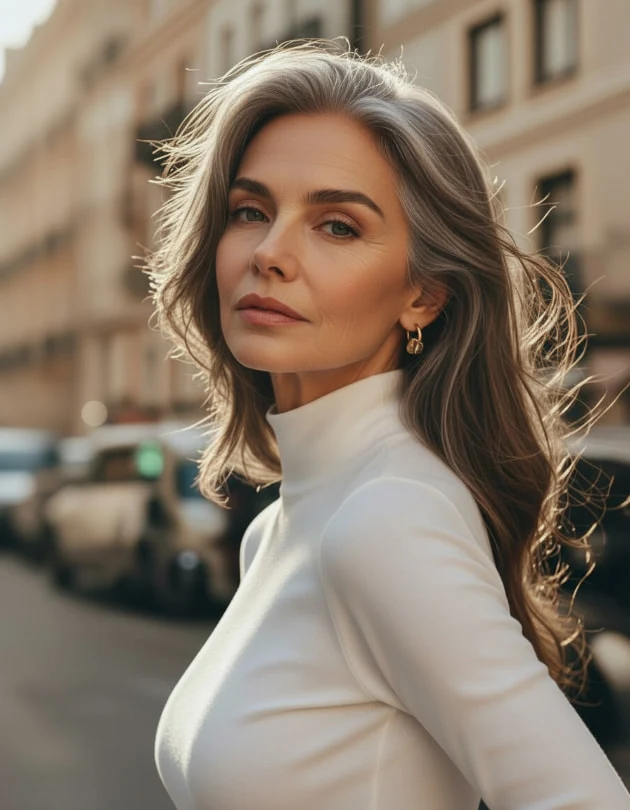
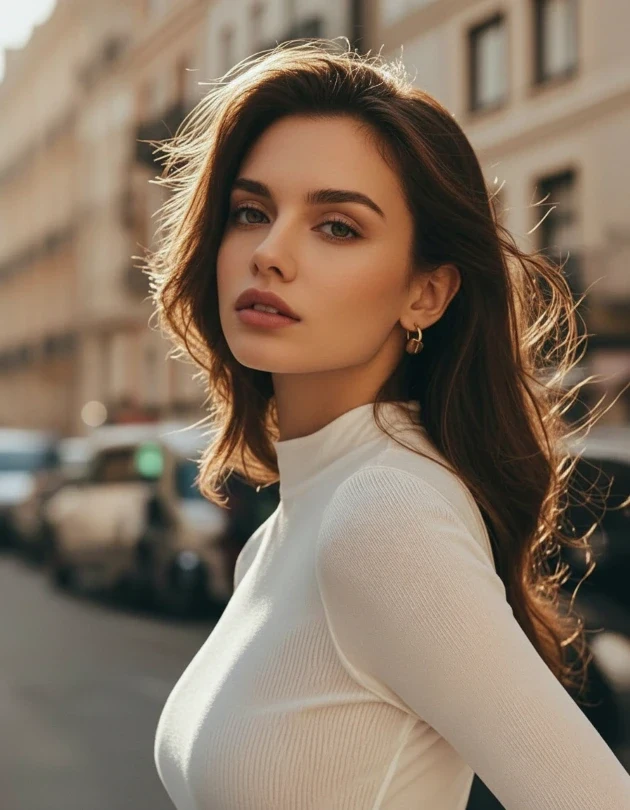
6 age styles: infant, child, teen, adult, middle-aged, elderly — AI generates natural, believable age-altered photos in one click.
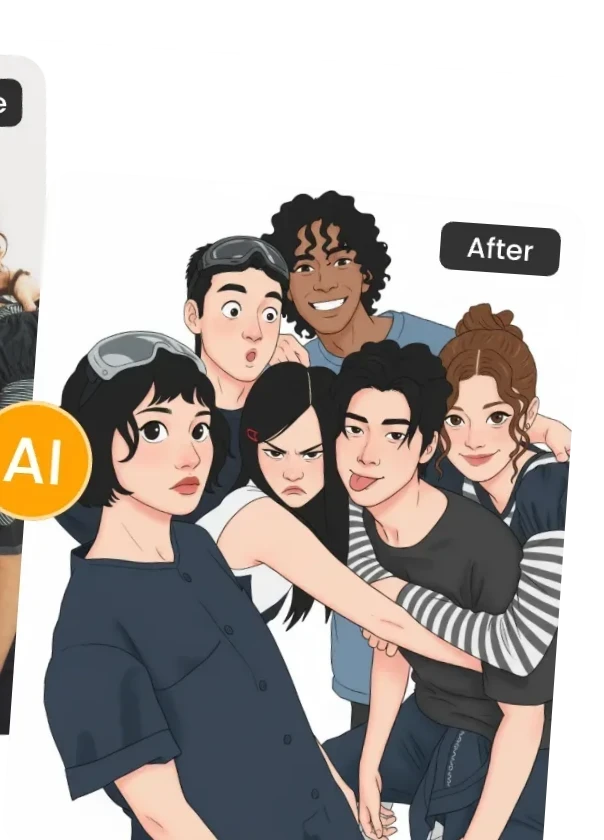
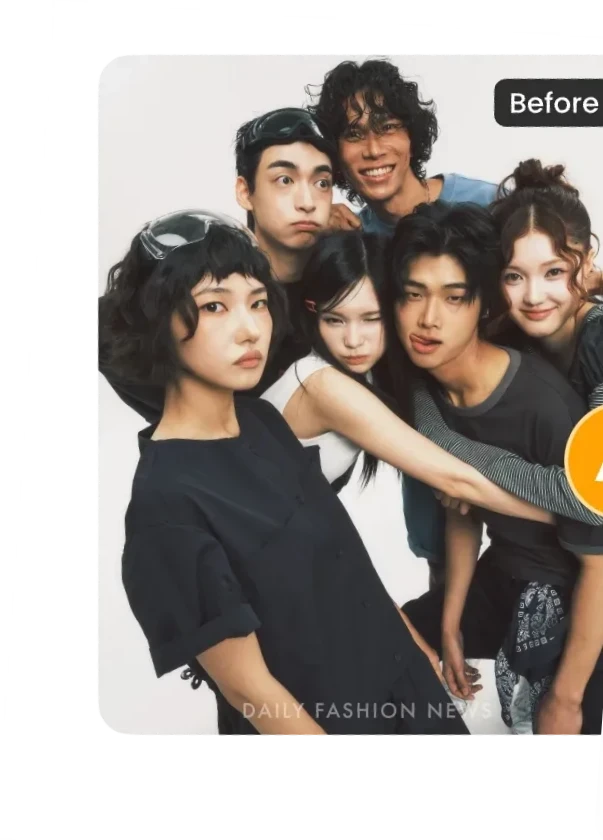
Turn photos into cartoon comics instantly—bold color blocks, strong outlines, perfect for cute comic avatars.
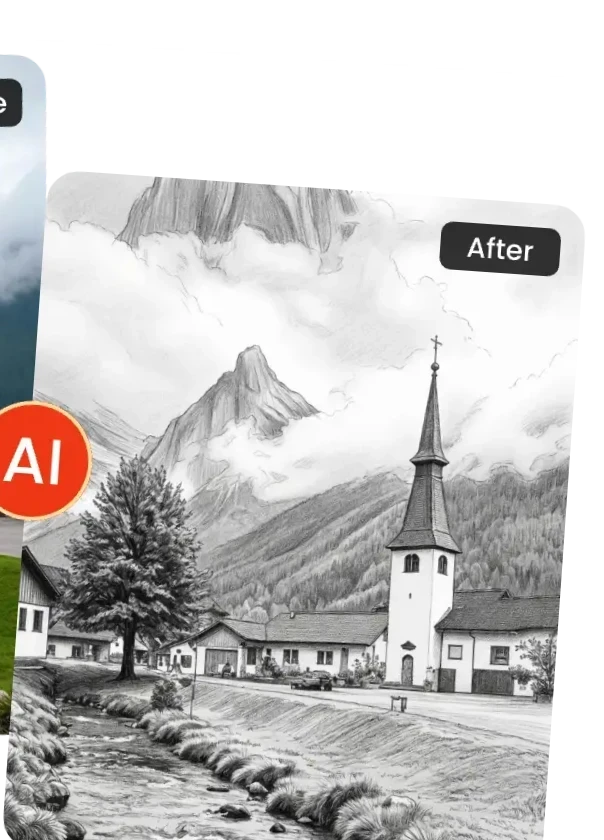
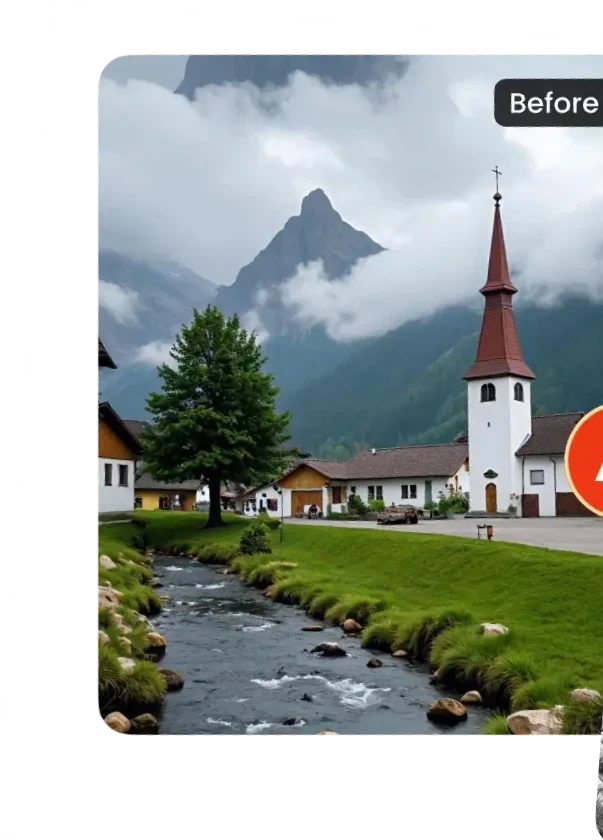
Turn photos into pencil sketches instantly—choose between clean line art or realistic pencil texture, both rich in artistic flair.
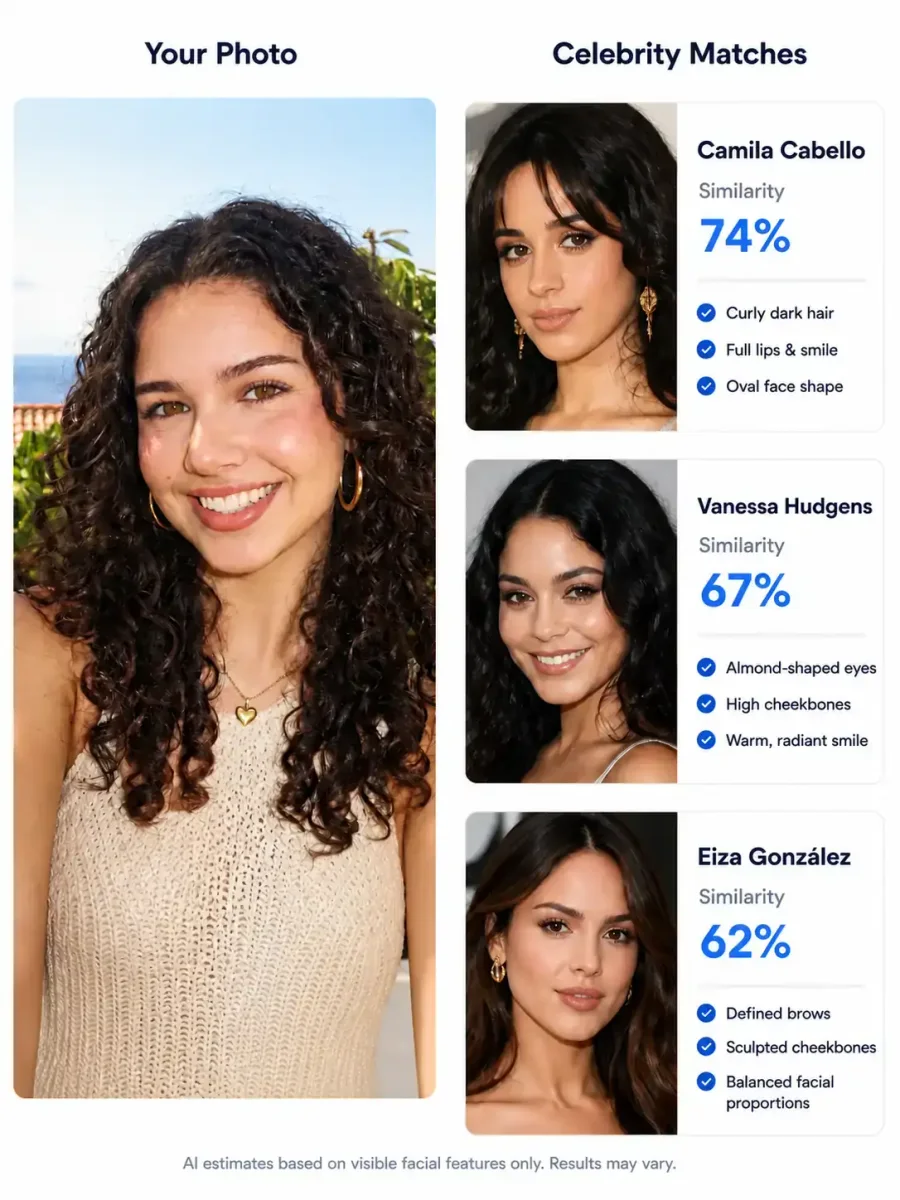
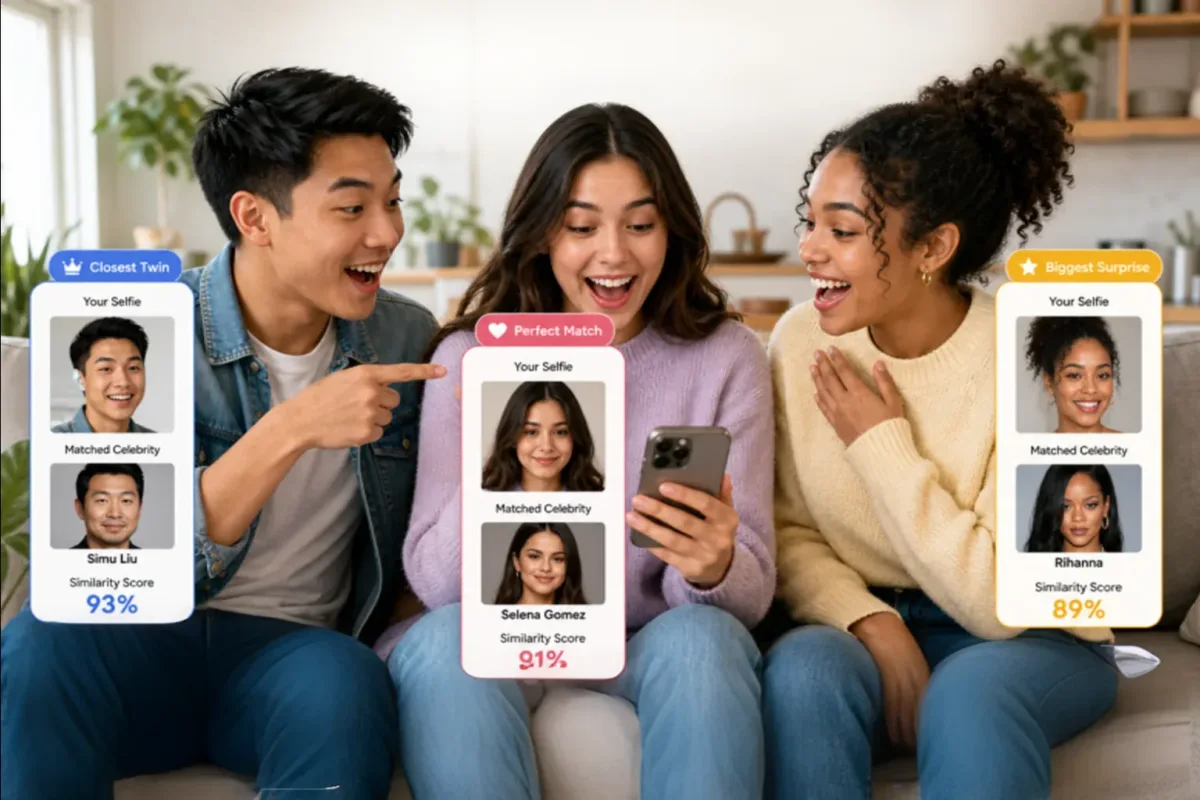
Upload a photo → AI matches you with the most similar celebrity face, showing facial feature similarity rankings and side-by-side comparisons.