
AI Remove People & Objects
Instantly erase strangers, poles, or clutter from travel photos—AI intelligently fills the background for a clean, natural look.
Click to upload / Drag & drop images here / Ctrl+V Paste
Supports JPG, PNG, WebP, GIF, BMP, ICO, TIFF, SVG; up to 15MB · Images are uploaded to server for processing and deleted immediately after.
👆 Please upload images on the left first
🖼️ Preview


Sample effect · Real comparison appears here after uploading your photo
How to quickly delete extra people from photos?
Powerful AI inpainting instantly detects and removes people, naturally restoring surrounding background.

Upload Image
Select & upload the photo (JPG/PNG supported); preview original before painting.
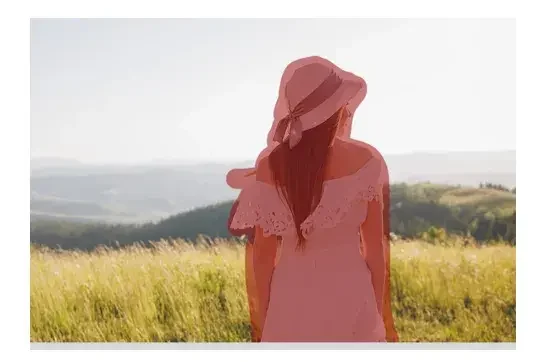
Remove Person
Paint over the person *and* their shadow entirely—AI removes the whole figure and fills with realistic surrounding background. Untouched areas remain pixel-perfect.
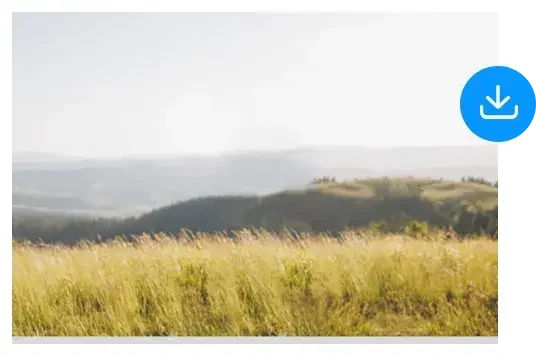
Download Image
After processing, click ‘⬇️ Download Result’ to save locally—or send directly to Online Canvas for further refinement.
About AI Remove People & Objects
Strangers in scenic shots, clutter at photo edges, crossing power lines—just paint them, and AI erases + fills the background seamlessly.
Uses surrounding color & texture analysis to fill grass, sky, walls, water, etc., naturally blending—essential for travel photo editing.
How to use AI Remove People & Objects?
Step 1 · Upload Photo
Upload the photo needing cleanup.
Step 2 · Paint Object
Paint over the person/object completely—including shadows—for best results.
Step 3 · One-Click Erase
AI automatically removes and fills the background; supports batch processing of multiple objects.
Why Choose ikoutu AI Remove People & Objects?
✓Smart Background Fill
Analyzes texture flow for natural, seamless filling.
✓Multi-Target Processing
Remove multiple objects in one image—undo individually.
✓Shadows Removed Too
Include shadows while painting for thorough removal.
FAQ
How well does it handle large objects?+
Best results when object is small & background is uniform; for large objects (e.g., half-frame), use multiple passes or combine with Canvas Clone Tool.
Same as Photoshop’s Content-Aware Fill?+
Similar principle to content-aware fill—AI fills using surrounding pixels—but no software needed: just paint on the web, server handles the rest. Simpler & faster.
Can it handle occluded portraits?+
Can remove objects blocking people; if the object covers the subject, only background—not the person—is restored. Be precise with your brush area.
Recommended Related Tools
View All 18 Tools →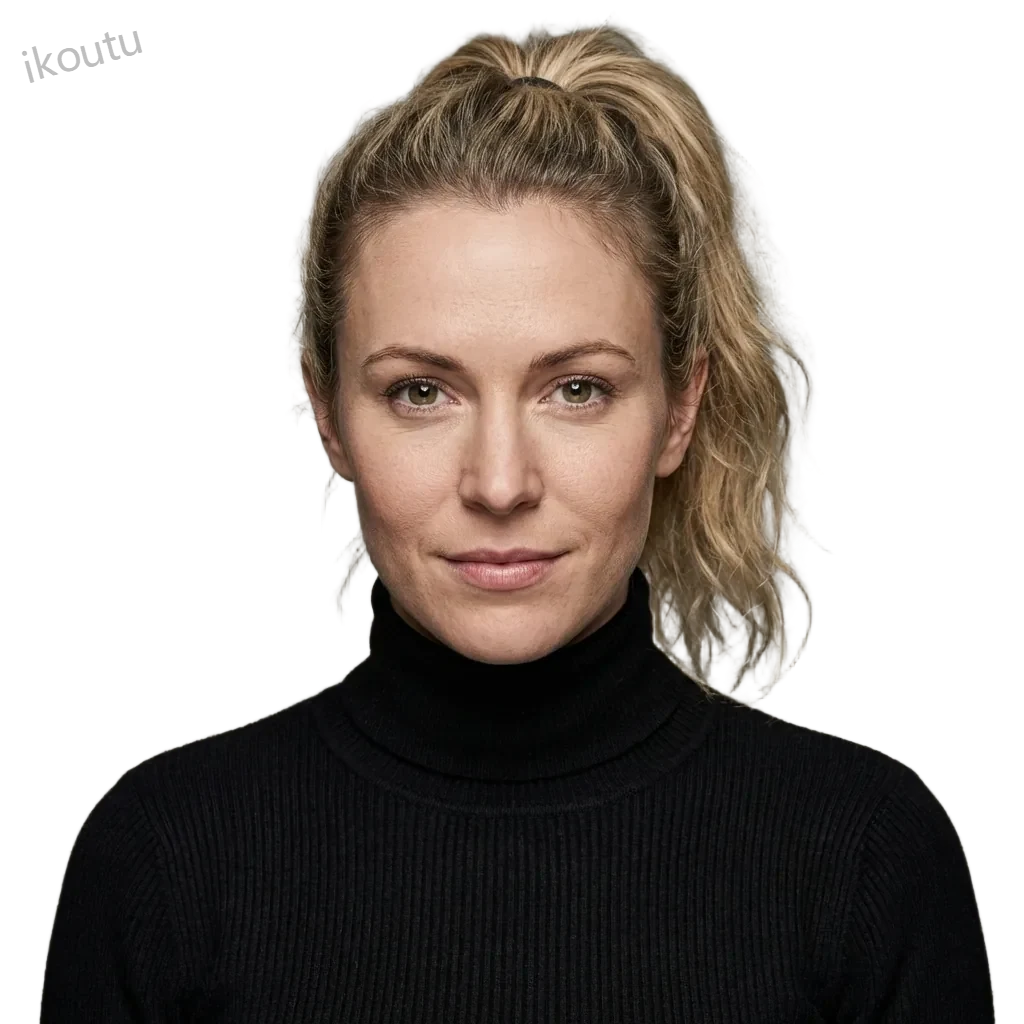
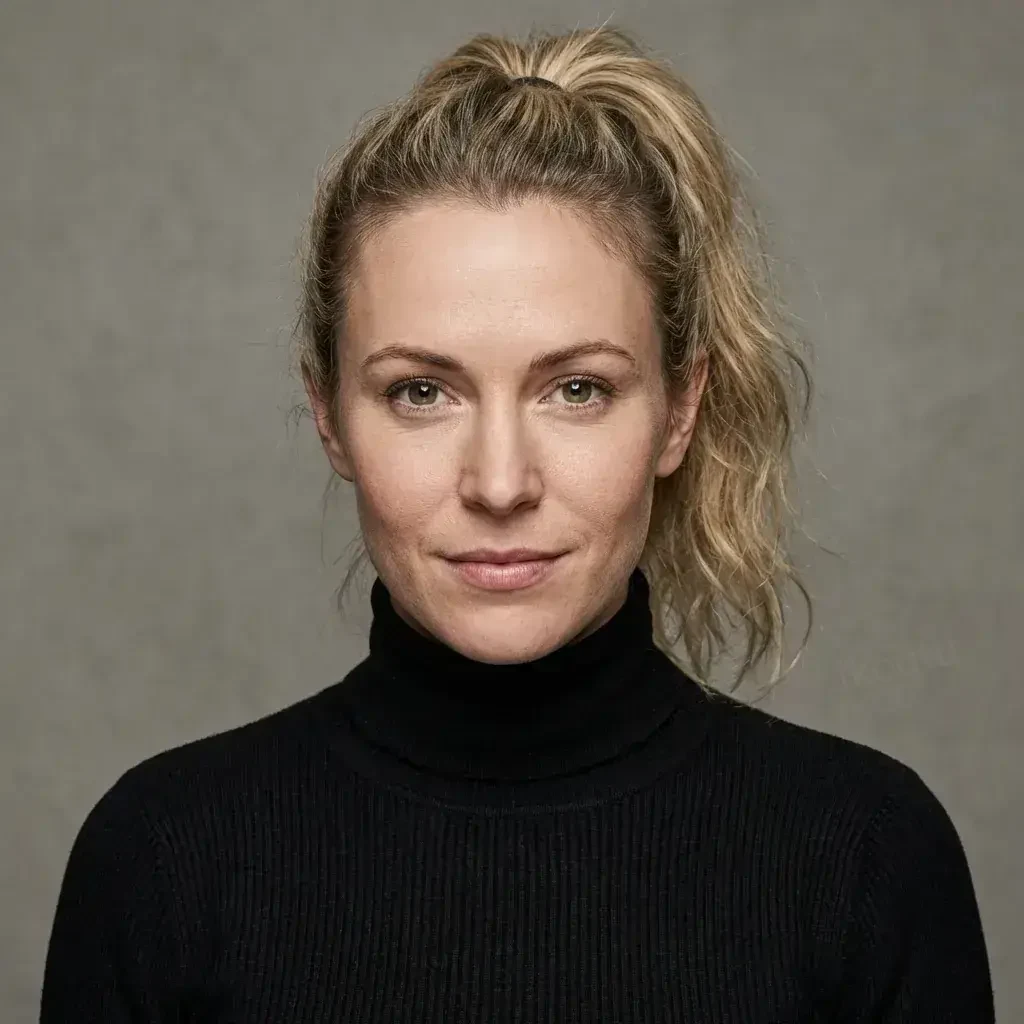
Online AI background removal: remove image backgrounds in 3 seconds. Supports portraits, products, pets, logos—outputs transparent PNG.


Brush to erase—AI intelligently fills and repairs watermarks, logos, timestamps—flawless removal.
.jpg)
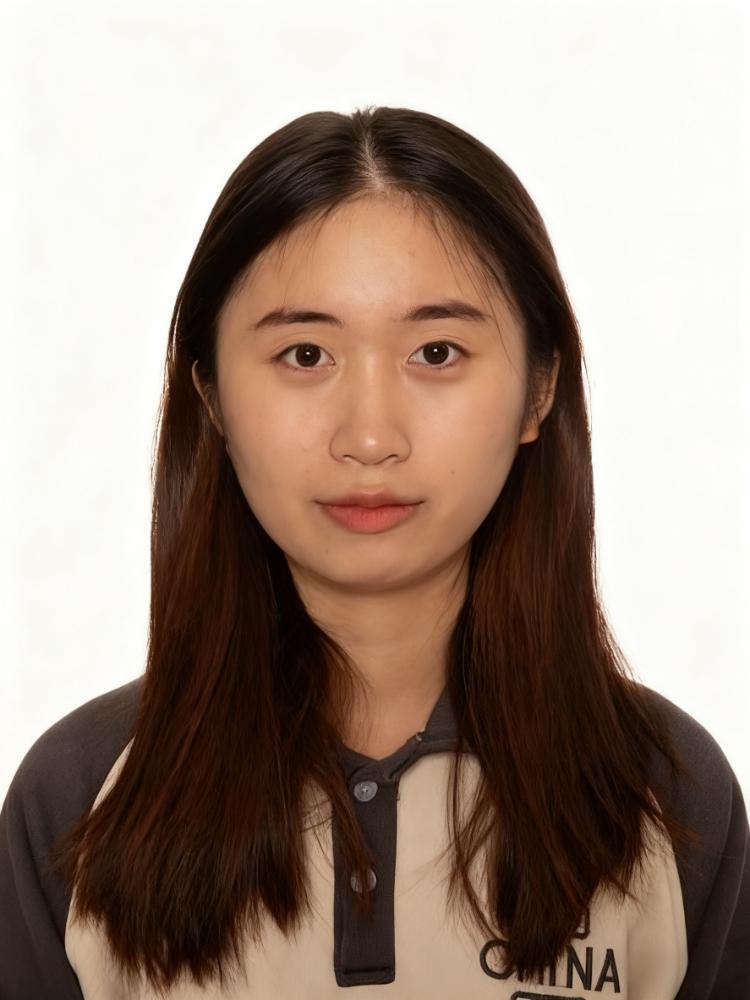
Create 1-inch/2-inch ID photos online — AI cutout & background replacement, switch red/blue/white backgrounds with one click.
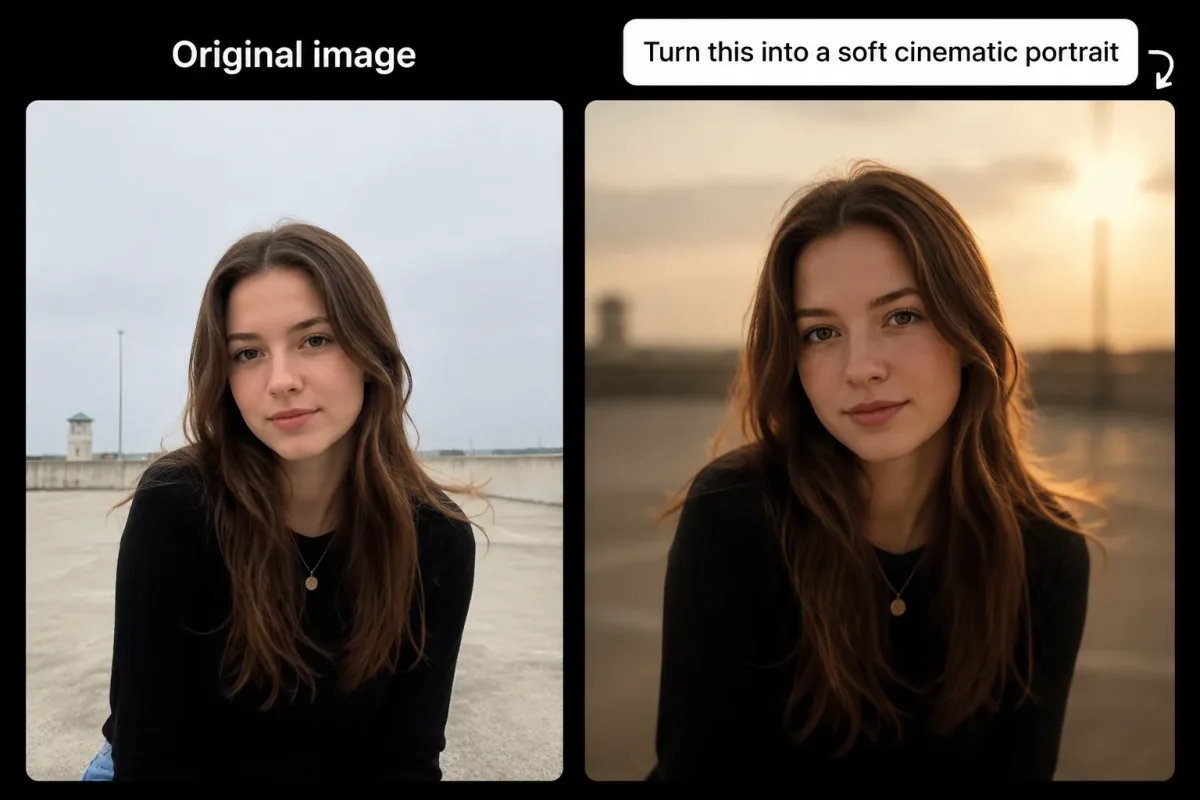
Upload a reference image + a short description, and AI will redraw it per your request—easily change backgrounds, styles, or details.