
AI Hair Color Changer
No salon needed—preview trendy colors like green, gold, and pink highlights instantly before dyeing.
Click to upload / Drag & drop images here / Ctrl+V Paste
Supports JPG, PNG, WebP, GIF, BMP, ICO, TIFF, SVG; up to 15MB · Images are uploaded to server for processing and deleted immediately after.
👆 Please upload images on the left first
🖼️ Preview
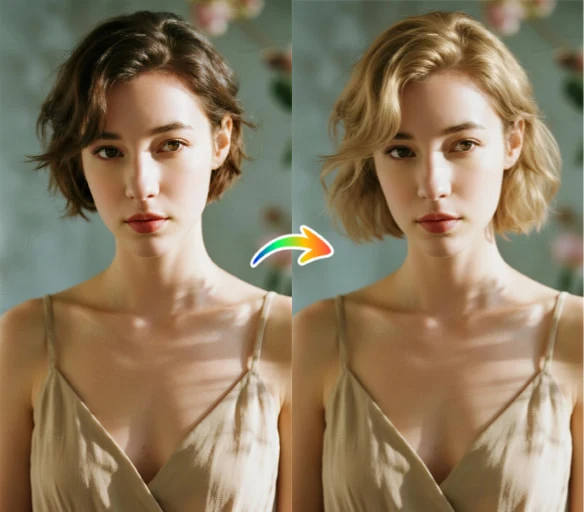
Sample effect · Processed result appears here after uploading your photo
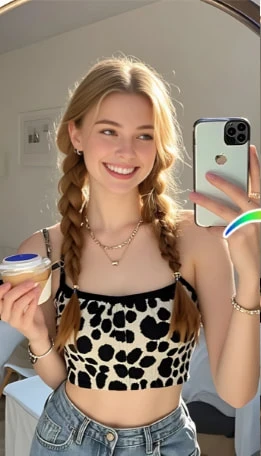
See Stunning AI Hair Color Results Across Skin Tones
Real before/after comparisons from users of diverse skin tones and hair types using our AI virtual dye simulator.
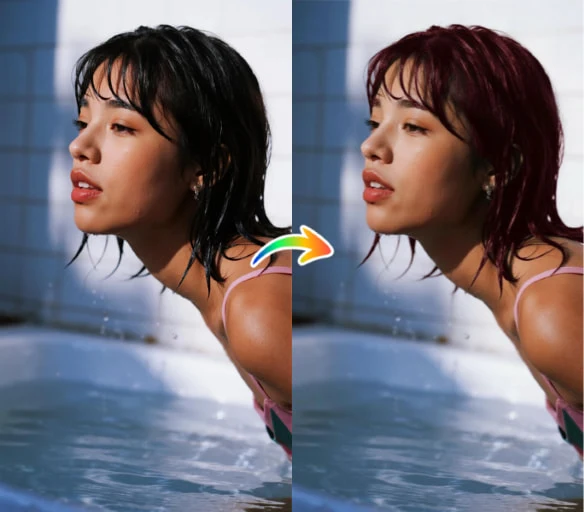
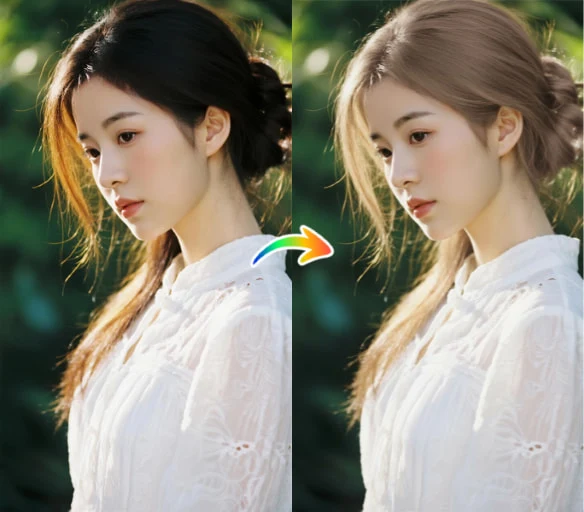
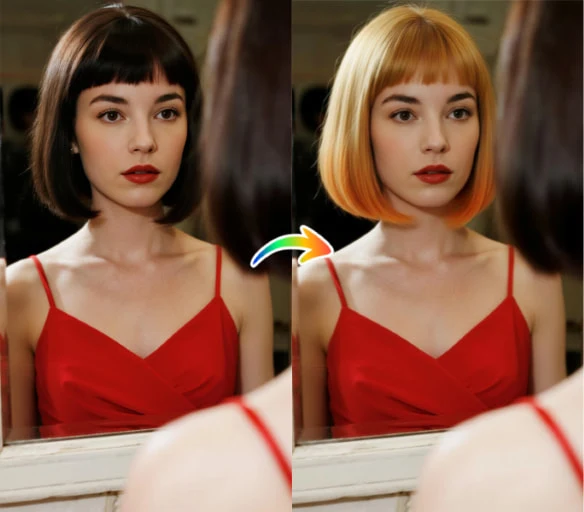
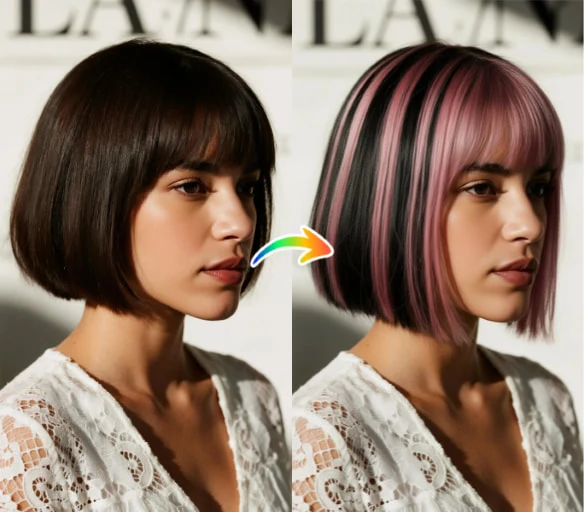
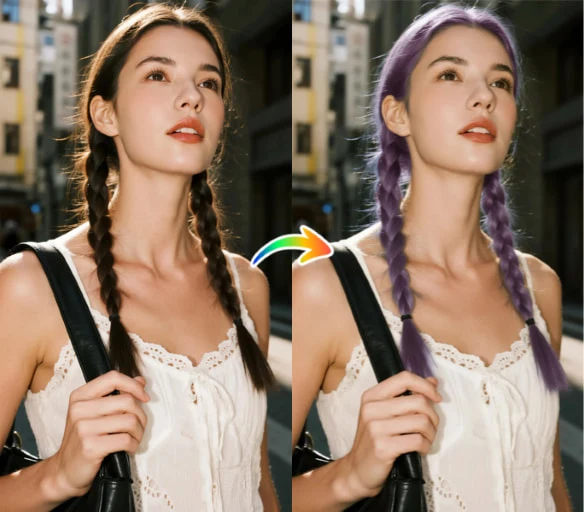
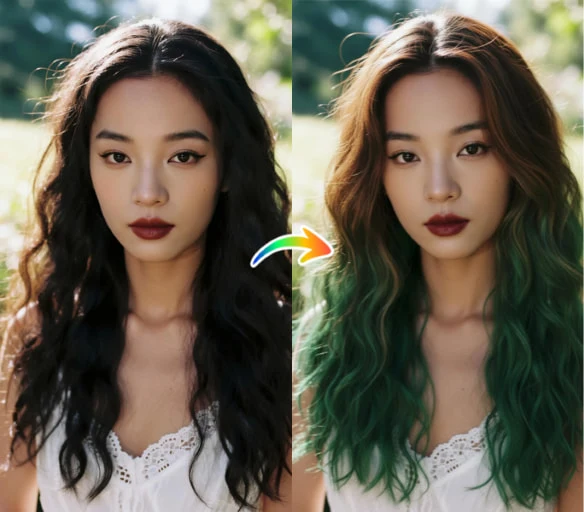
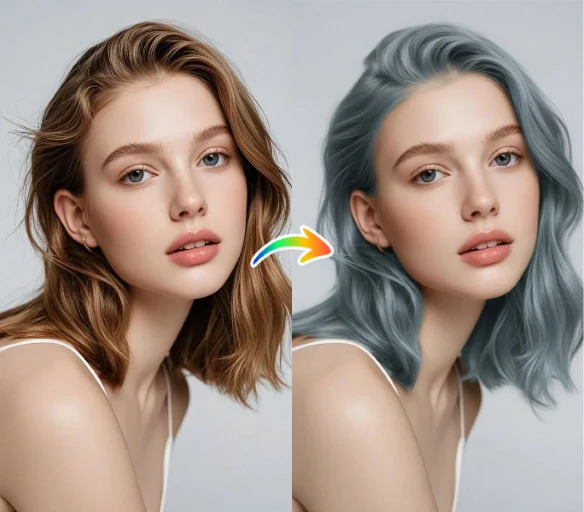
About AI Hair Color Changer
Worried about dye fails? Upload a clear front-facing photo and see your new hair color in seconds: ear-tinted green, golden gradient, black-tipped, pink highlights, purple braids, emerald gradient—try them all!
Generated images can be shared directly with your stylist or used in-store to minimize color mismatch issues.
How to use AI Hair Color Changer?
Step 1 · Upload Photo
Choose a front-facing photo with clear hairline and clean background.
Step 2 · Select Hair Color
Pick from 6 hair color styles.
Step 3 · Generate Comparison
Compare original vs. new color side-by-side after generation.
Why Choose ikoutu AI Hair Color Changer?
✓6 Trendy Colors
Includes ear-tint, gradient, tips-dye, highlights, and braids.
✓Preserve Texture
Preserves original hair shine, shadows, and strand texture.
✓Hair Dye Reference Material
Generated previews are perfect for sharing with stylists.
FAQ
Can dark hair try light colors?+
Yes—but clearer lighting and shadow contrast in the original photo yield more natural results.
Will color bleed onto the face?+
The AI blends along hair edges; if edges are blurry or background closely matches hair color, overflow may occur—simply use a sharper photo.
Can I post on social media?+
Yes—generated images are safe for personal sharing.
Recommended Related Tools
View All 18 Tools →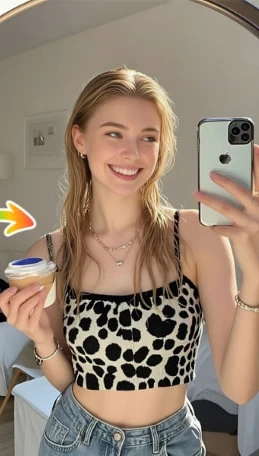
Preview before cutting: Try short, curly, bangs, and more with AI—find your perfect Tony look.
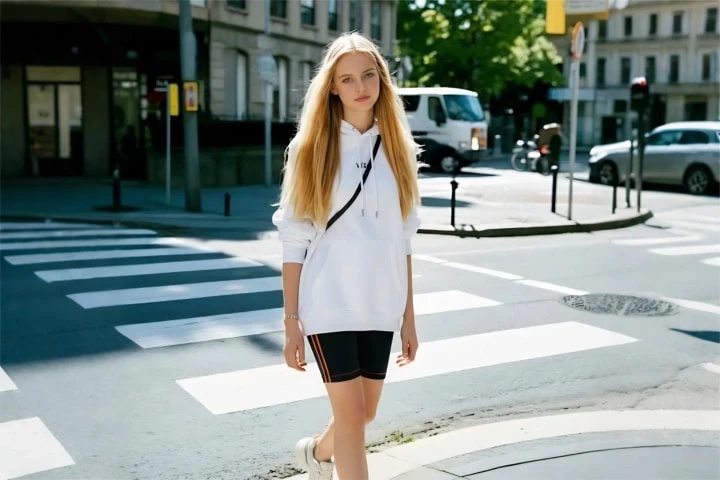
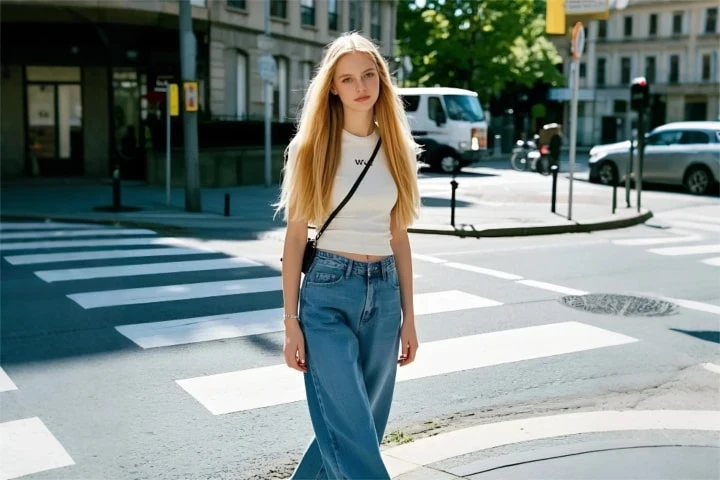
Online virtual fitting: preview suits, Hanfu, gowns, and more on your body with one click—shop online without regrets.
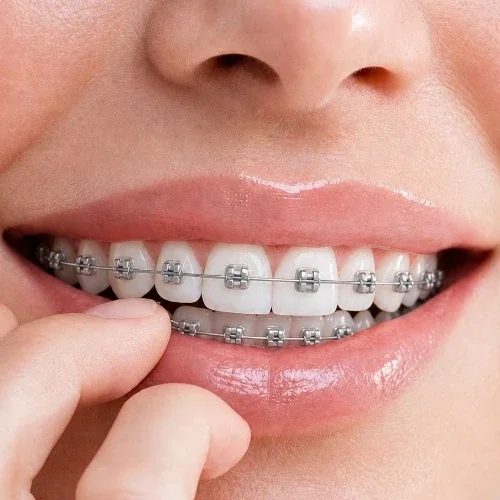
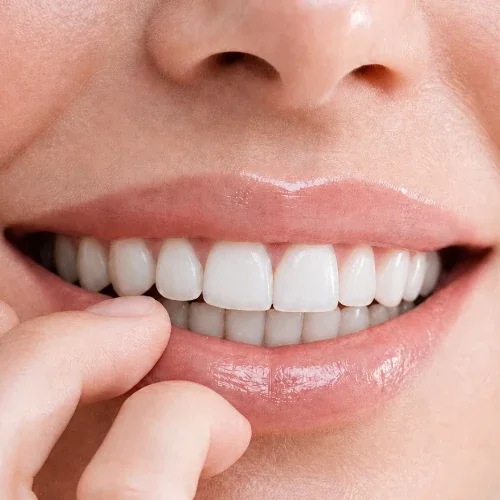
Upload a smiling photo to preview how you’d look with braces—metal braces simulation. Get an intuitive impression before your dental visit.
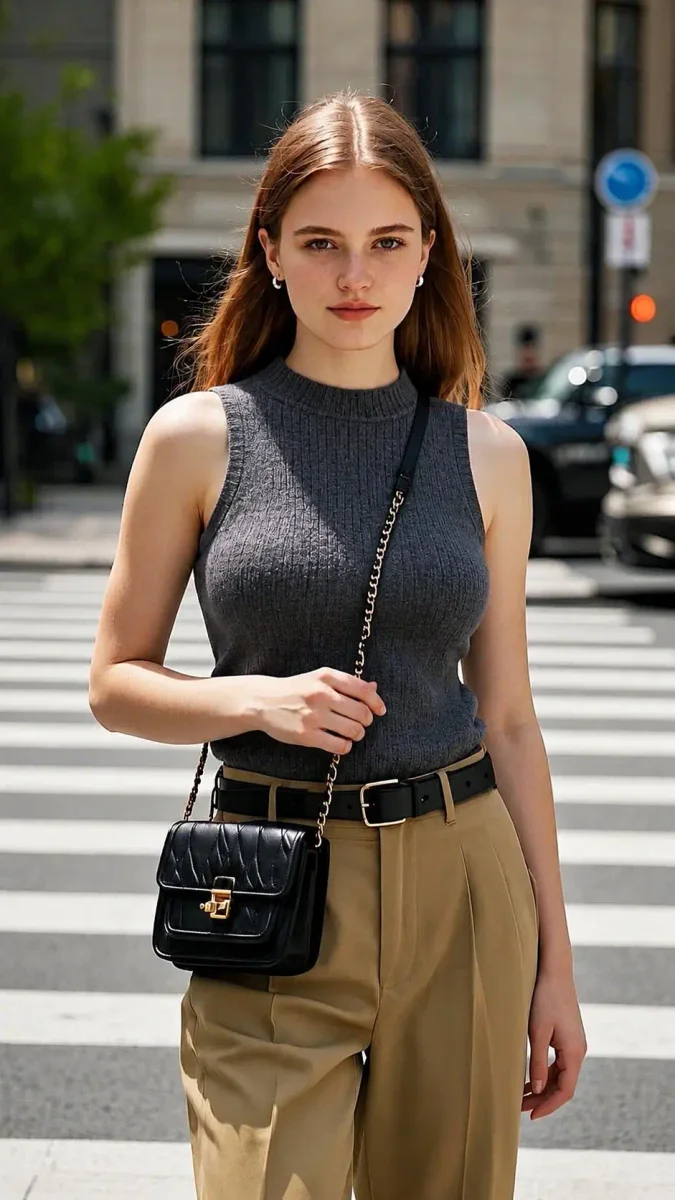
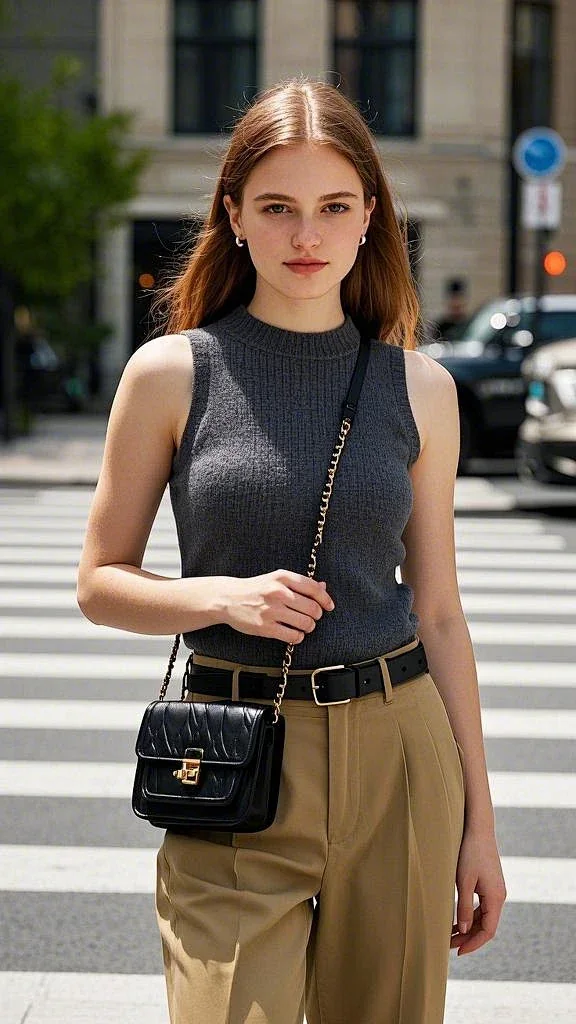
AI Body Proportion Adjustment Preview: View silhouette changes under different curves—strictly for outfit & photography reference.