
Old Photo Restoration & Colorization
Restore and colorize faded, damaged old photos in one click—remove scratches, fading, and enhance naturally. Bring cherished memories back to life.
- ✓Completely free—no Credits needed
- ✓No registration—use instantly
- ✓Works with scans or phone photos
- ✓Pixel-level repair only—no face alteration
- ✓Adjustable intensity—preserves vintage charm
⭐ 4.976.5K users have used this tool
Click to upload / Drag & drop images here / Ctrl+V Paste
Supports JPG, PNG, WebP, GIF, BMP, ICO, TIFF, SVG; up to 15MB · Images are uploaded to server for processing and deleted immediately after.
👆 Please upload images on the left first
🖼️ Preview
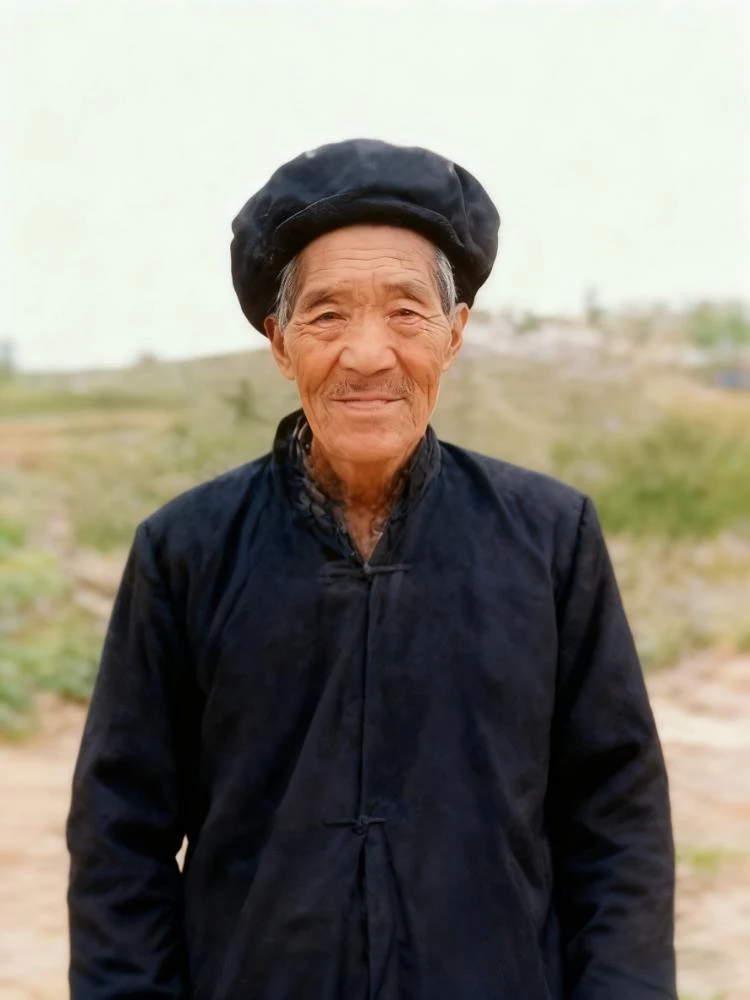
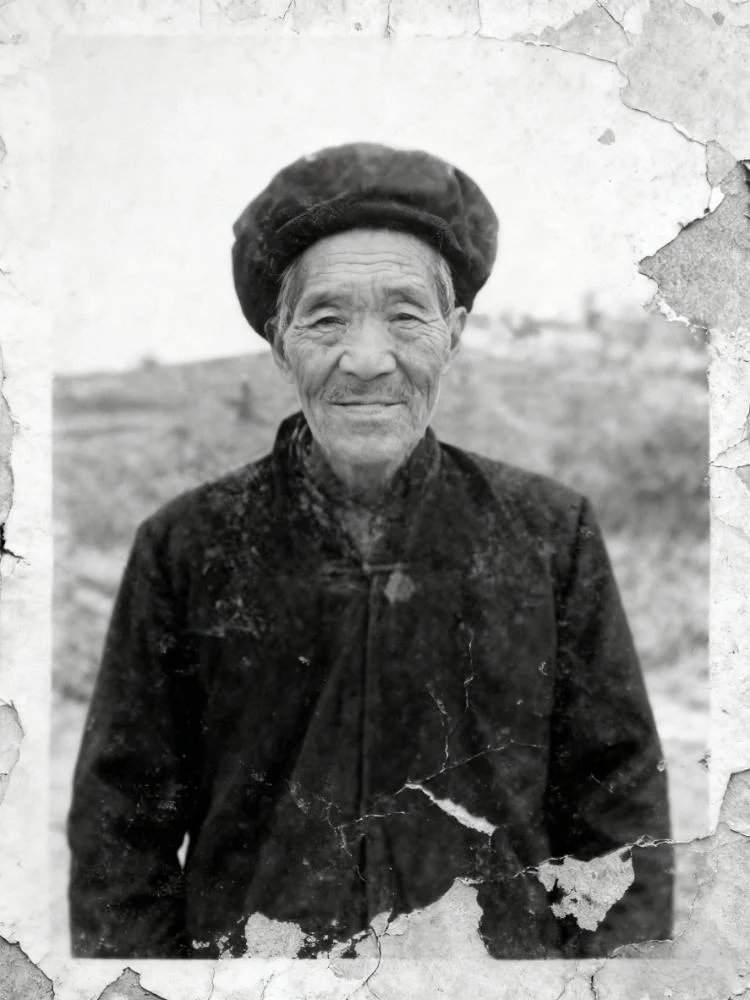
Sample effect · Real comparison appears here after uploading your photo
What issues can old photo restoration fix?
These six categories cover the most common old photo problems—and where our tool excels.
Scratches & Cracks
Shallow scratches are softened and edges smoothed; but large broken/cut areas can only be dimmed—not fully restored.
Creases & Wrinkles
Crease lines from long-term curling can be reduced via noise reduction and sharpening; for best results, scan a flat copy first.
Spots & Dust
Mold spots and dust specks on scans are partially removed—immediately cleaner appearance.
Water Stains & Yellowing
Our strongest feature: neutralize yellowed backgrounds, restore B&W photos to true monochrome, and bring color photos back to natural tones.
Fading & Haze
Grayish, hazy photos regain depth and layers once contrast is increased.
Blurriness & Scan Noise
Mild blur and scanning-induced color noise are suppressed while details are sharpened.
Real Old Photo Restoration Results
These three sets show real ‘before/after’ comparisons of the same old photo—‘after’ images are genuine outputs from our tool (no AI redrawing). Sample photos sourced from Wikimedia Commons public domain, cropped.
Drag the slider to zoom in on three images (card borders remain unchanged); after zooming, hold and drag inside the image to inspect details
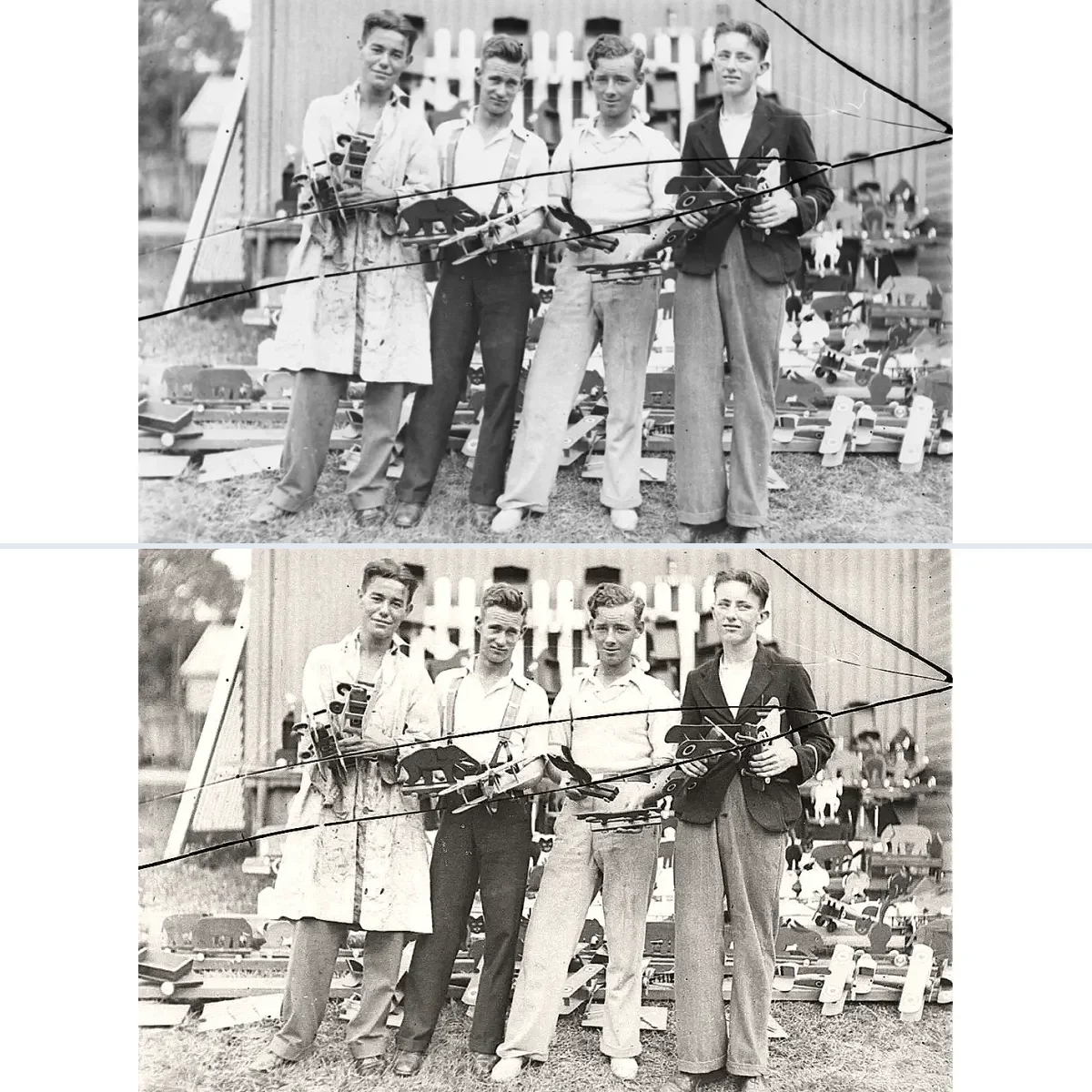
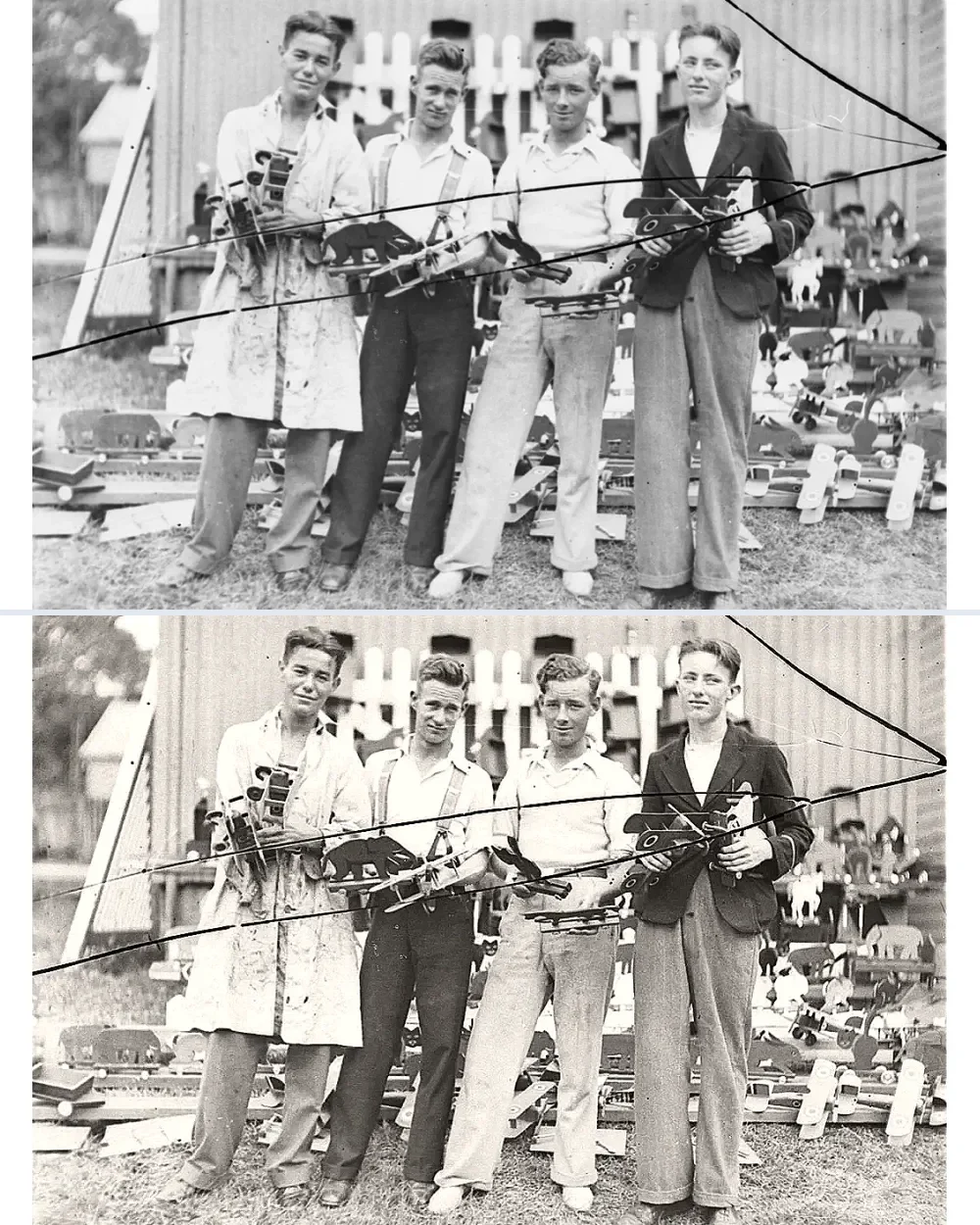
① Group Photo · Scratches & Cracks
- Before: 4-person group shot with a long crack across the image
- After: Real output from our tool
- Result: Noise smoothed, contrast boosted, edges sharpened
- Limitation: Large broken cracks are softened—not fully reconstructed
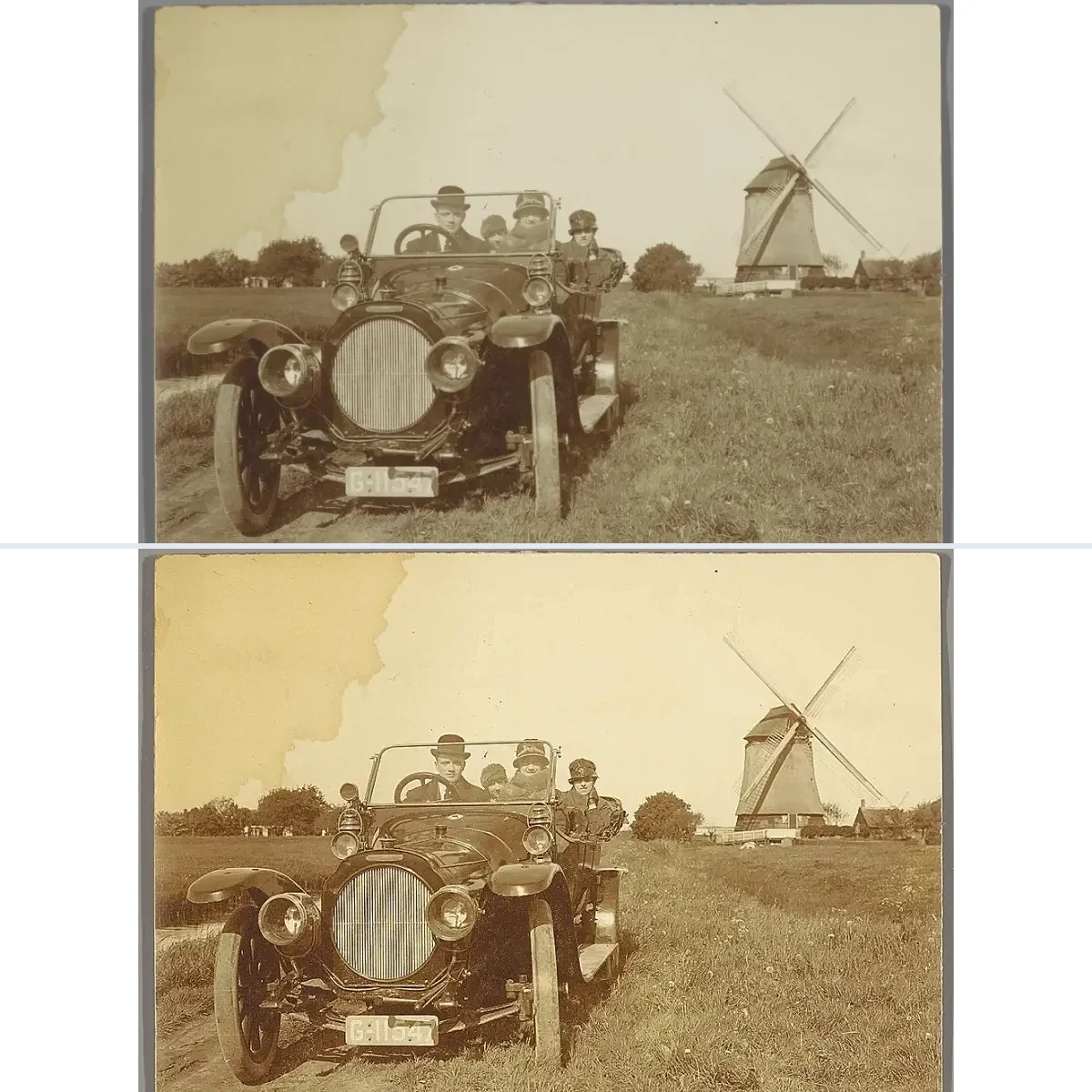
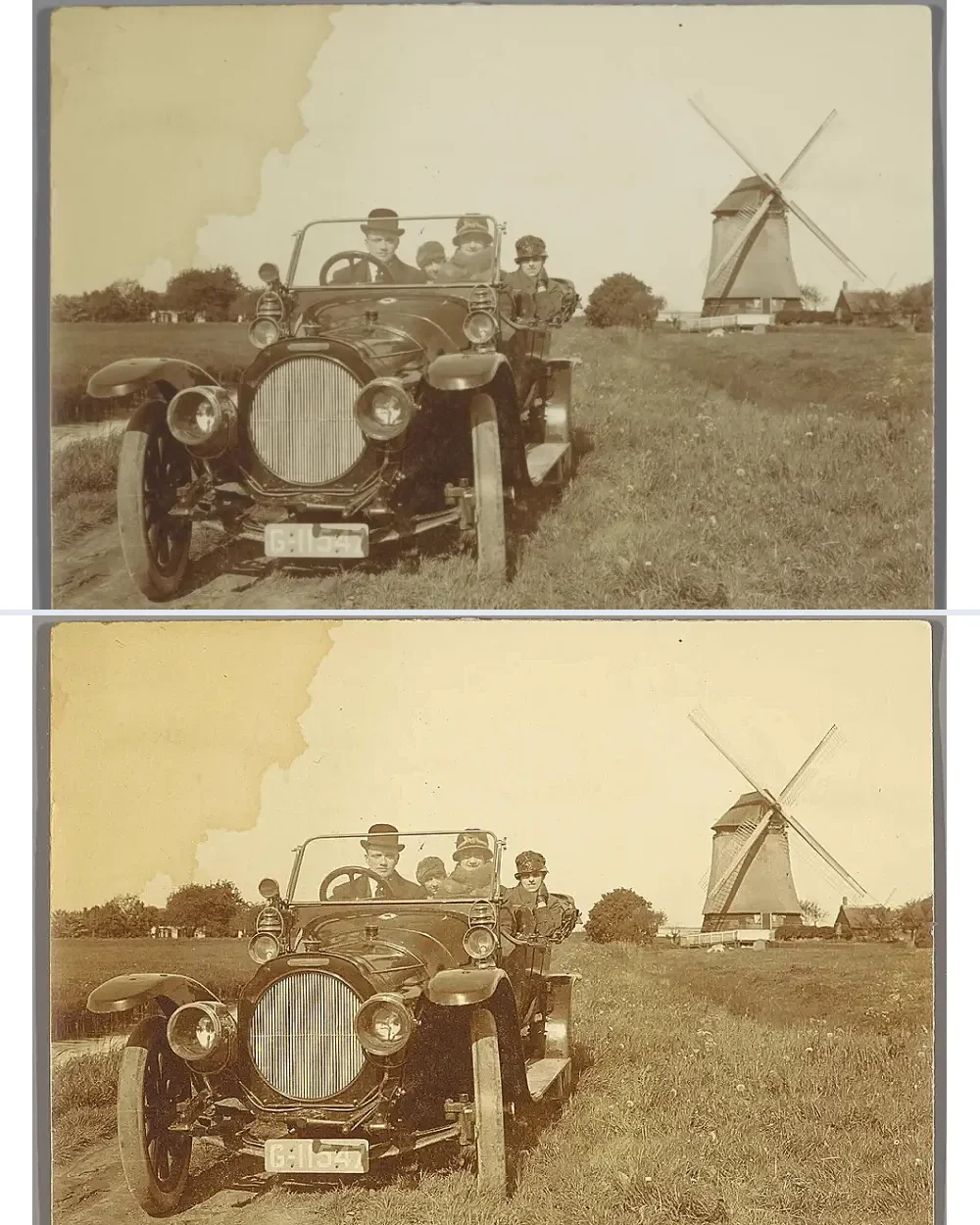
② Street Snapshot · Water Stains & Yellowing
- Before: Yellowed photo with water stains and fading
- After: Real output from our tool
- Result: Yellow base corrected to neutral, image looks fresher
- Limitation: Physical paper damage cannot be rebuilt
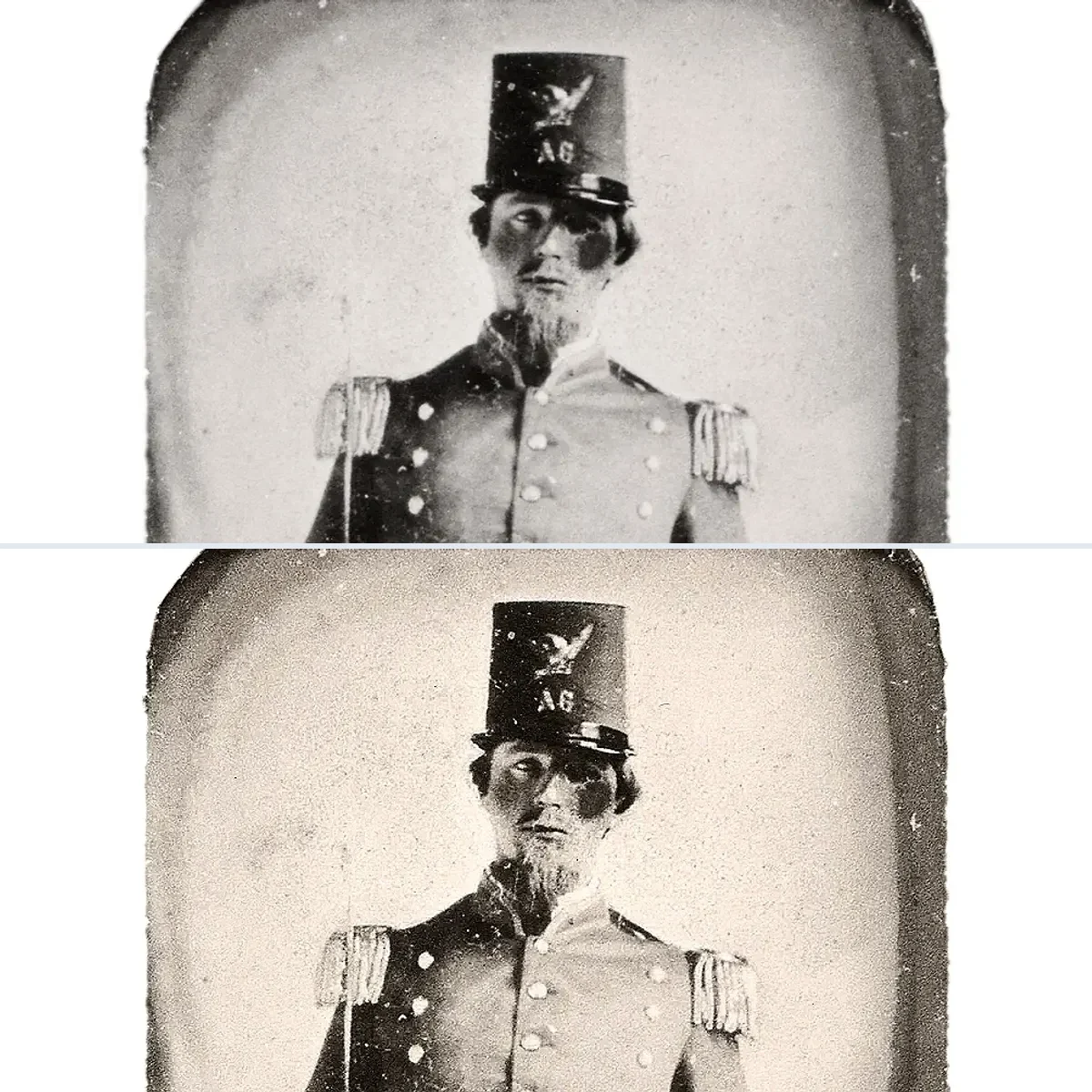
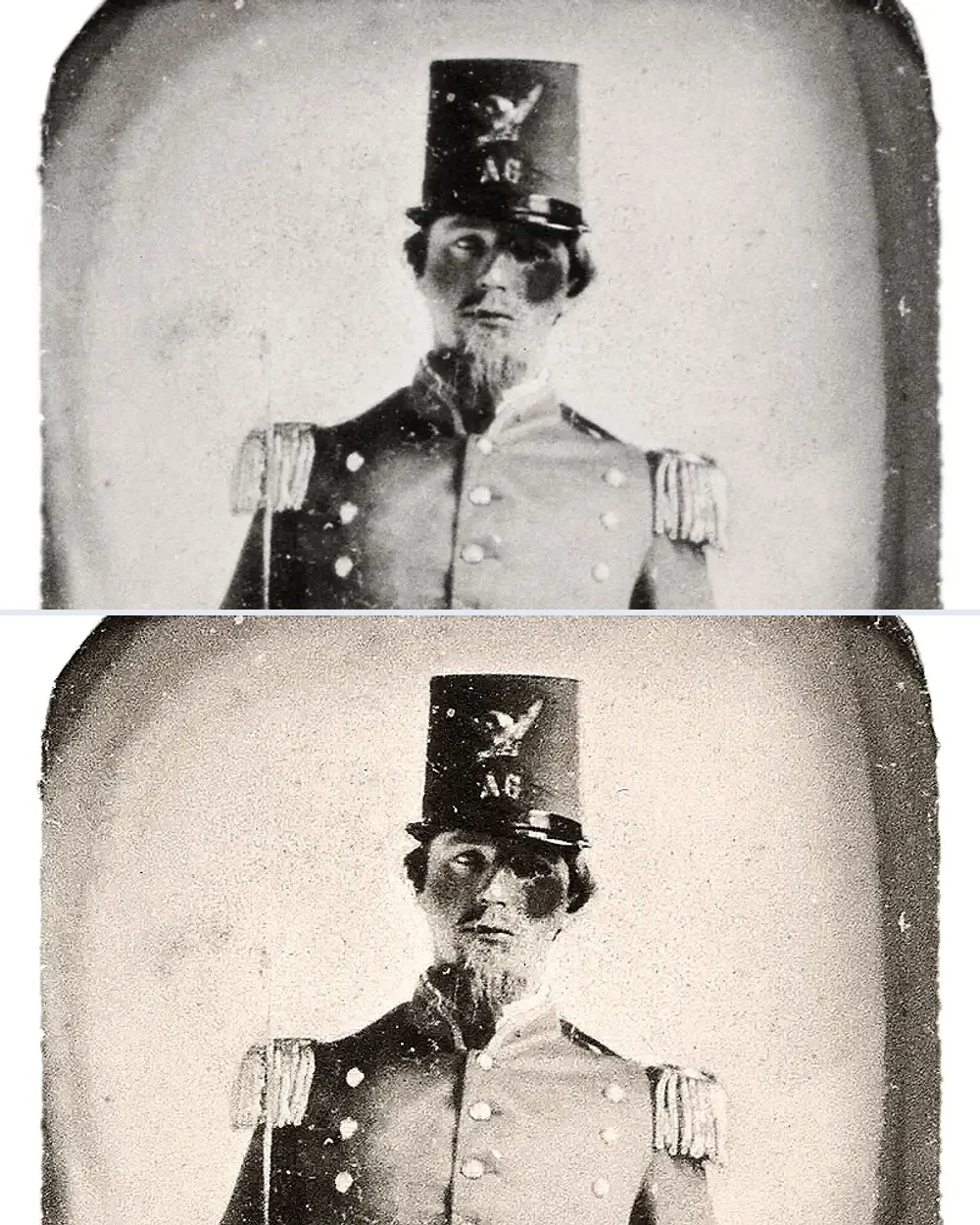
③ Vintage Portrait · Haze & Dust
- Before: Entire photo hazy, faded, dusty
- After: Real output from our tool
- Result: Haze removed, contrast lifted—face and collar now clear
- Limitation: Overexposed or truly missing parts won’t reappear
Tips for Better Restoration Results
Quality of initial scan/photo greatly impacts final results.
1Photographing & Scanning Tips
- ✓Scan at 600 DPI if possible—the higher the resolution, the more detail preserved.
- ✓When photographing with phone: lay it flat, use soft natural light, avoid glare from glass or plastic sleeves.
- ✓Remove photos from frames or plastic sleeves—don’t shoot through glass.
- ✓Frame only the photo itself—crop out tables or album pages, leaving a clean white border.
2After repair, double-check these key areas
- ✓Eyes, smiles, hairlines are prone to over-sharpening—zoom in and adjust intensity as needed.
- ✓Tone correction adjusts based on the photo’s average color—not pixel-perfect historical accuracy.
- ✓Missing or broken content won’t be magically recreated—only existing details can be clarified.
- ✓Keep your original safe—never rely solely on digital tools for irreplaceable originals.
What is old photo restoration?
Are your family’s old photos yellowed, faded, or covered in scratches? Our AI-powered tool removes age-related damage via noise reduction, color restoration, and detail enhancement—giving blurry B&W or faded color photos a fresh new look.
Adjustable repair intensity: fine-tune dust removal, color restoration, and sharpness step-by-step. Side-by-side before/after preview makes it easy—perfect for honoring loved ones and organizing family albums.
Three Steps to Restore Old Photos
Step 1 · Scan & Upload
Scan or photograph the photo first—keep it flat and shadow-free.
Step 2 · One-Click Repair
Automatically remove scratches & noise, restore colors, and enhance clarity.
Step 3 · Compare & Download
Drag the comparison slider to view before/after differences—download when satisfied.
Why Choose ikoutu for Old Photo Repair?
✓Scratch & Noise Removal
Smartly detects and repairs mold spots, scratches, and stains.
✓Color Restoration
Correct yellowing and fading; restore natural skin tones and clothing colors.
✓Clarity Enhancement
Blurry facial features and textures are sharpened for better detail.
Common Questions About Old Photo Restoration
Can black-and-white photos be colored?+
Current version supports color enhancement & tone correction. With generative AI integration, B&W photos can be intelligently colored—try our ‘B&W Photo Coloring’ tool first.
Can severely damaged photos be restored?+
Light-to-moderate scratches, fading, and noise are significantly improved; large missing areas should be manually repaired using the Canvas tool.
Will the repaired photo look distorted?+
Repair strength is adjustable—start at medium, preview, then download. Avoid over-smoothing to prevent distortion.
Start Restoring Old Photos Now
Upload scanned or phone-captured photos—repair in just a few steps. Free, no account required.
Recommended Related Tools
View All 18 Tools →
Online JPG/PNG/WEBP compression—reduce file size by up to 80% with imperceptible quality loss; supports target KB size.
Enlarge images without blur—2x/4x HD upscaling with smart detail restoration. Turn small images into large, crisp ones.
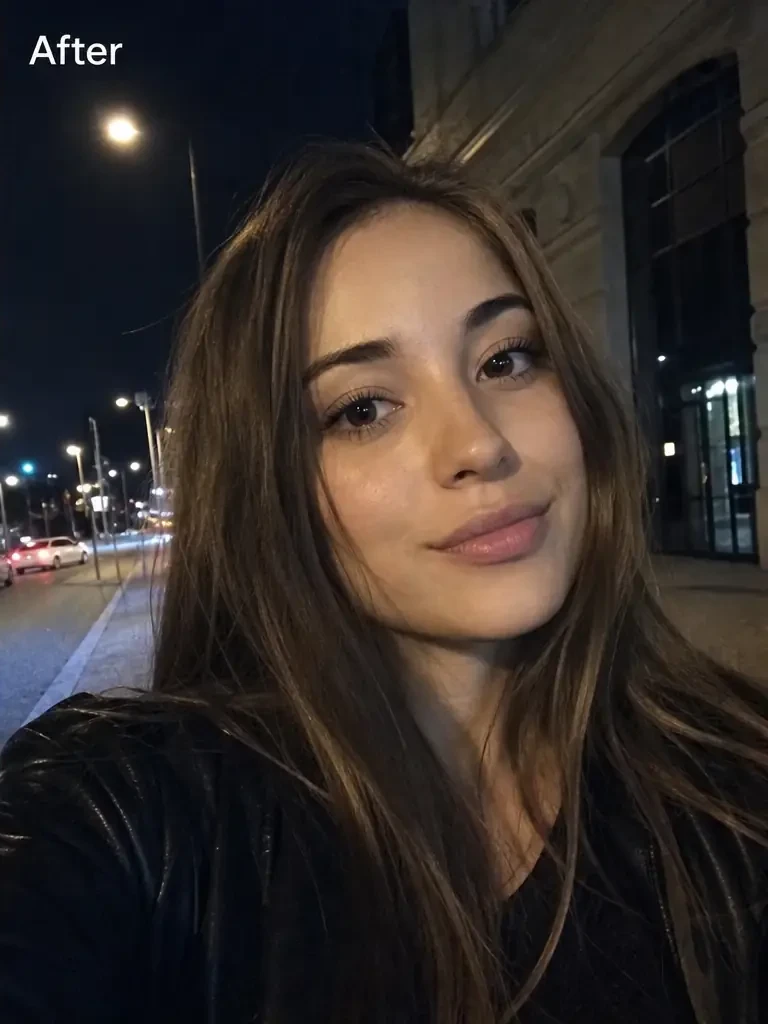
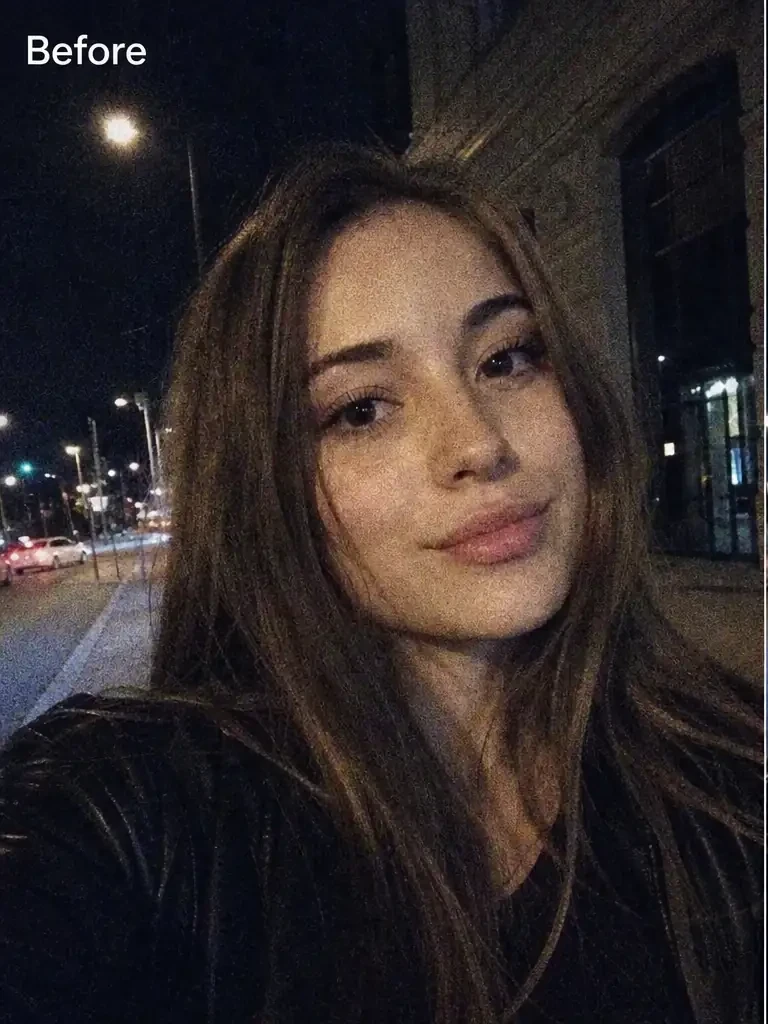
Turn blurry images sharp—AI intelligently optimizes brightness, contrast, color, and sharpness for one-click quality boost.
Convert among 9 formats: JPG, PNG, WebP, AVIF, GIF, BMP, ICO, TIFF, SVG — preserve transparency, batch conversion, free download.