
AI Image Expansion
AI intelligently expands images—turn vertical photos into horizontal ones, fill narrow frames, and complete compositions without cropping the main subject.
Click to upload / Drag & drop images here / Ctrl+V Paste
Supports JPG, PNG, WebP, GIF, BMP, ICO, TIFF, SVG; up to 15MB · Images are uploaded to server for processing and deleted immediately after.
👆 Please upload images on the left first
🖼️ Preview

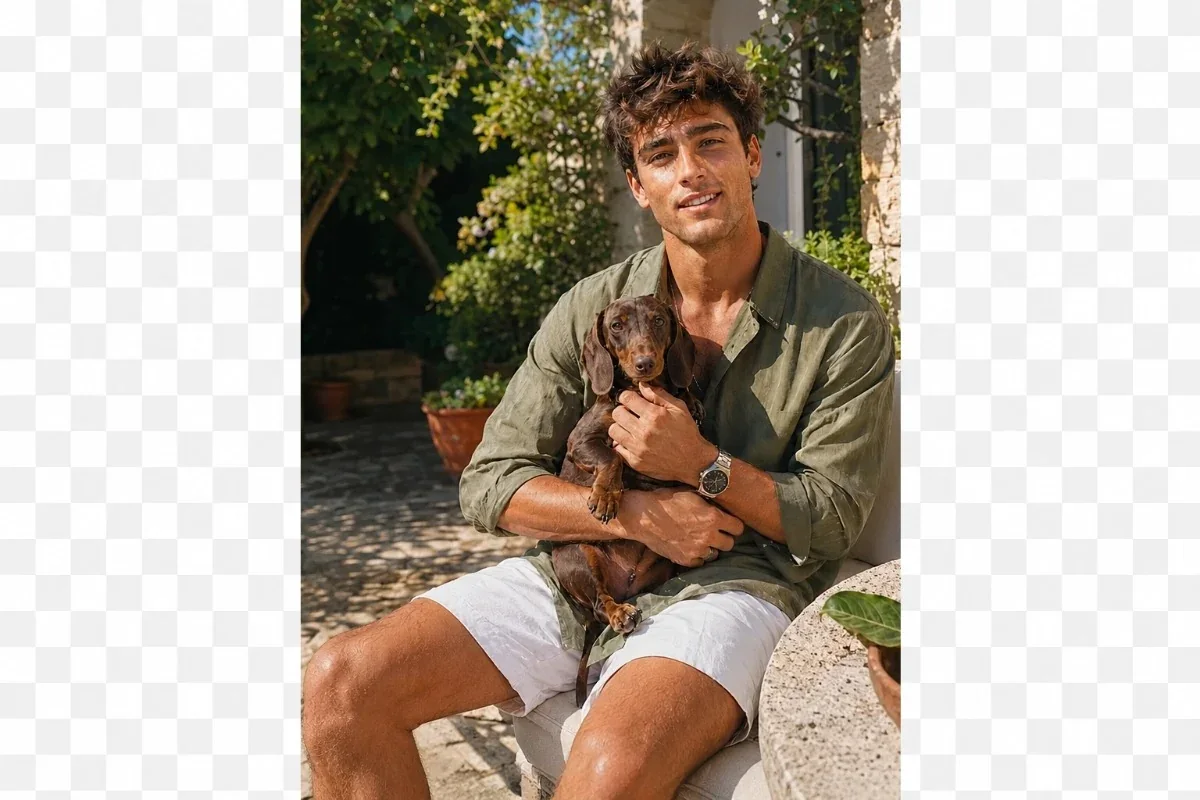
Sample effect · Real comparison appears here after uploading your photo
Explore the power of AI Image Expander
Expand images to fit various aspect ratios—for creative projects and daily editing. AI naturally extends backgrounds while preserving original composition and realistic details.
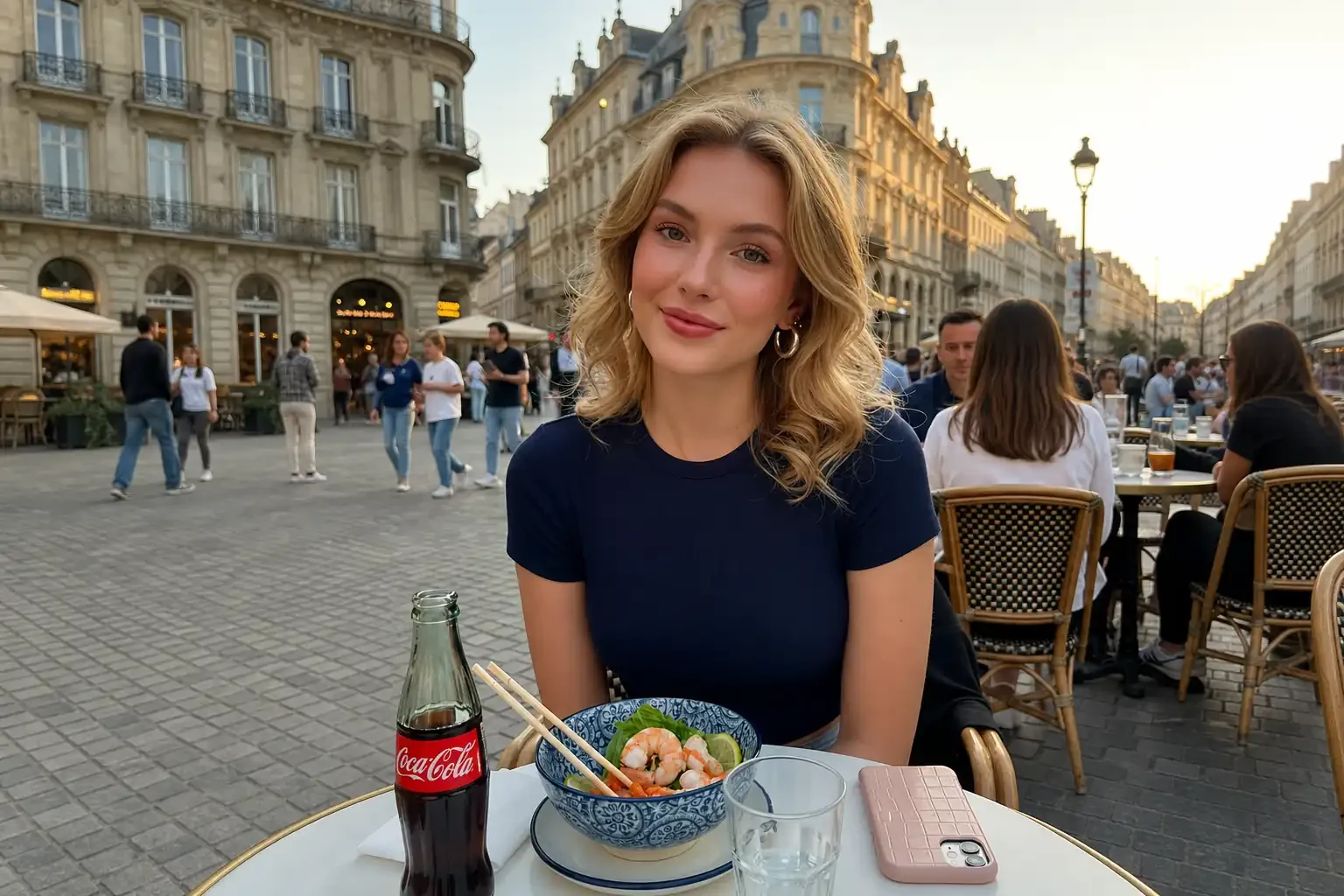
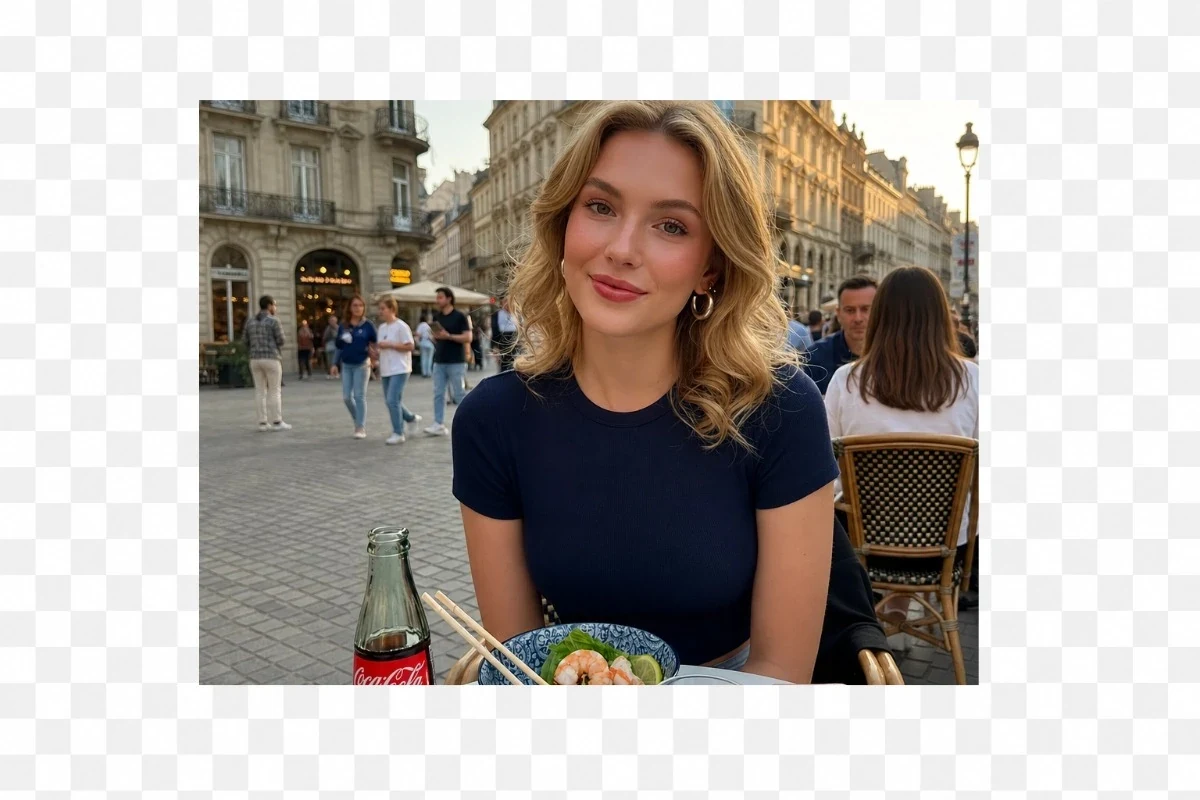
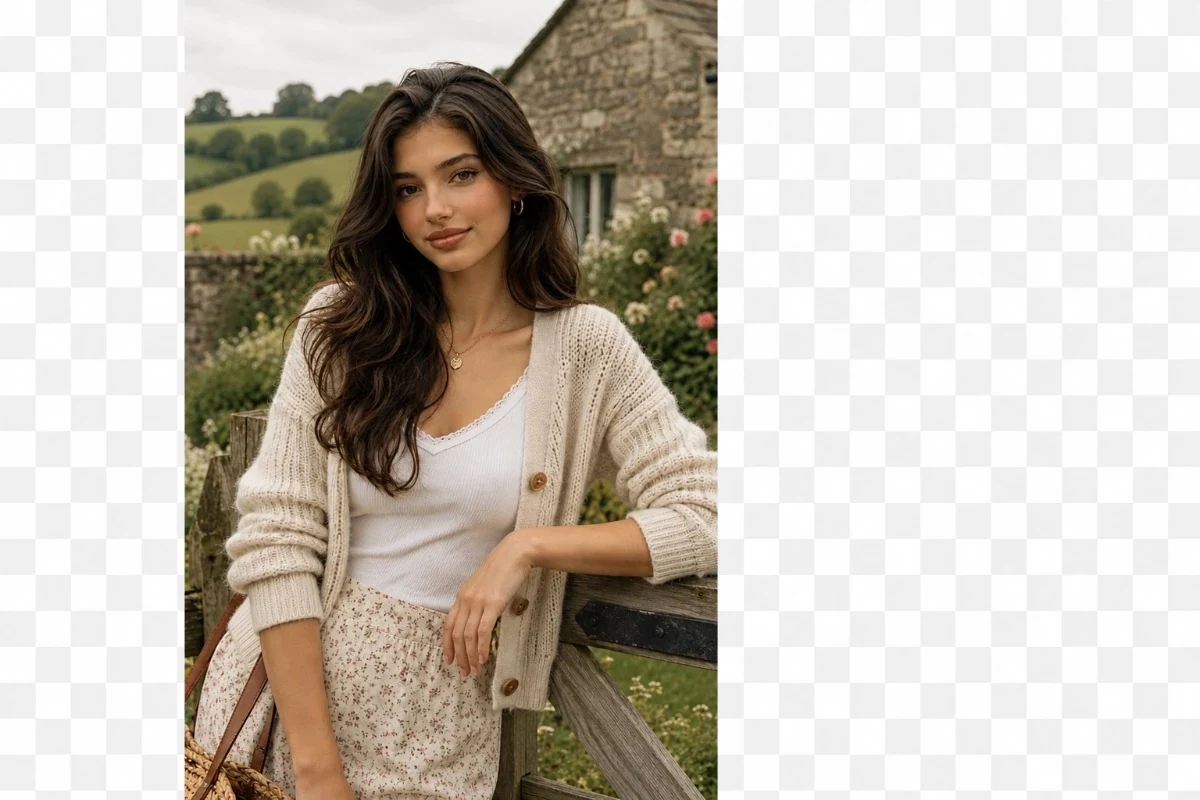
Convert Vertical → Horizontal
Convert vertical photos to wide horizontal formats—no subject cropping. AI naturally extends left/right sides for broader compositions, ideal for presentations, banners, desktop wallpapers, etc.
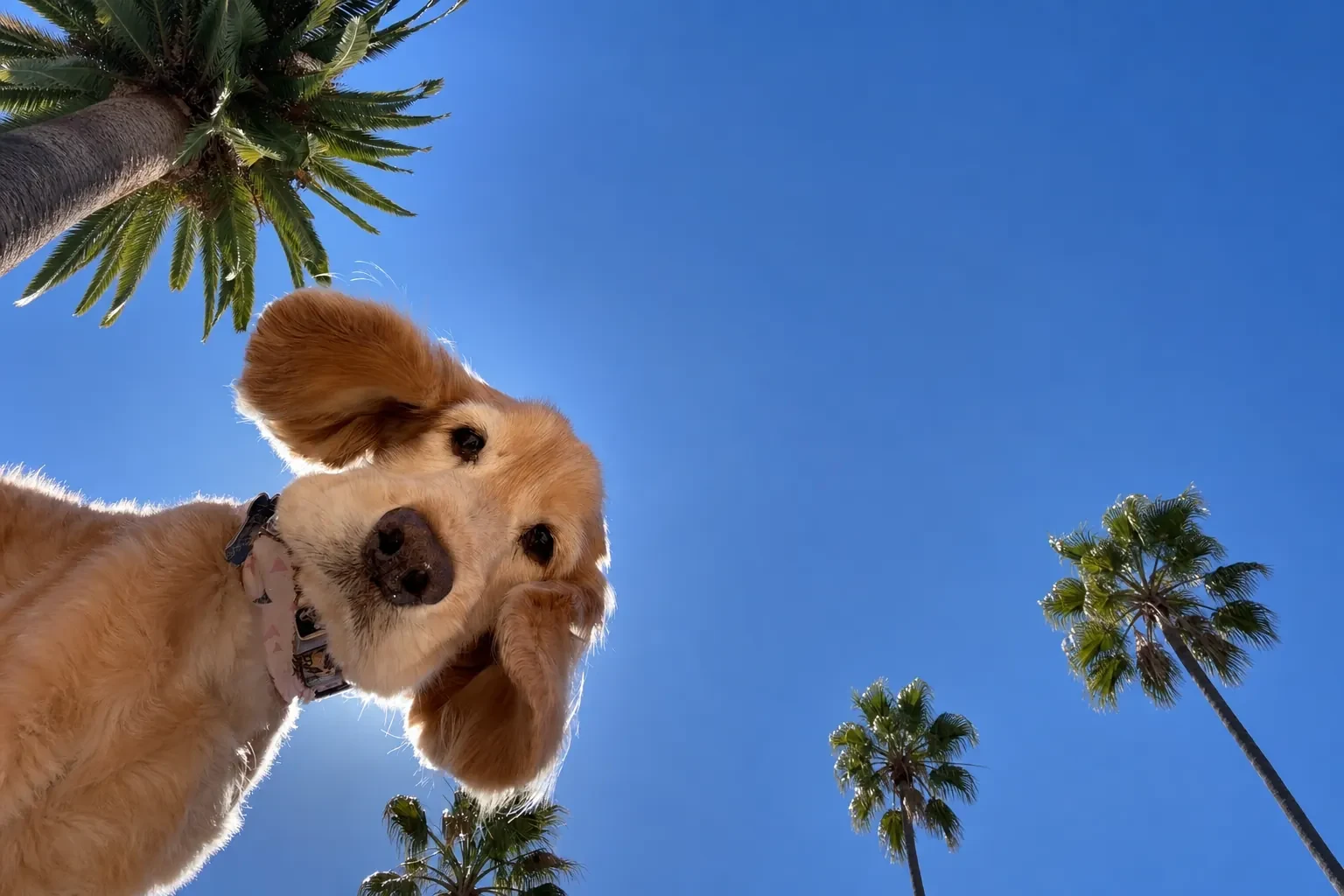
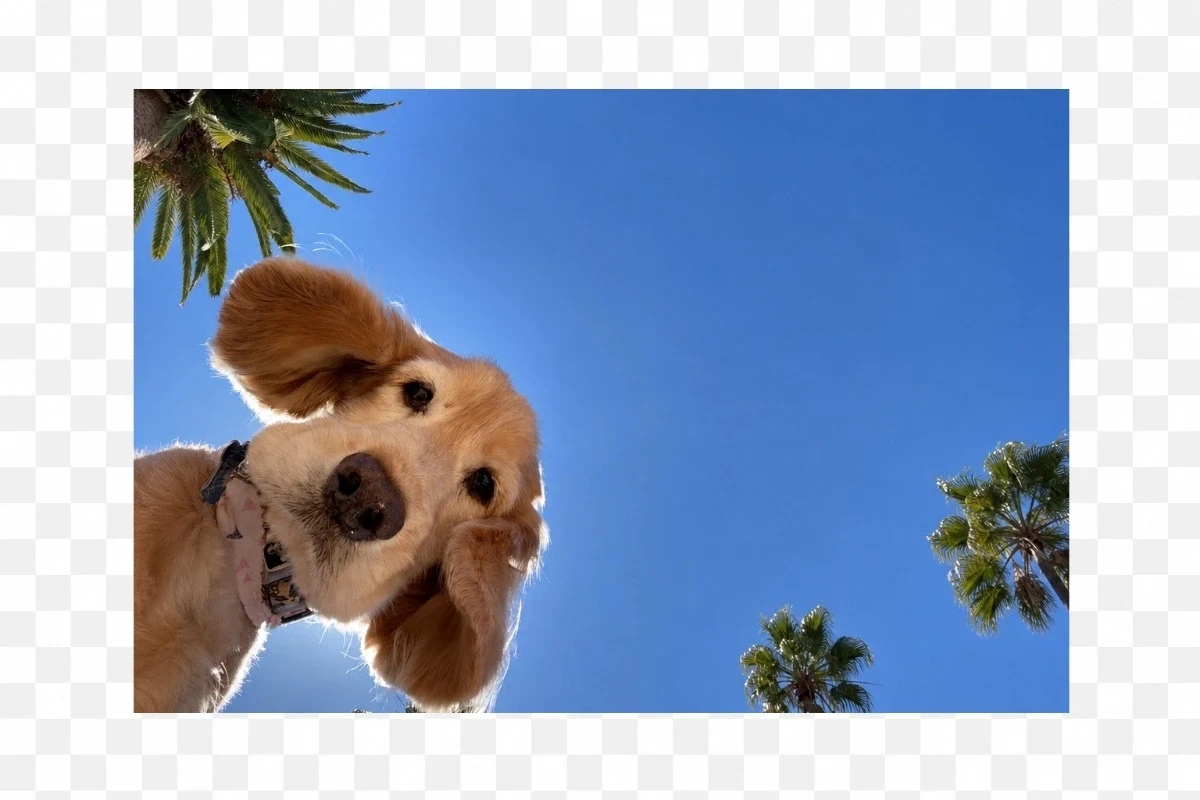
Convert Horizontal → Vertical
Convert horizontal photos to vertical—perfect for WeChat Video Channel, Douyin, Kuaishou, Bilibili vertical short videos, and other mobile platforms. AI smartly extends top/bottom edges for seamless vertical layouts—no stretching or cropping.

Naturally Restore Cropped Photos
With realistic AI expansion, intelligently restore missing edges and fix over-cropped photos. Whether optimizing composition or adding space around the subject, AI delivers natural, seamless extensions—making images whole again.


Customize AI Expansion via Prompt
Want more precise results? Just enter a prompt—tell AI what you’d like added beyond the original image: extended landscapes, new objects, etc. AI seamlessly integrates new content while preserving realism.
About AI Image Expansion
Shooting vertically but need a horizontal cover? Stretching distorts the image; cropping cuts out key subjects. AI Image Expansion intelligently fills in missing areas based on scene content, naturally extending the composition.
Ideal for converting phone vertical shots to horizontal covers, turning square assets into 16:9 wallpapers, or giving subjects more breathing room.
How to use AI Image Expansion?
Step 1 · Upload Image
Select the original image to expand.
Step 2 · Select Direction & Ratio
Choose expansion direction and target aspect ratio.
Step 3 · Generate & Download
AI completes the extension, yielding wider or taller compositions.
Why Choose ikoutu AI Image Expansion?
✓Smart Fill
AI infers missing areas from scene content for natural transitions.
✓No Subject Cropping
Expansion—not cropping—keeps people and subjects fully intact.
✓Multi-Platform Ready
One asset fits both horizontal covers and vertical social posts.
FAQ
Will expansion reduce image quality?+
AI-generated extensions maintain original clarity; overall sharpness depends on source image quality.
Can I freely choose the expansion ratio?+
Yes—supports auto-detection and common horizontal/vertical ratios.
Recommended Related Tools
View All 18 Tools →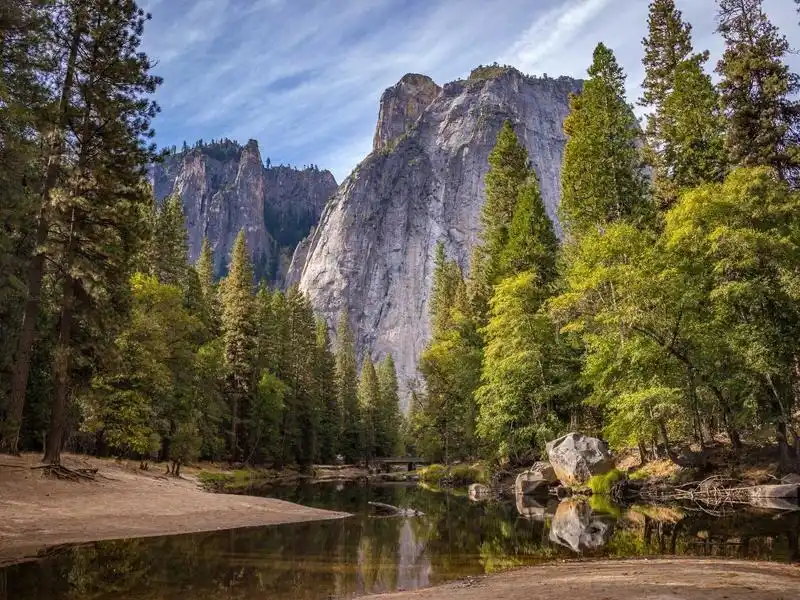
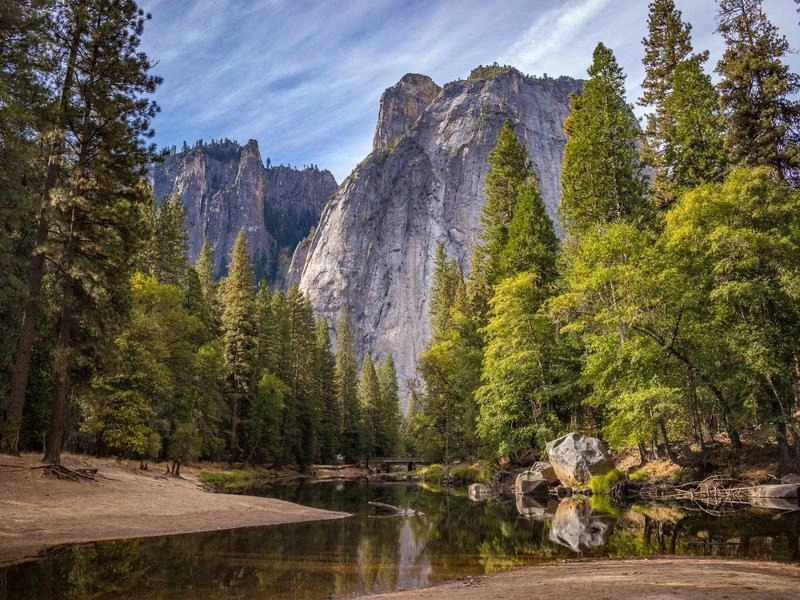
Online JPG/PNG/WEBP compression—reduce file size by up to 80% with imperceptible quality loss; supports target KB size.
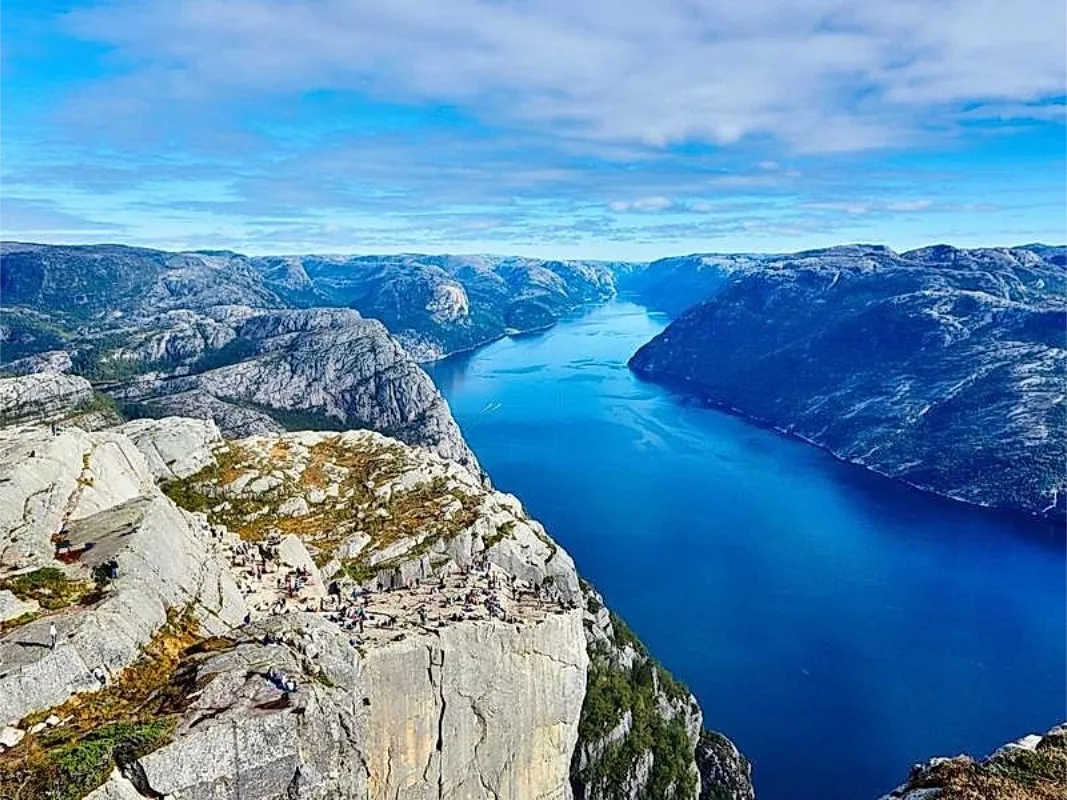
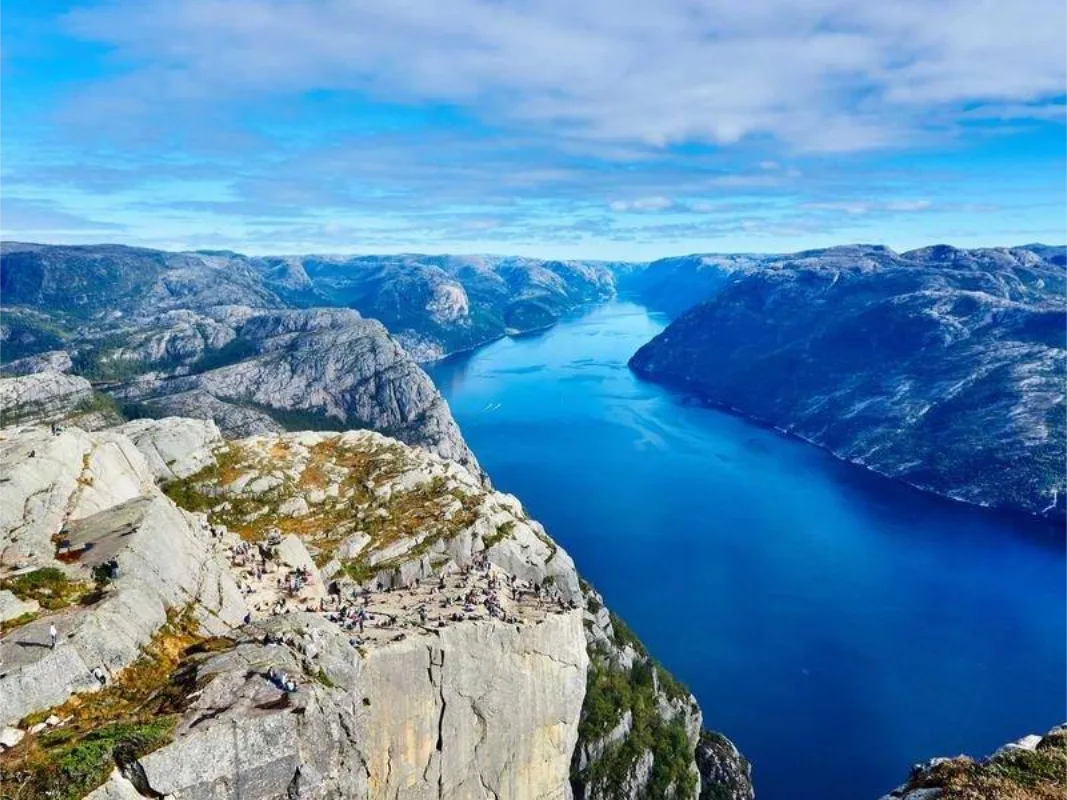
Enlarge images without blur—2x/4x HD upscaling with smart detail restoration. Turn small images into large, crisp ones.
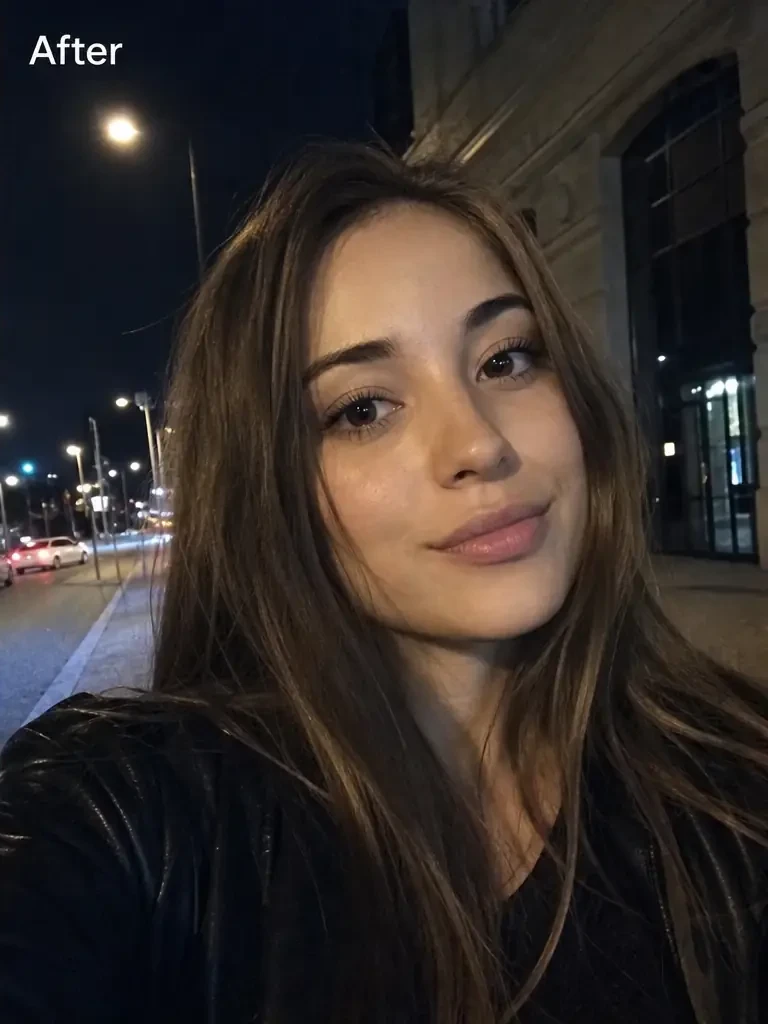
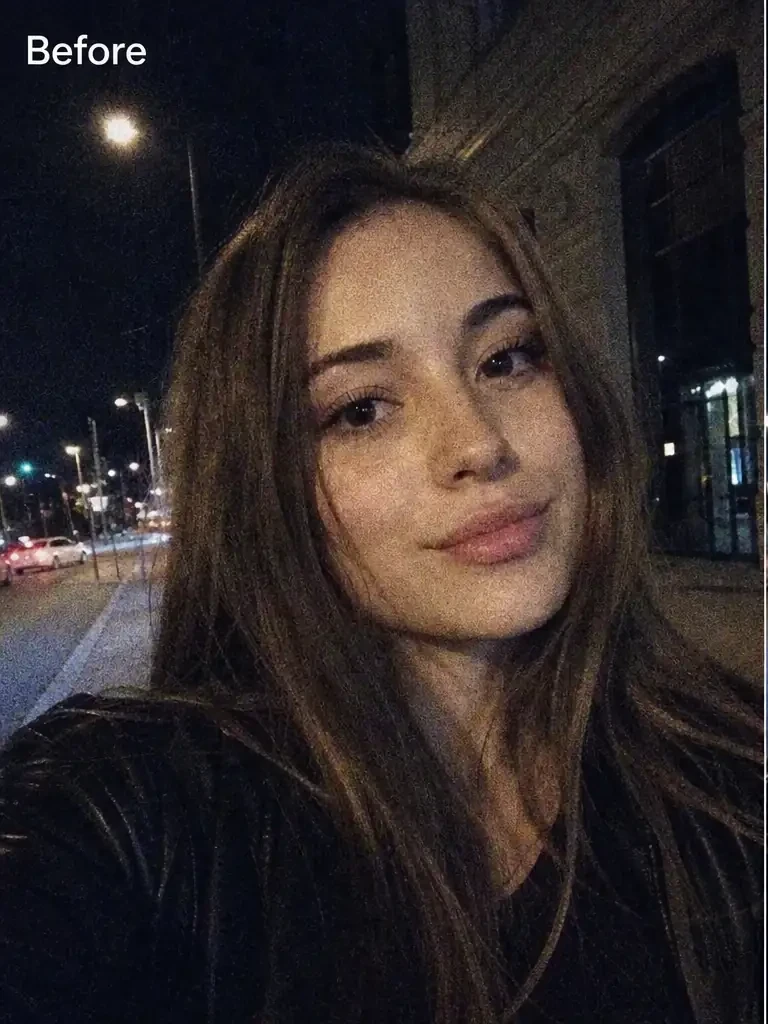
Turn blurry images sharp—AI intelligently optimizes brightness, contrast, color, and sharpness for one-click quality boost.
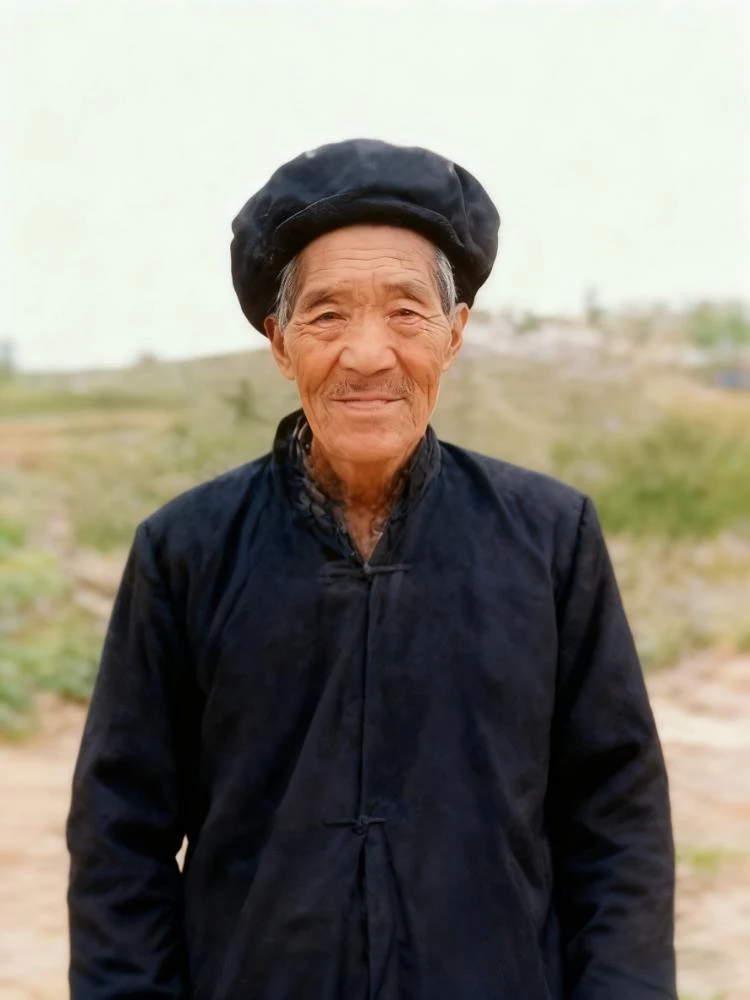
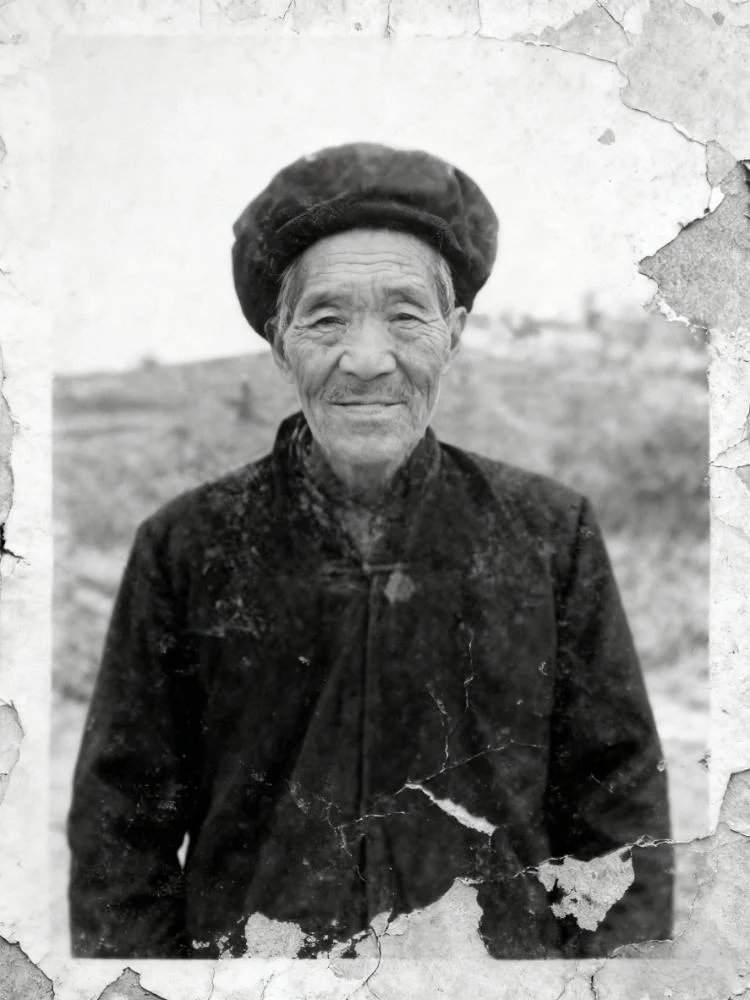
Restore and colorize faded, damaged old photos in one click—remove scratches, fading, and enhance naturally. Bring cherished memories back to life.