
AI Image Editing
Command AI to edit images in one sentence: remove people, change backgrounds, add elements, adjust colors—no photo editing software needed.
Click to upload / Drag & drop images here / Ctrl+V Paste
Supports JPG, PNG, WebP, GIF, BMP, ICO, TIFF, SVG; up to 15MB · Images are uploaded to server for processing and deleted immediately after.
👆 Please upload images on the left first
🖼️ Preview
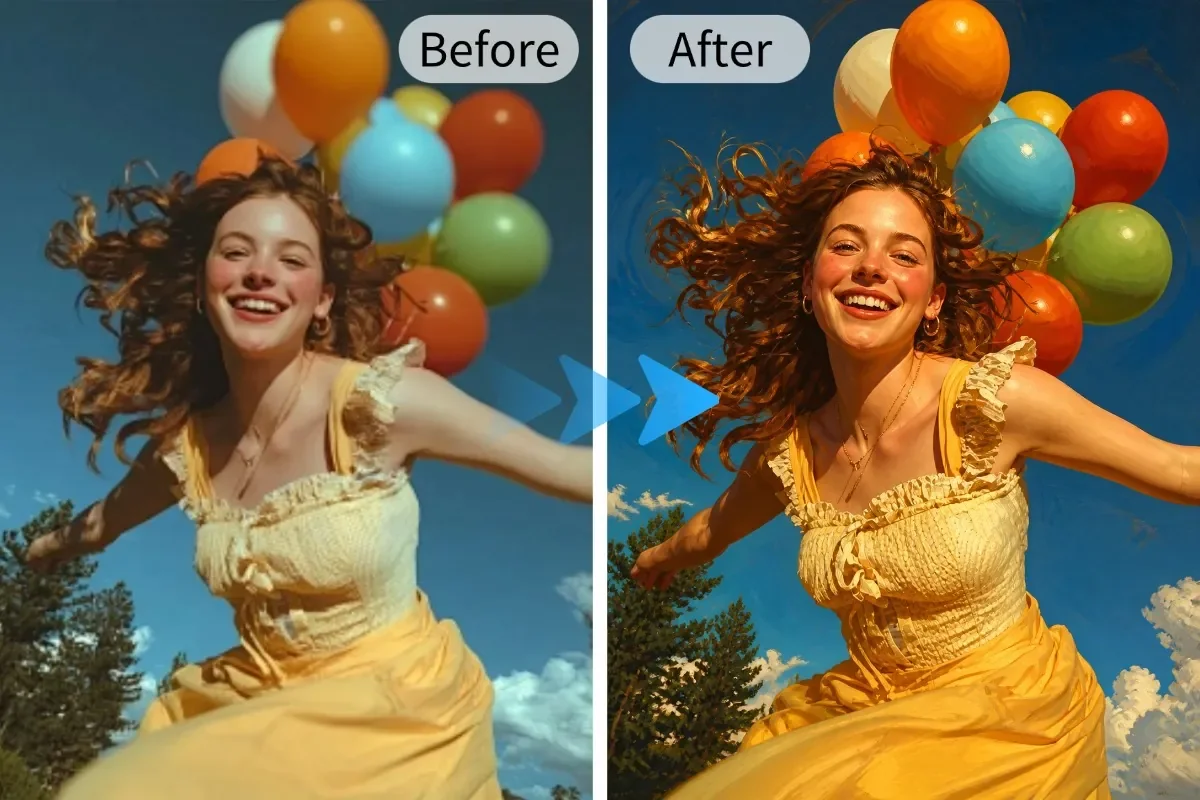
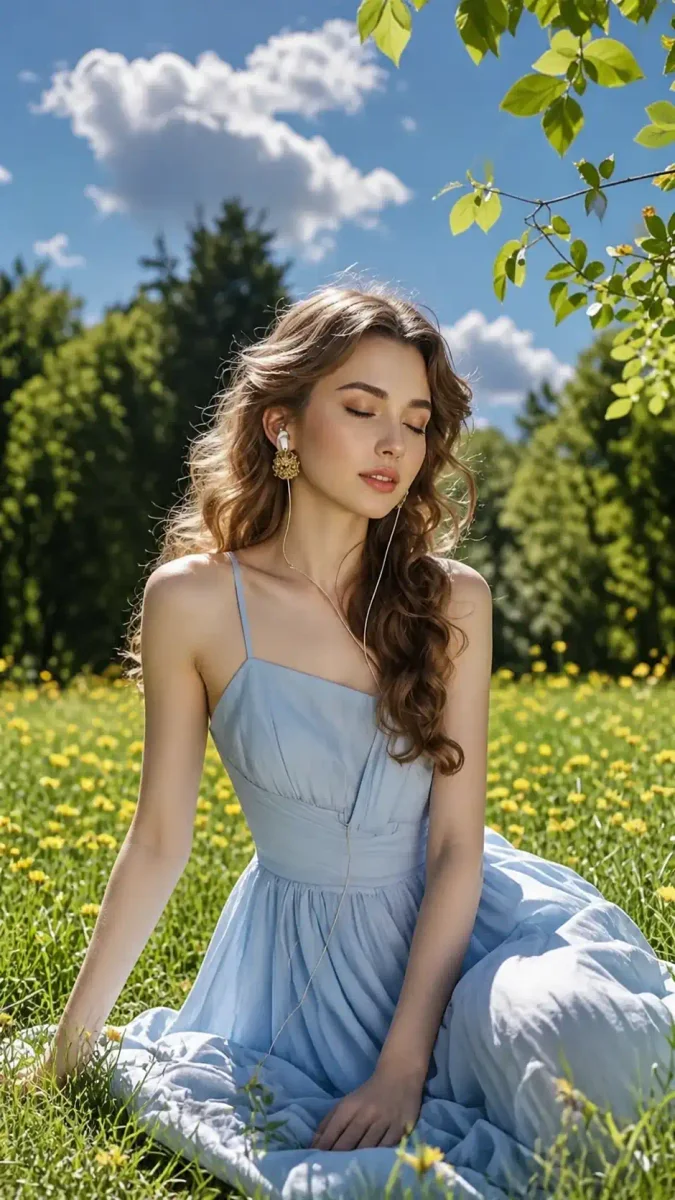
Sample effect · Real comparison appears here after uploading your photo
Make every photo exactly how you want it
Remove distractions, change backgrounds, enhance portraits, or explore new styles. Learn six common editing methods and see the simple prompts behind each effect.
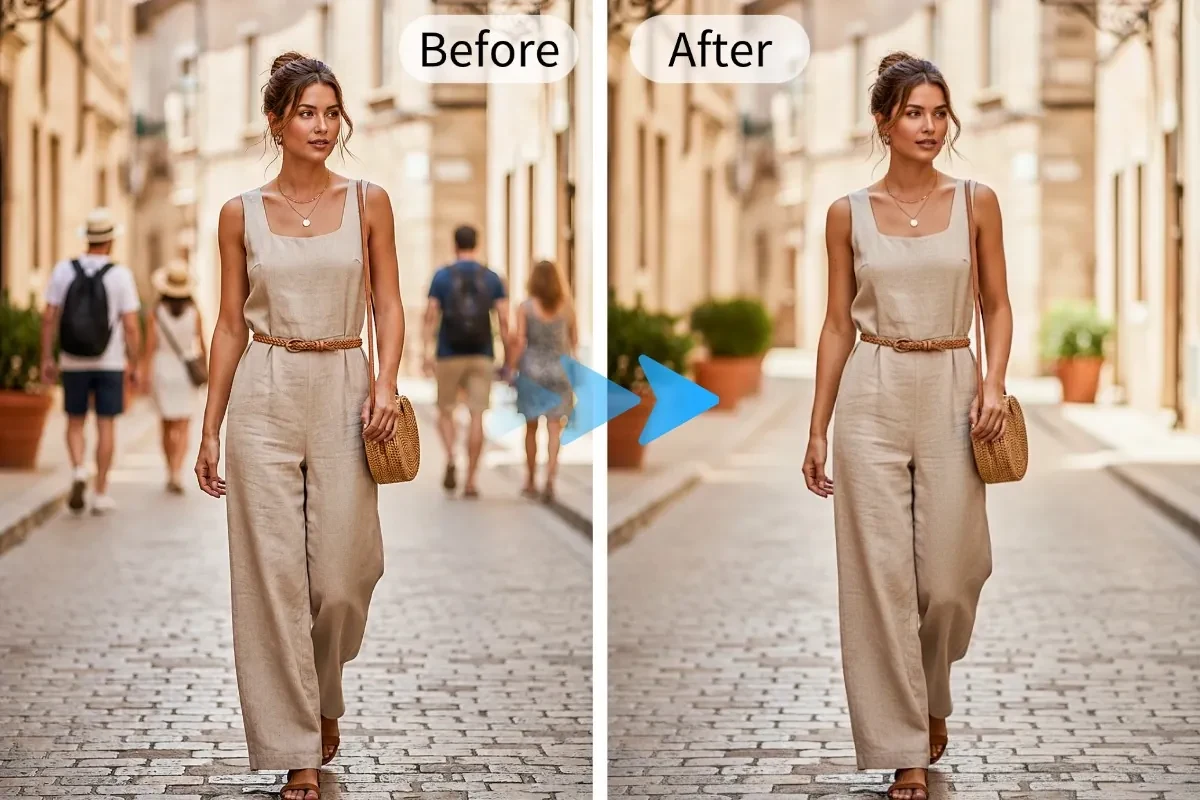
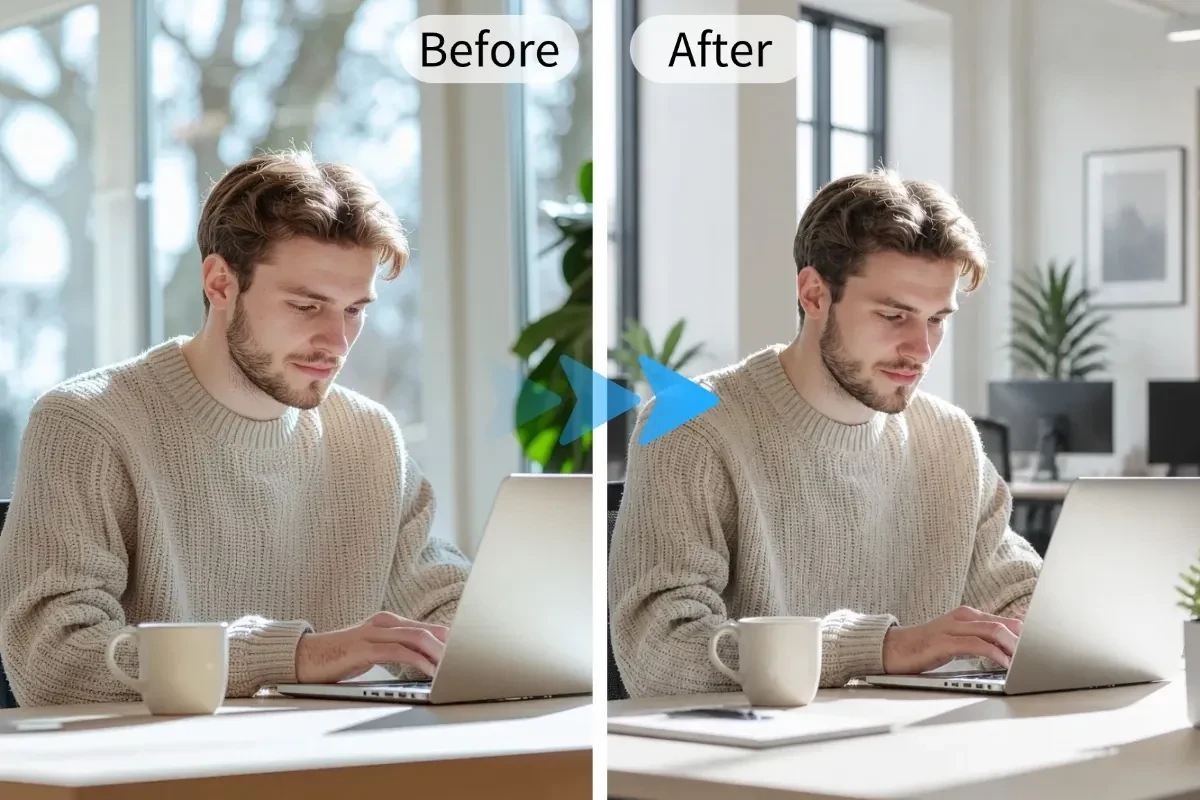
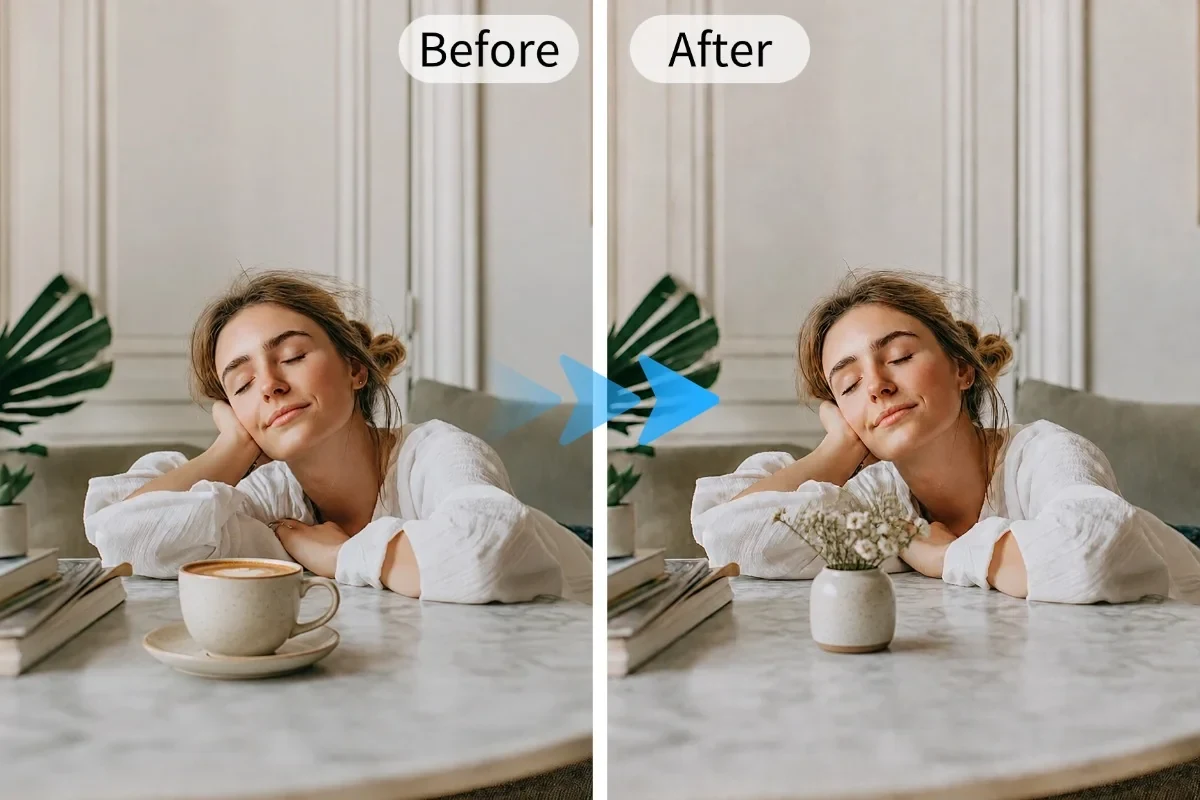
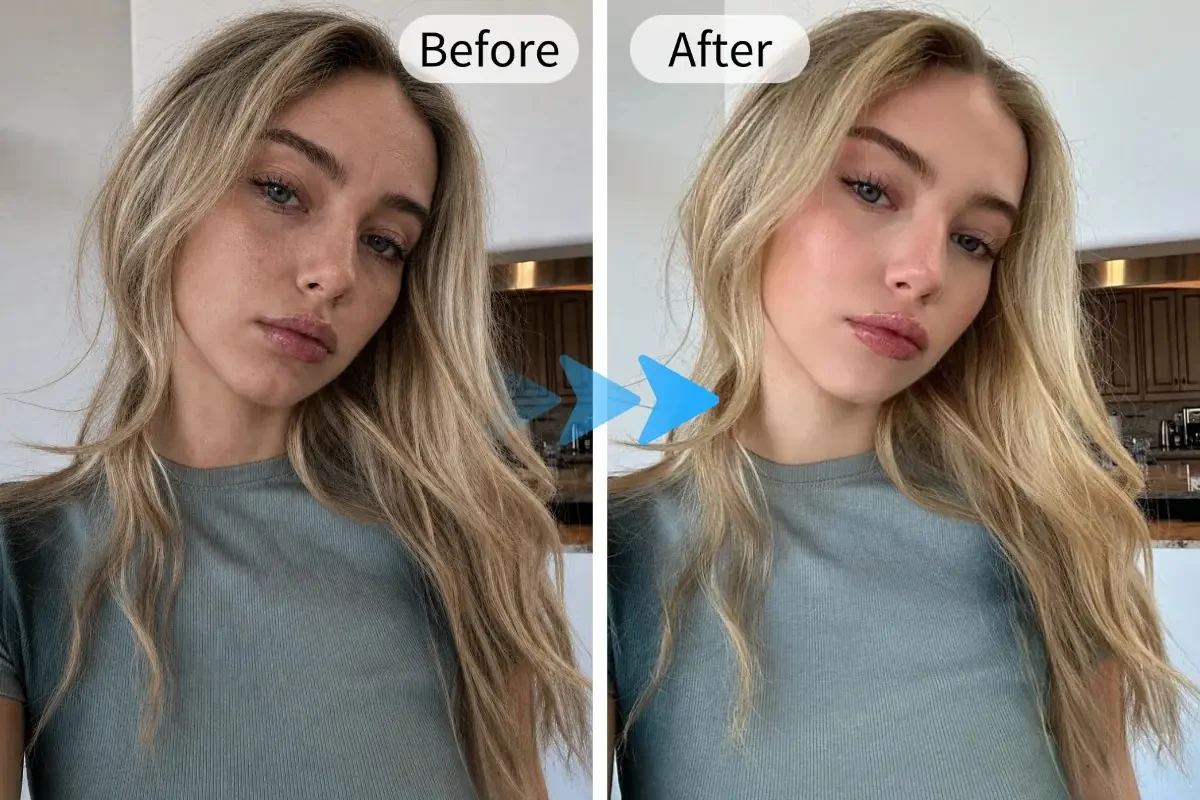
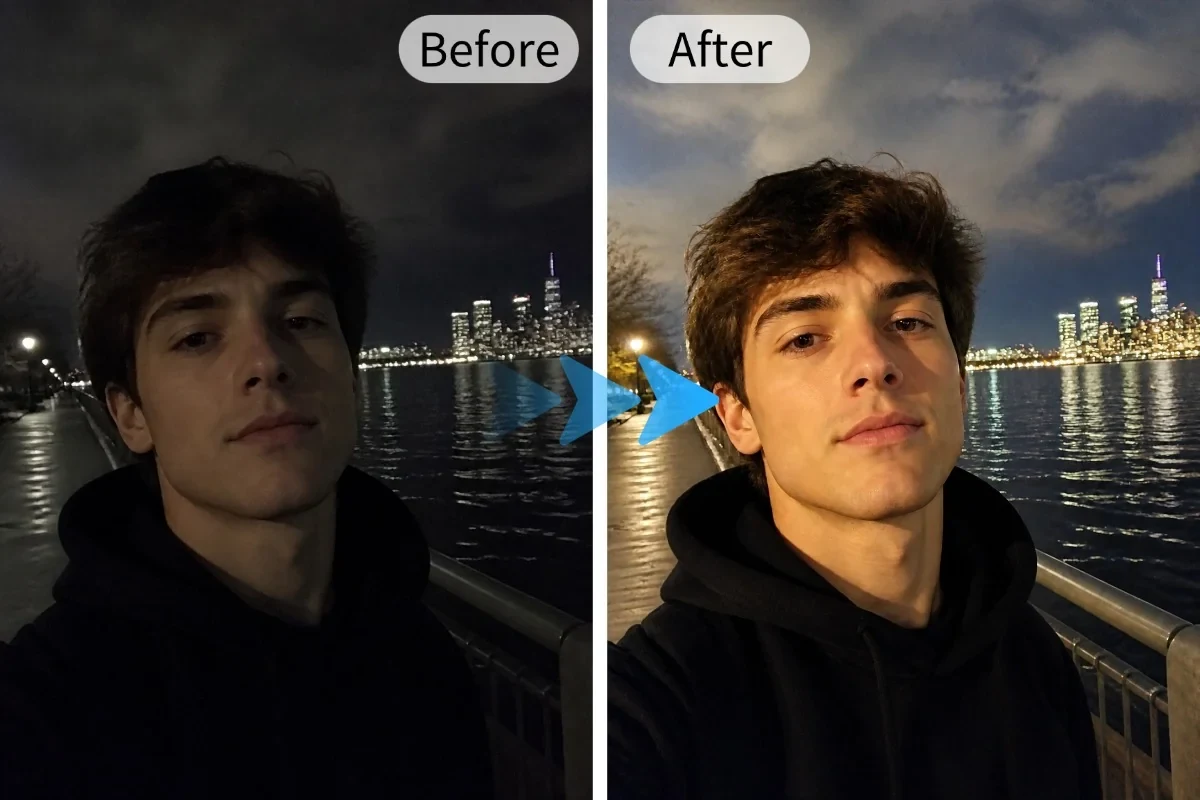
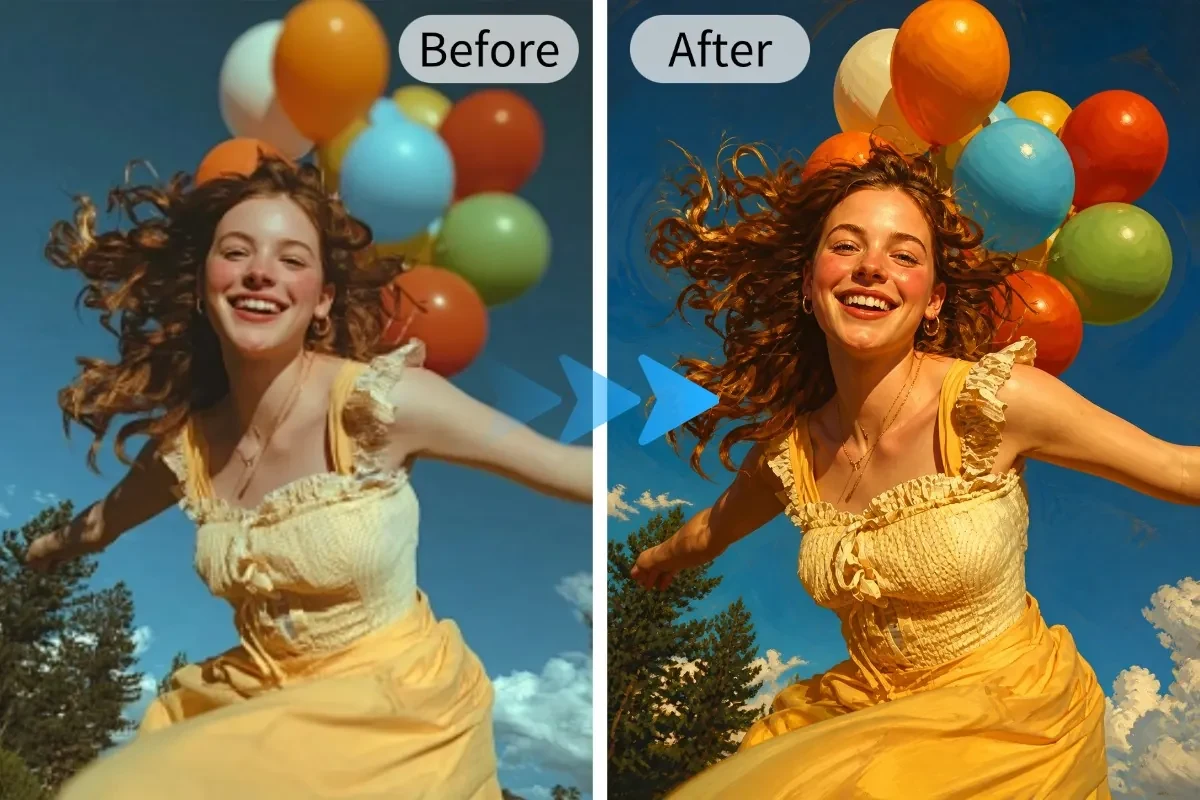
About AI Image Editing
Traditional photo editors have too many features; beginners often just want something simple like 'remove the extra person in this photo.' With AI image editing, describe your need in one sentence—the model does the rest.
Common tasks like removing people, changing backgrounds, eliminating clutter, adjusting tones, enhancing details, or adding elements can all be done with a single Chinese sentence.
How to use AI Image Editing?
Step 1 · Upload Image
Upload JPG / PNG / WEBP images for editing.
Step 2 · Issue Commands via Text
Write your desired changes directly—more specifics yield better accuracy.
Step 3 · Generate & Download
AI returns the edited result; further fine-tune on the Canvas.
Why Choose ikoutu AI Image Editing?
✓Zero Barrier to Entry
No tool learning needed—one sentence is your command.
✓Covers Common Use Cases
Remove people/objects, change background, adjust color, enhance—all in one go.
✓Iterative Editing
If unsatisfied, revise your prompt and regenerate until perfect.
FAQ
Will AI editing alter the original image?+
Processing occurs server-side; original files remain untouched. Results are saved only when you manually download them.
How should I write my prompt?+
Just clearly state what to change—for example: 'Remove pedestrians in the background and replace it with a blue sky.'
Is it suitable for refining product photos?+
Requests like solid-color backgrounds, adding shadows, or unifying tones work especially well.
Recommended Related Tools
View All 18 Tools →
Online JPG/PNG/WEBP compression—reduce file size by up to 80% with imperceptible quality loss; supports target KB size.
Enlarge images without blur—2x/4x HD upscaling with smart detail restoration. Turn small images into large, crisp ones.
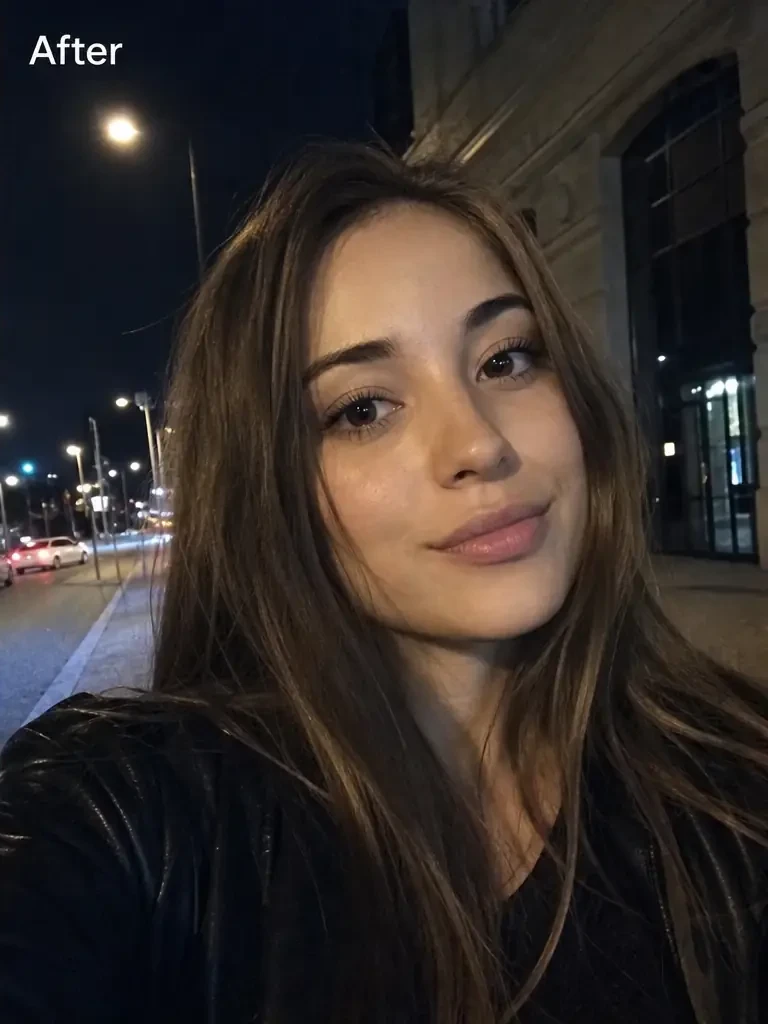
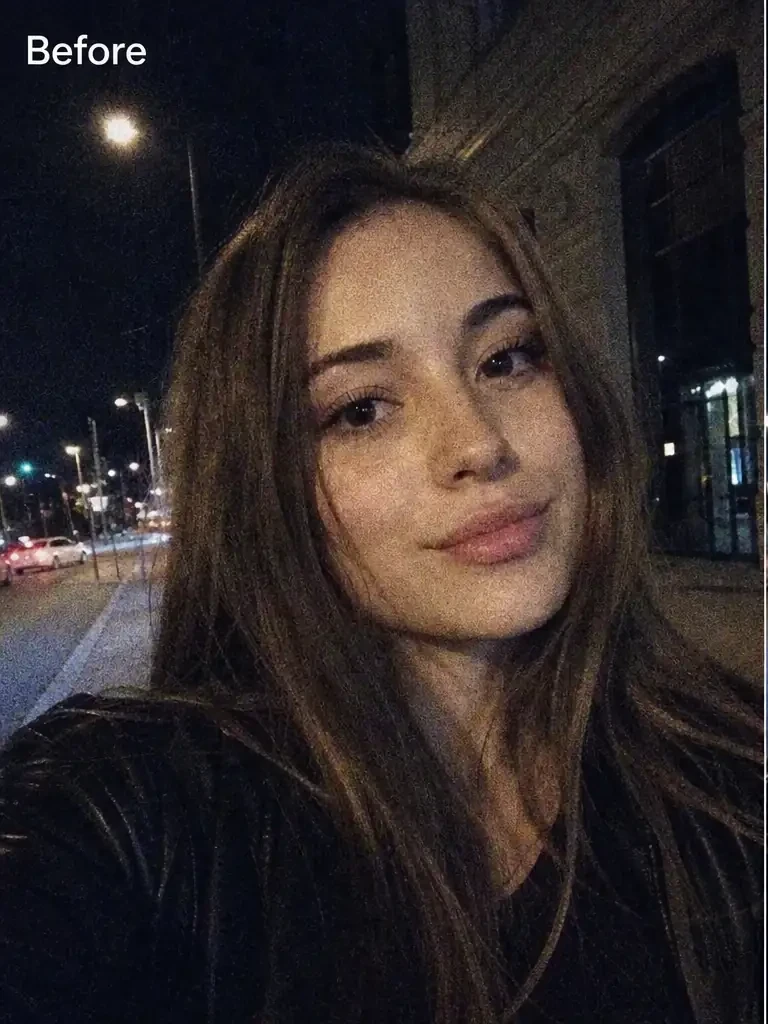
Turn blurry images sharp—AI intelligently optimizes brightness, contrast, color, and sharpness for one-click quality boost.
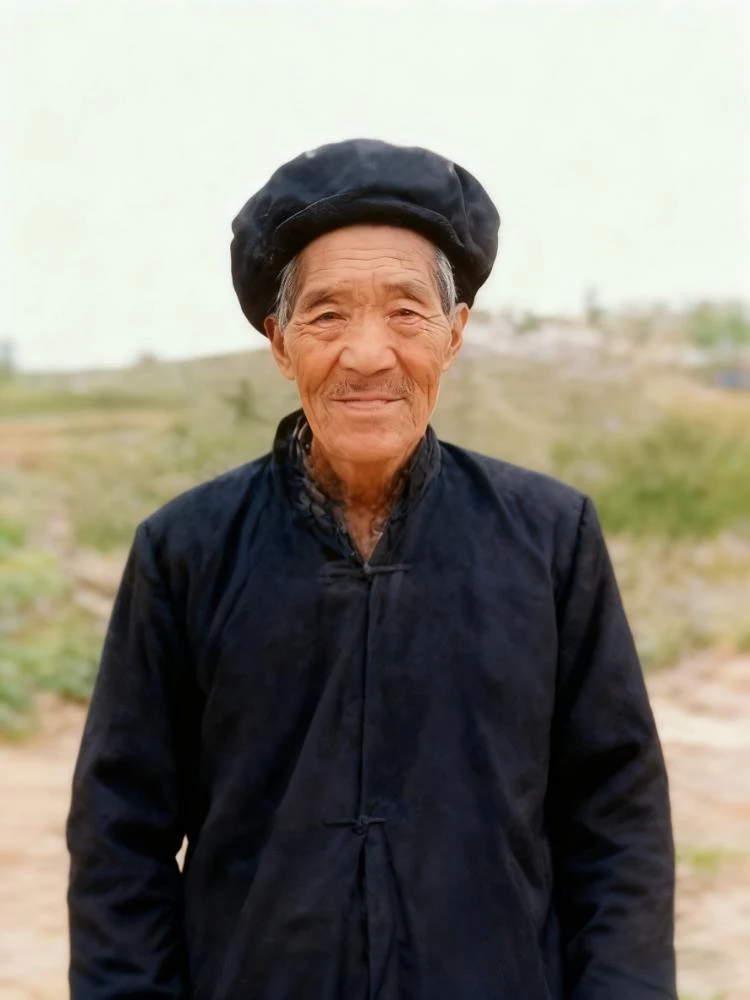
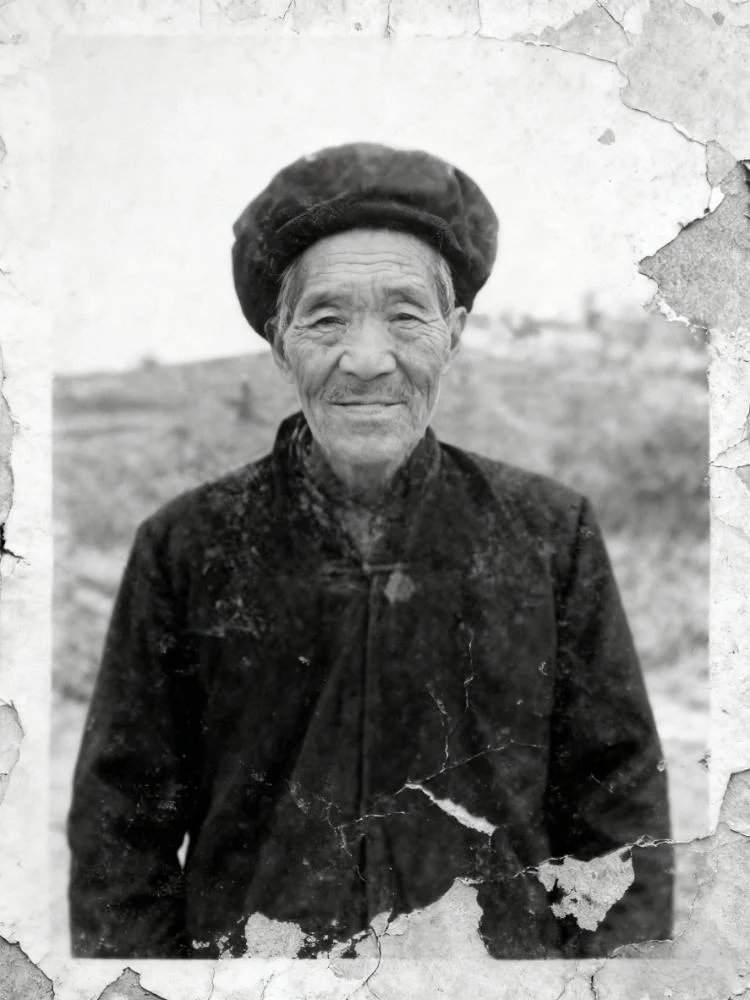
Restore and colorize faded, damaged old photos in one click—remove scratches, fading, and enhance naturally. Bring cherished memories back to life.