
AI Bikini Try-On
Try on a bikini with AI: upload one photo, pick any of 10 bikini styles (coral triangle, noir halter, leopard print, retro gingham, gold shimmer and more) — only the outfit changes, the face stays yours.
Click to upload / Drag & drop images here / Ctrl+V Paste
Supports JPG, PNG, WebP, GIF, BMP, ICO, TIFF, SVG; up to 15MB · Images are uploaded to server for processing and deleted immediately after.
👆 Please upload images on the left first
🖼️ Preview
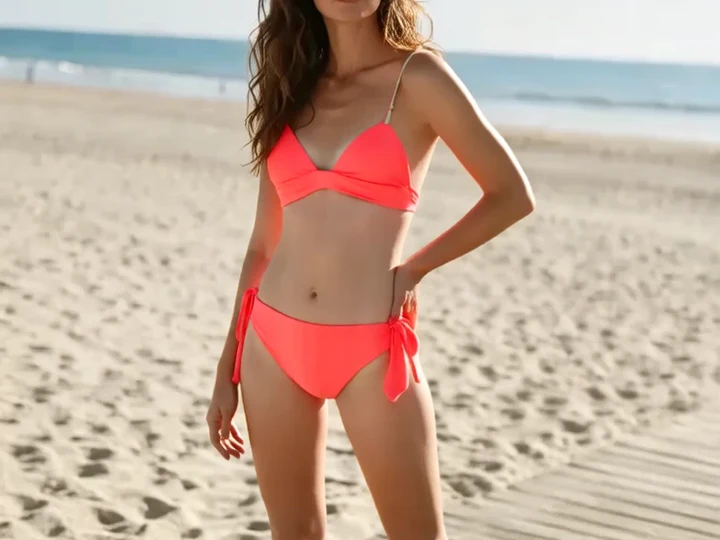
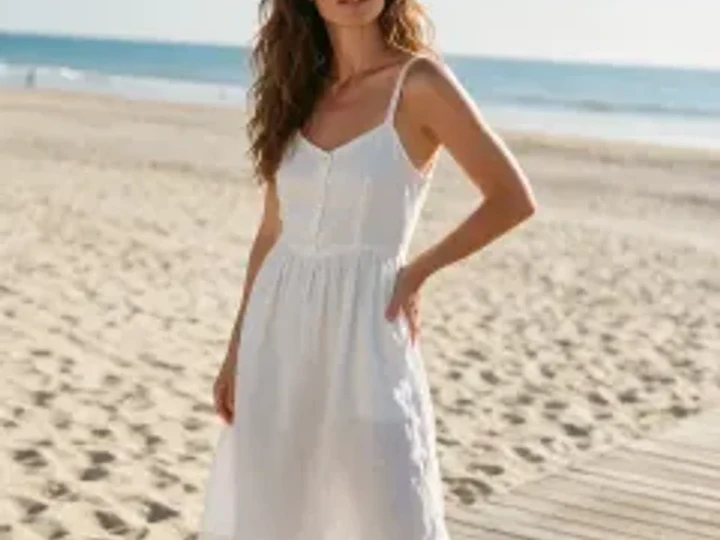
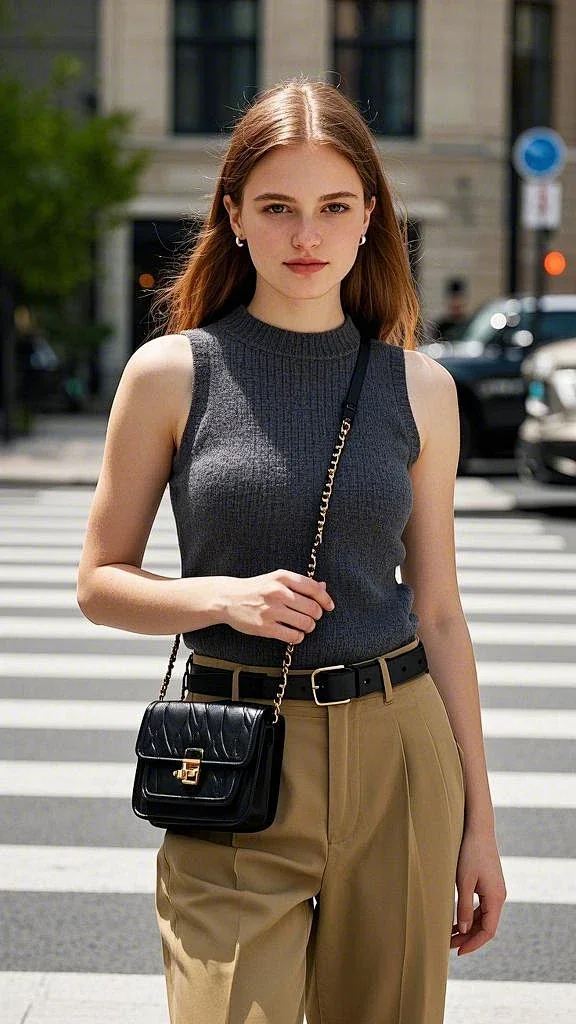
Sample effect · Real comparison appears here after uploading your photo
10 Bikini Styles for Every Photo
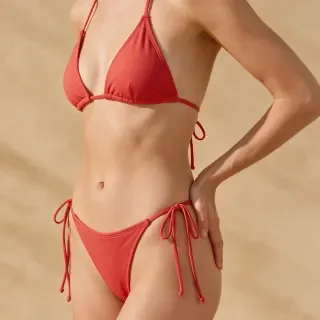
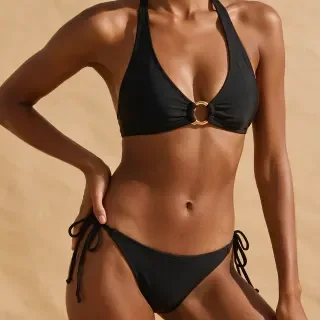
From a coral string triangle to retro gingham, metallic gold shimmer and handmade crochet: 10 styles, from classic to bold. Match the style to your scene — coral for the beach, gold for sunset, gingham for a café.
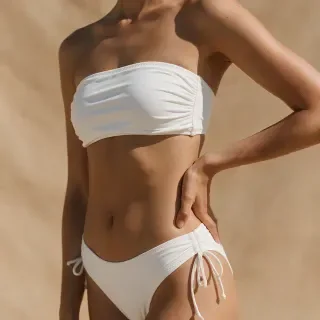
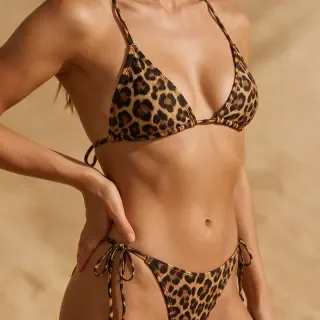
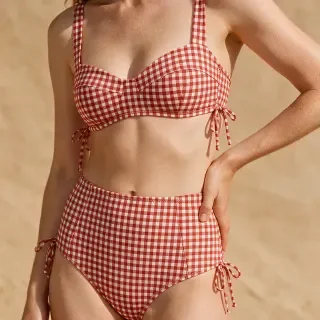
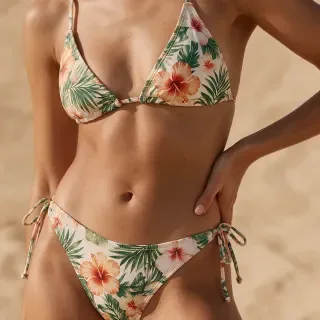
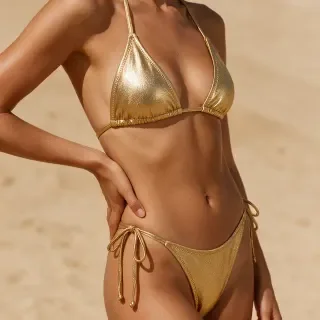
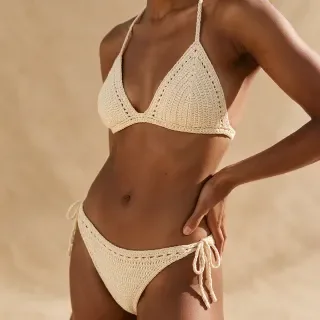
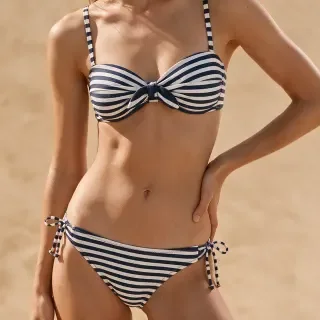
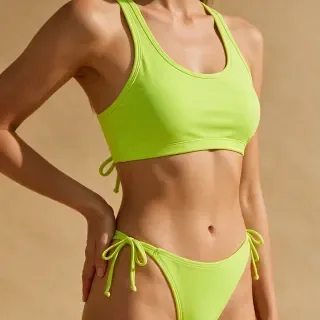
Real results
AI Bikini Try-On Examples
Every result below started as an everyday photo — the small image in the corner is the original. Pick a scene and a style you like, then try it on your own photo.
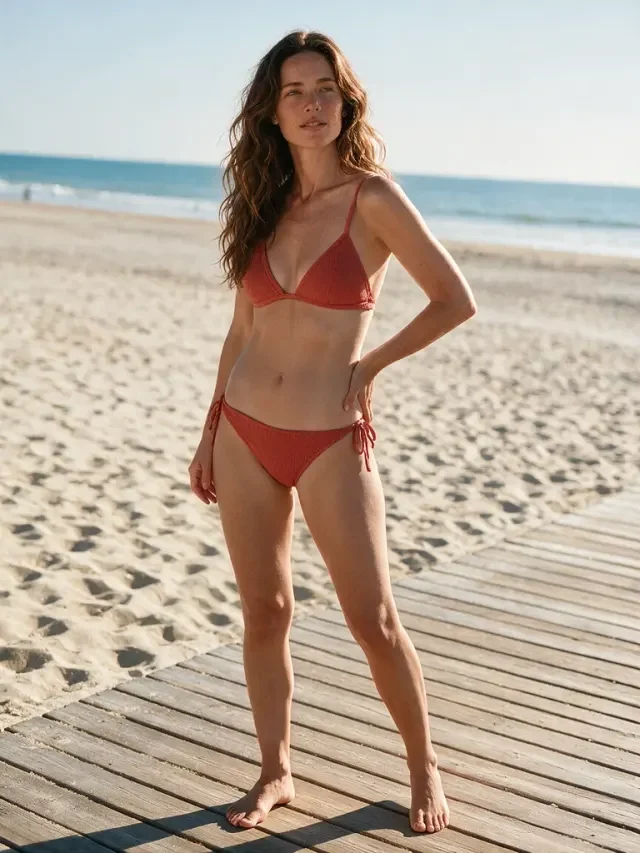
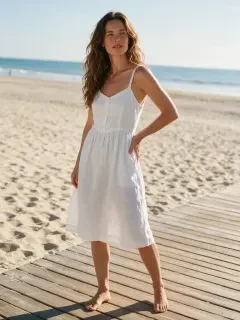
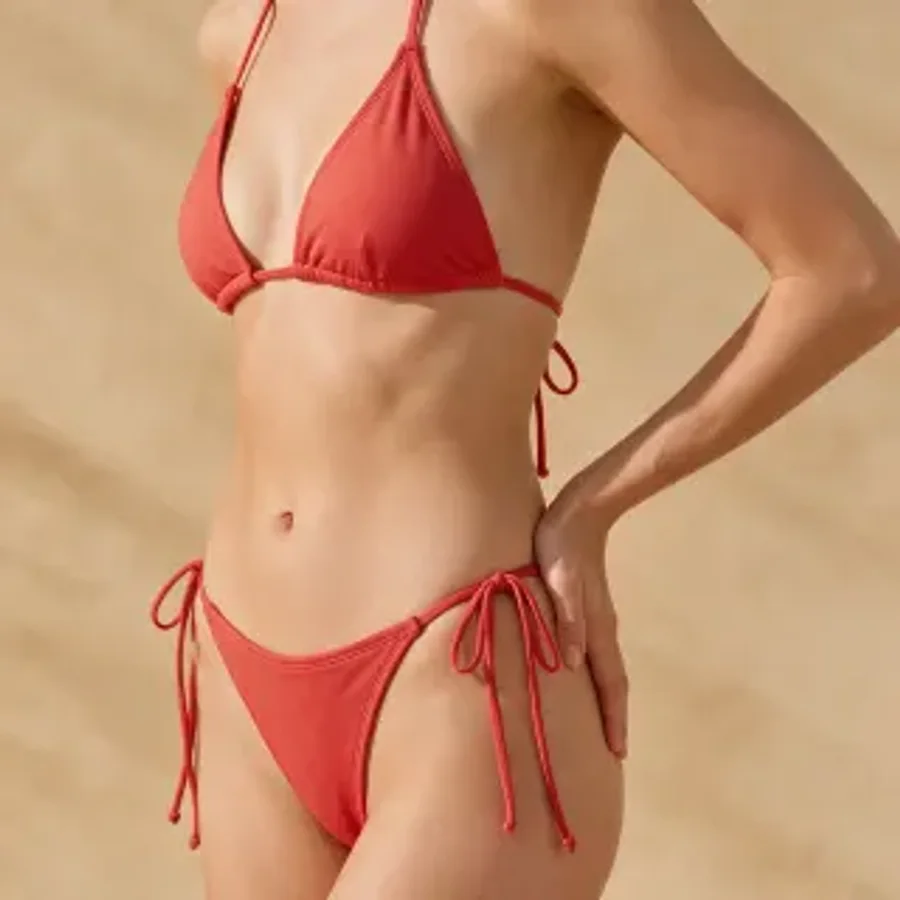 Coral Triangle
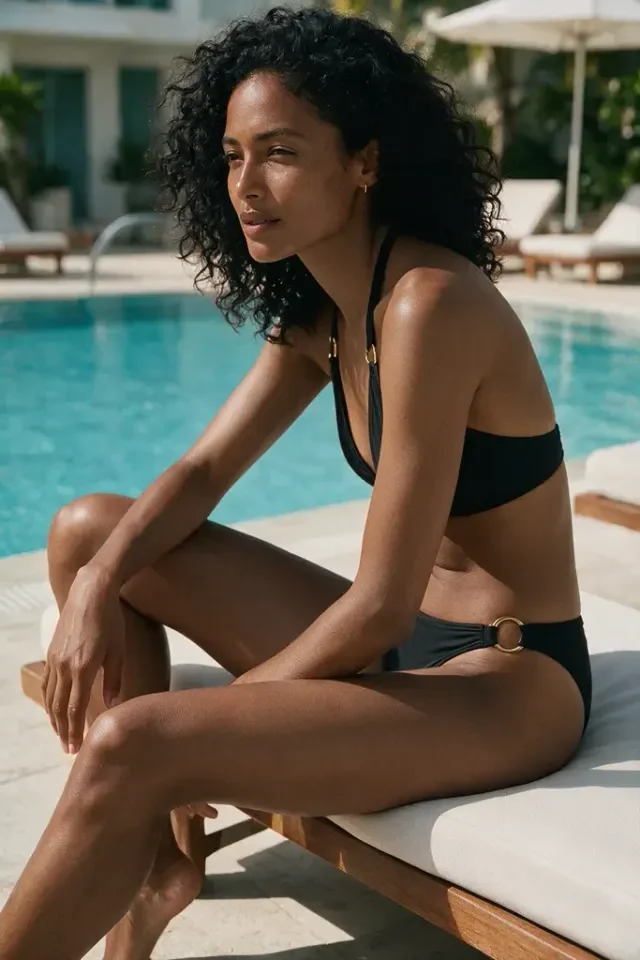

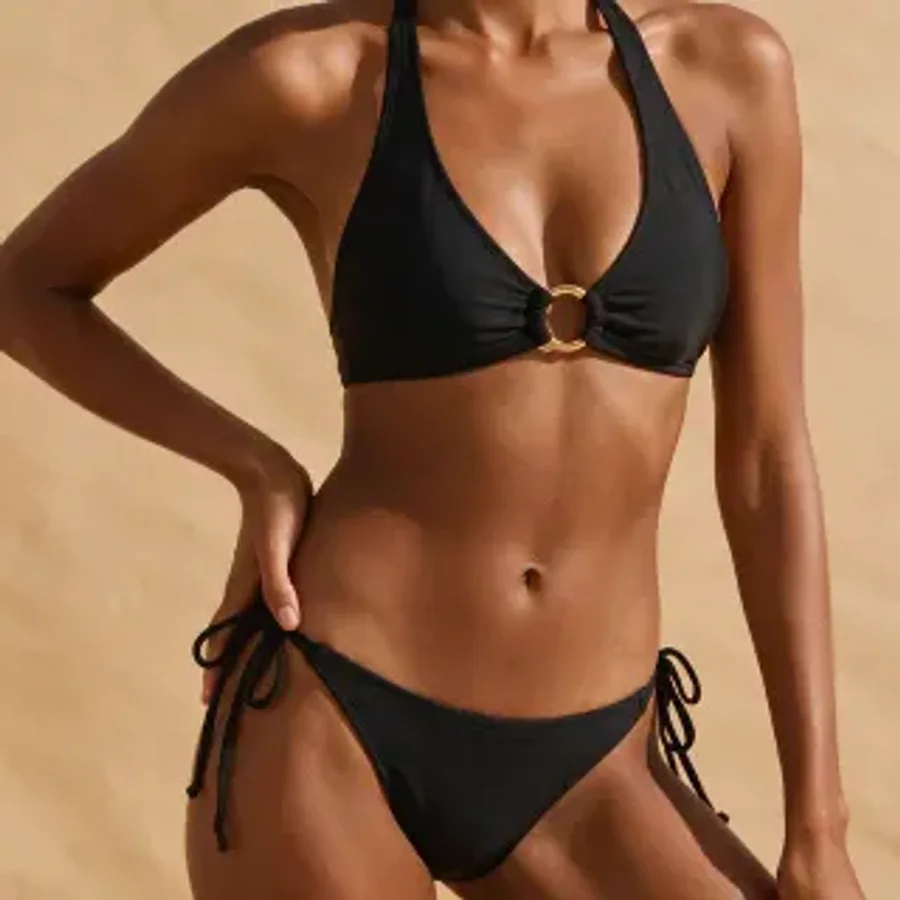 Noir Halter
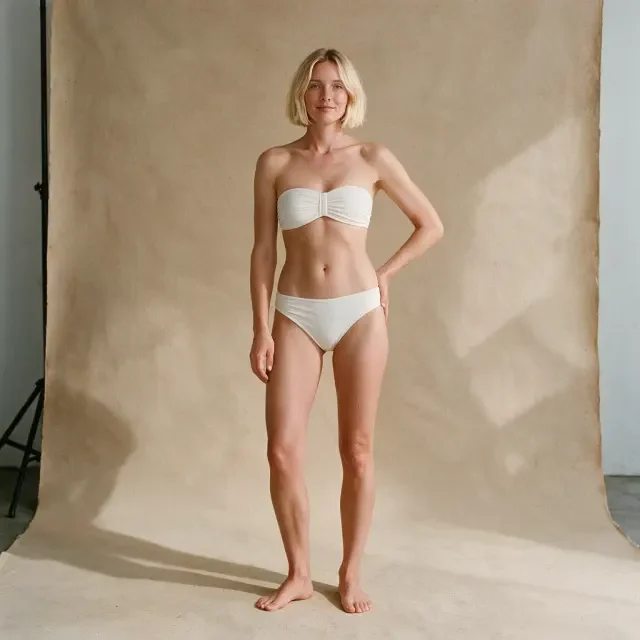
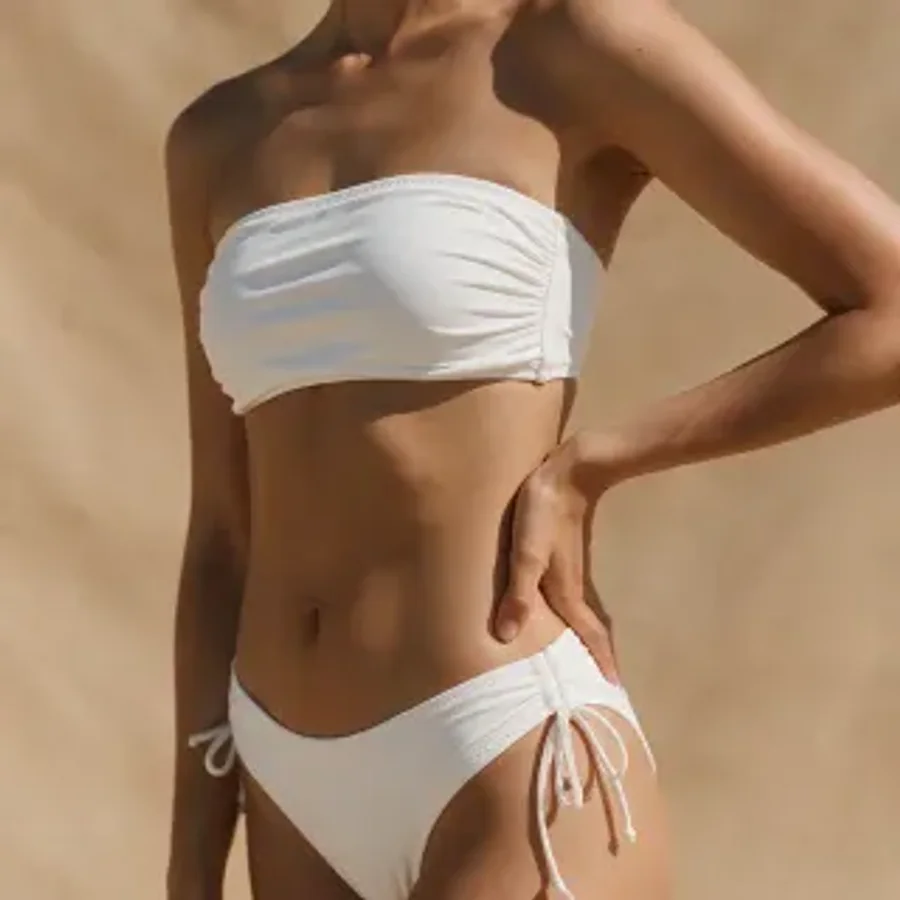 White Bandeau
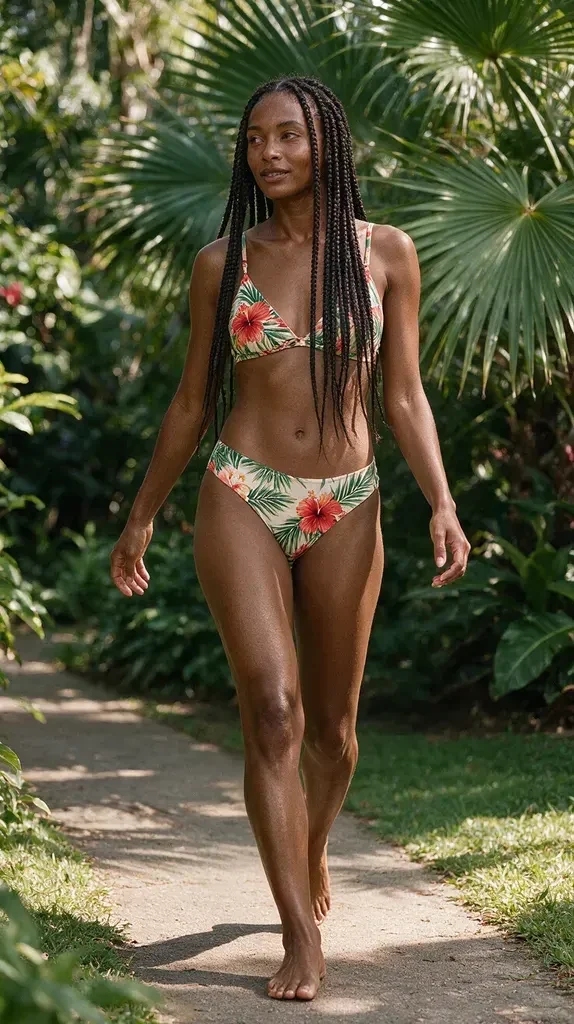
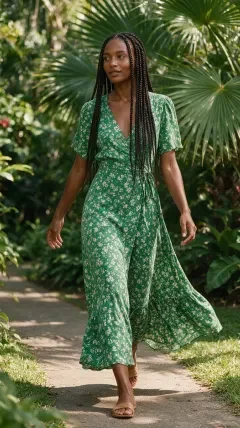
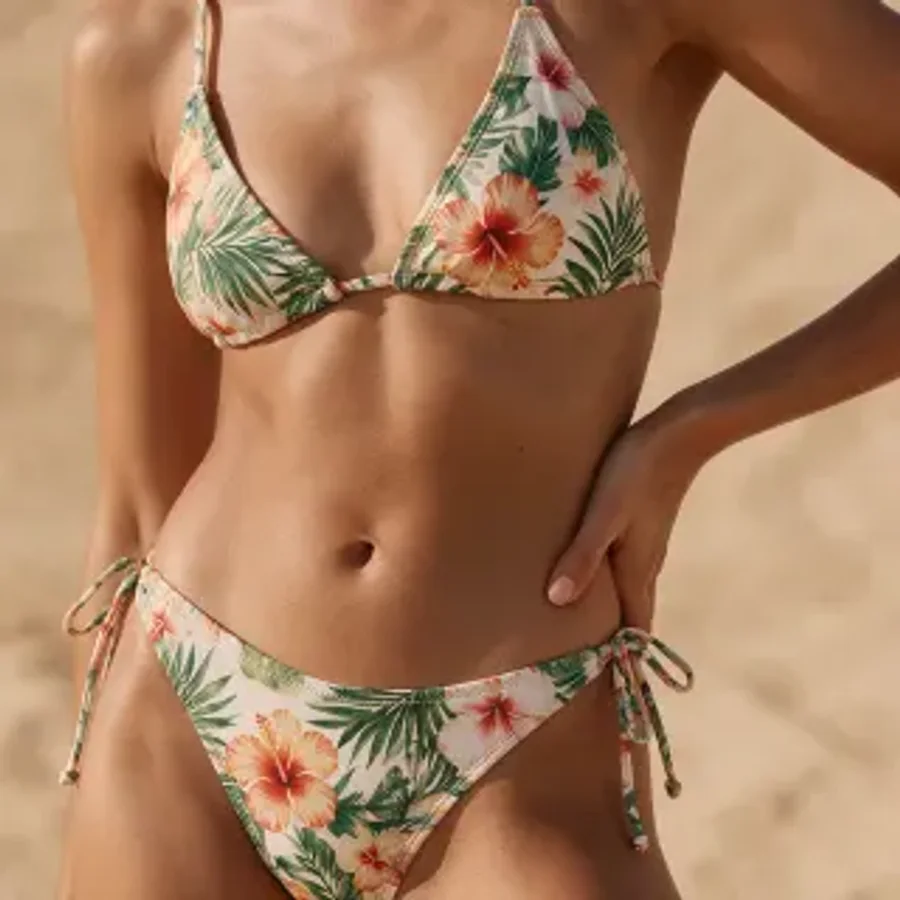 Tropical Floral
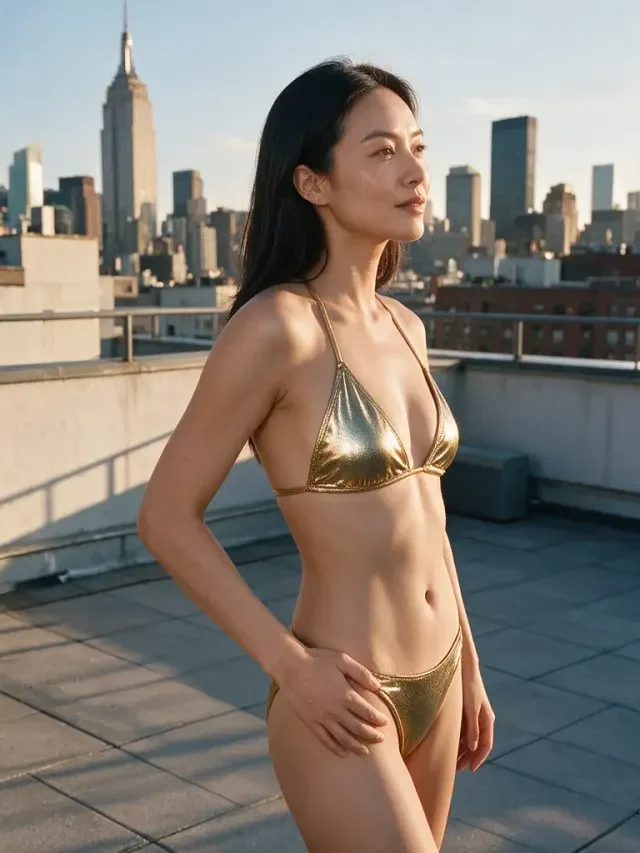

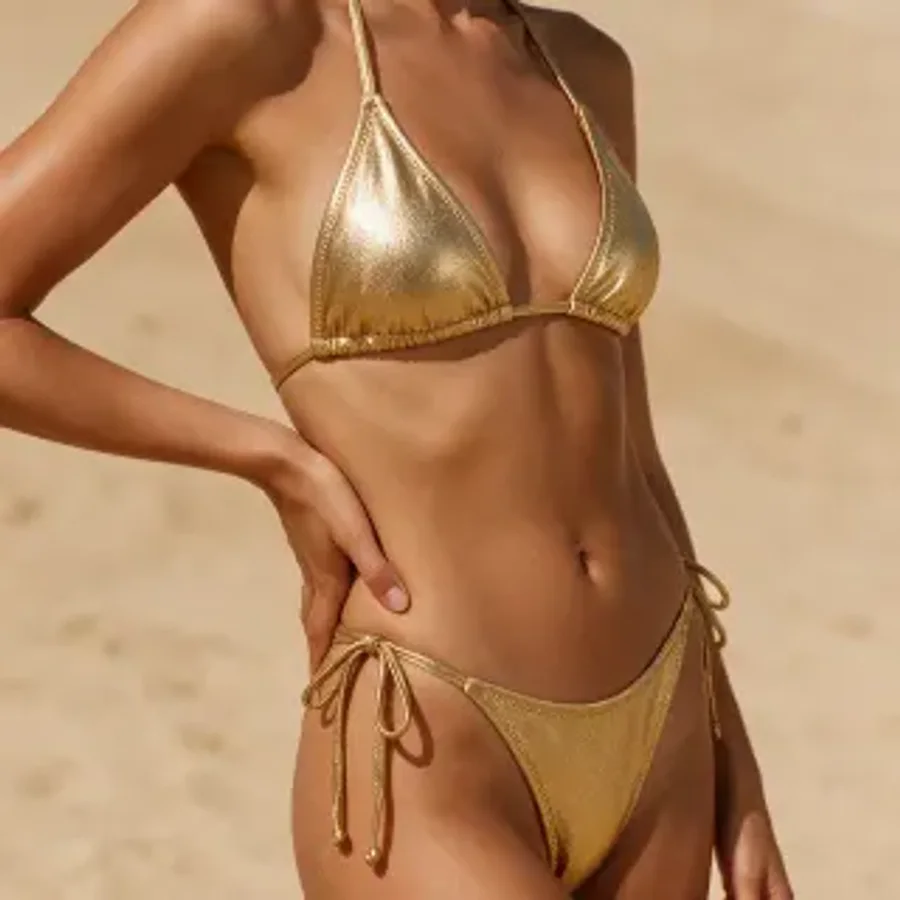 Gold Shimmer
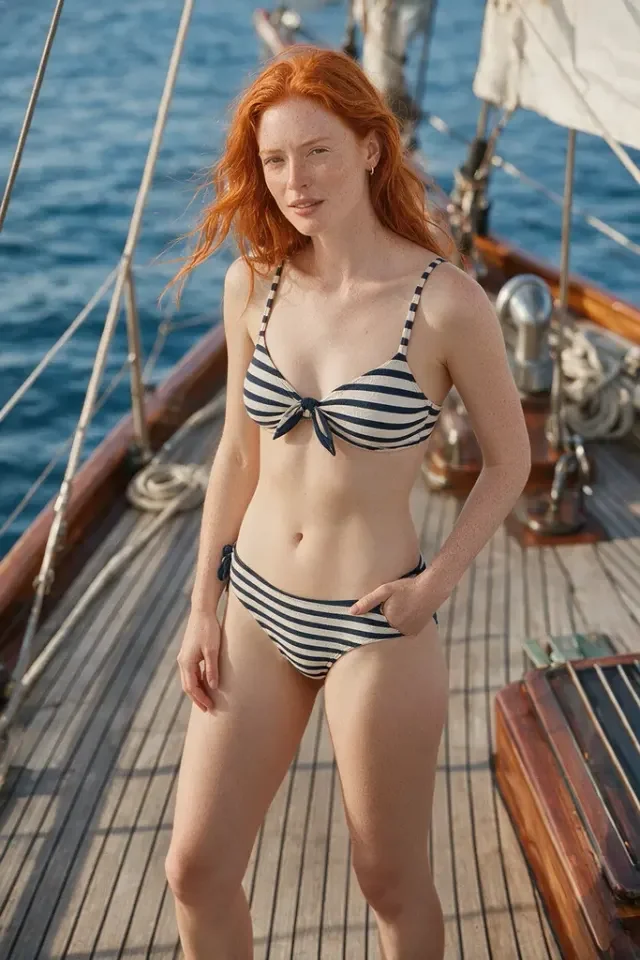
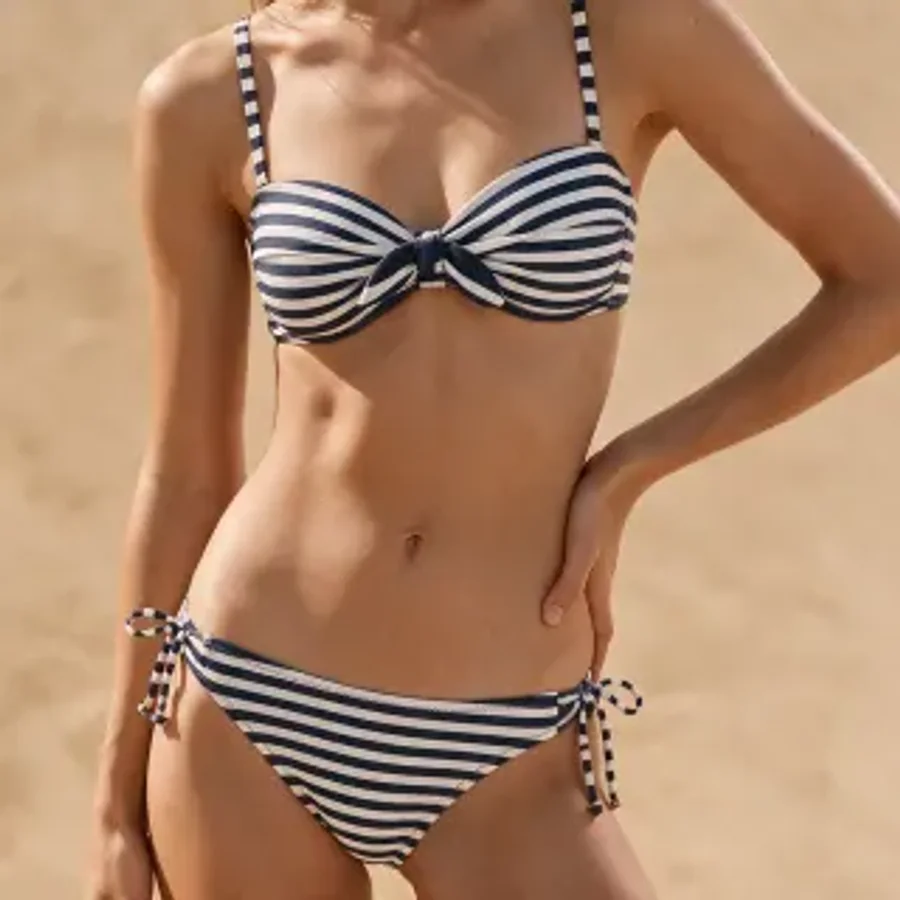 Ocean Stripe
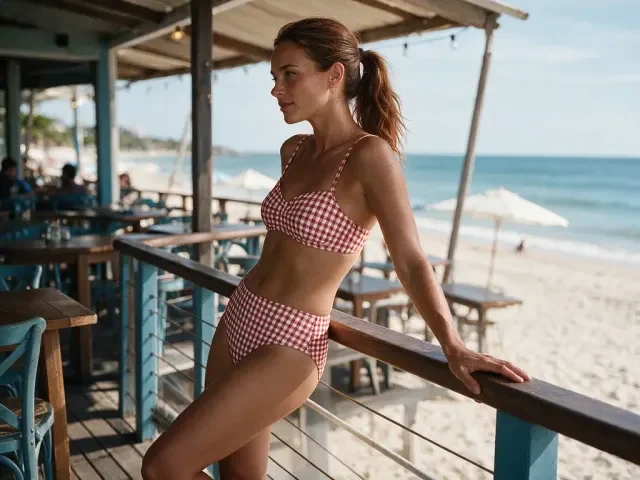
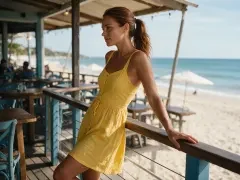
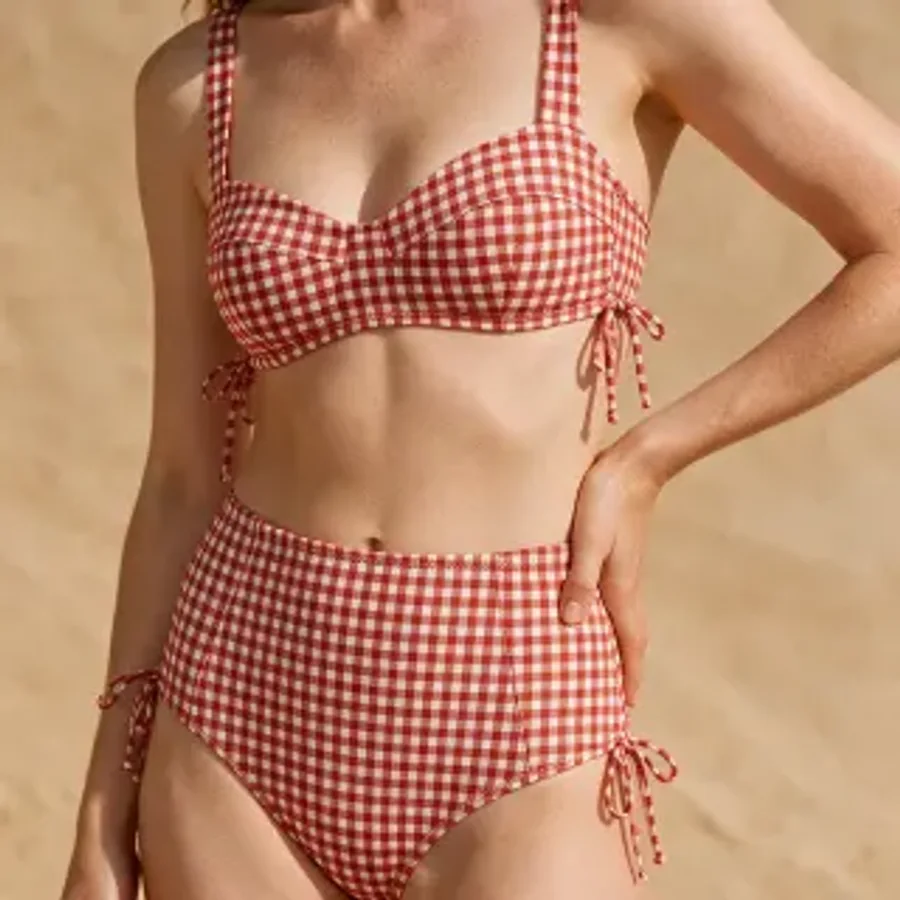 Retro Gingham
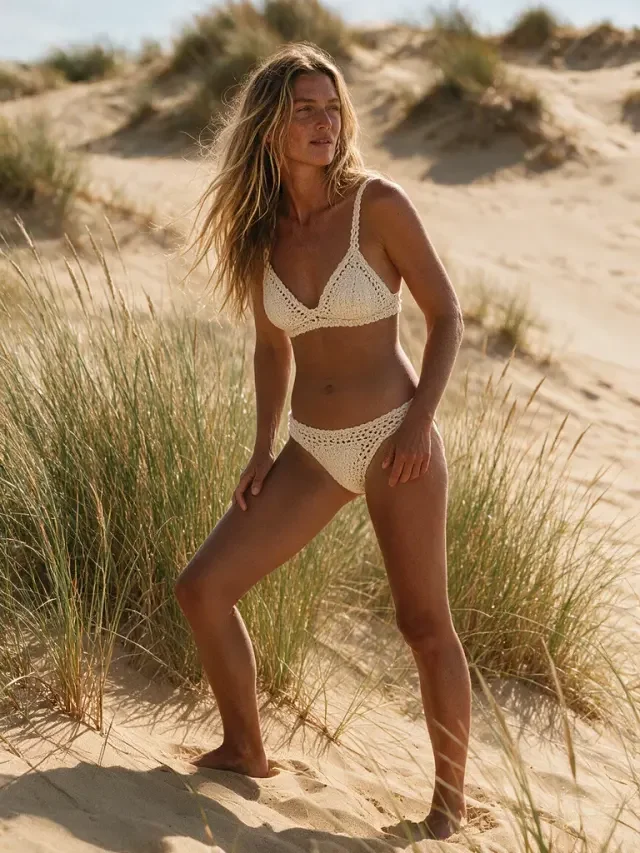
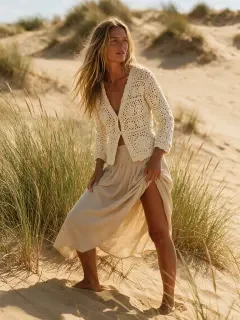
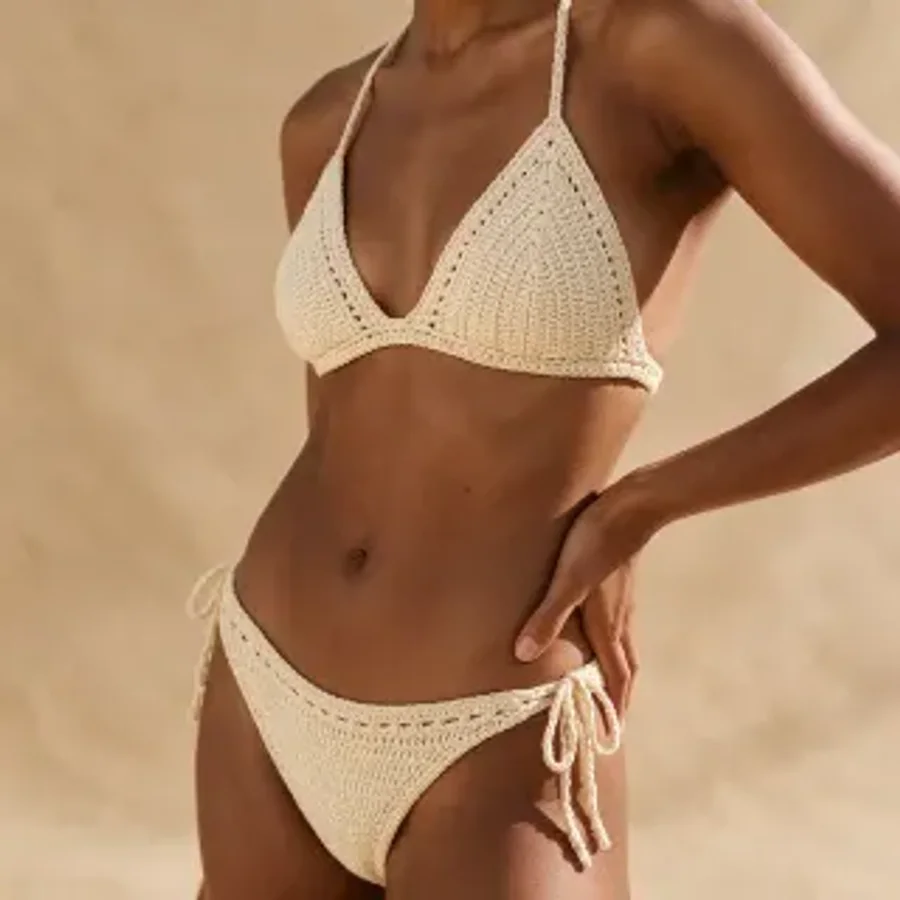 Boho Crochet
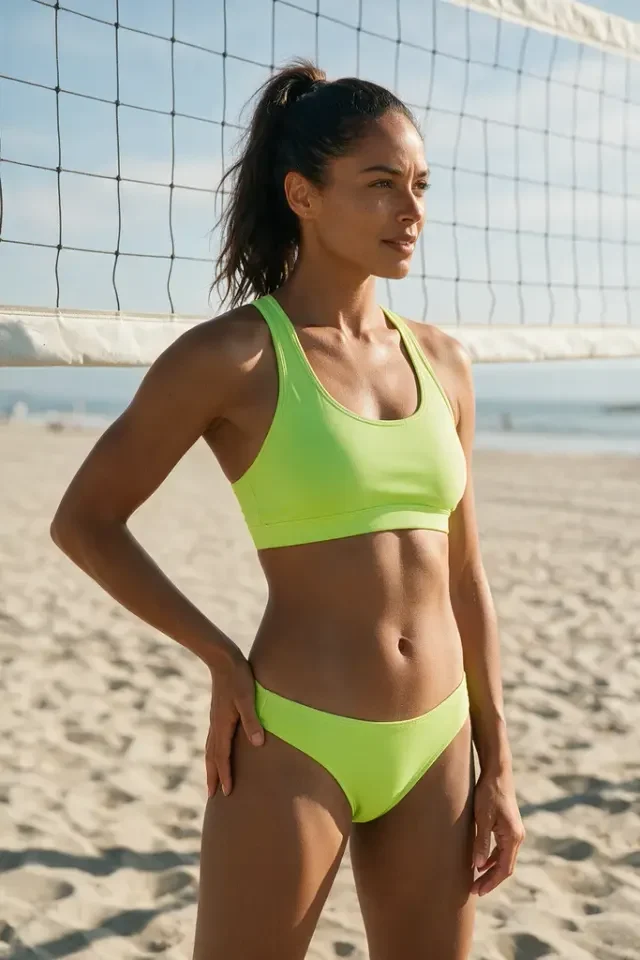
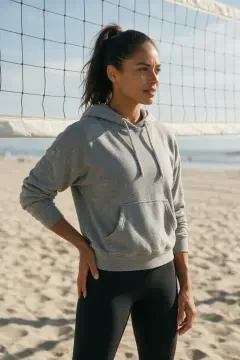
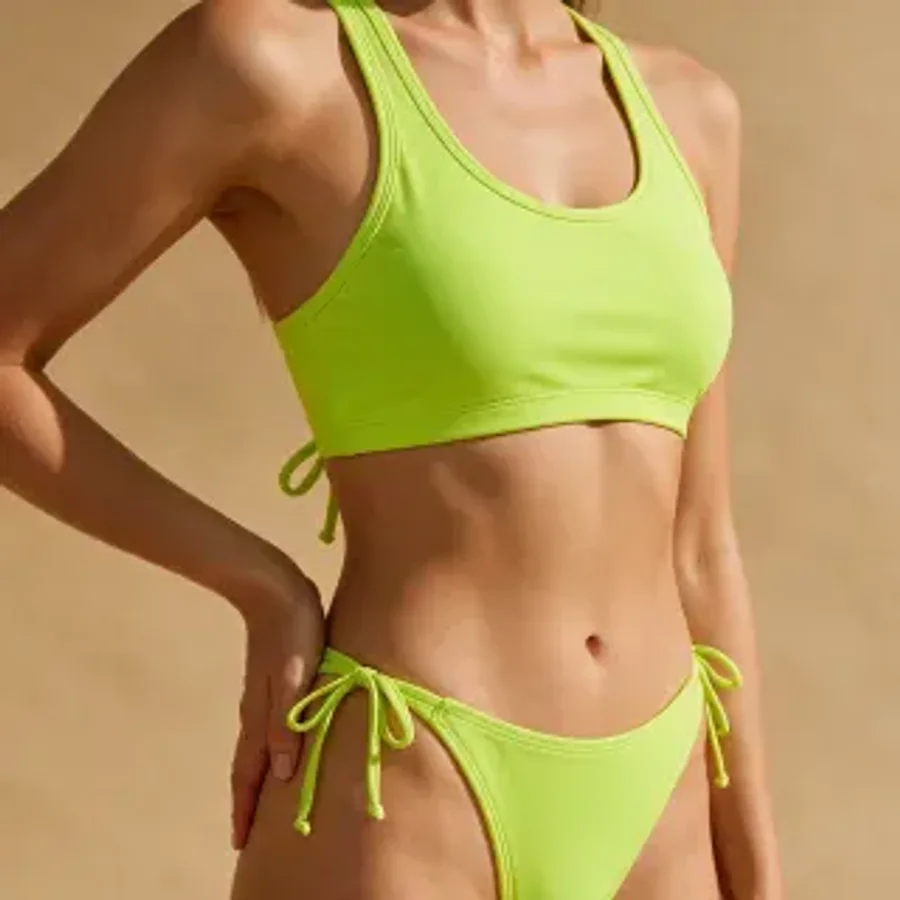 Neon Sport
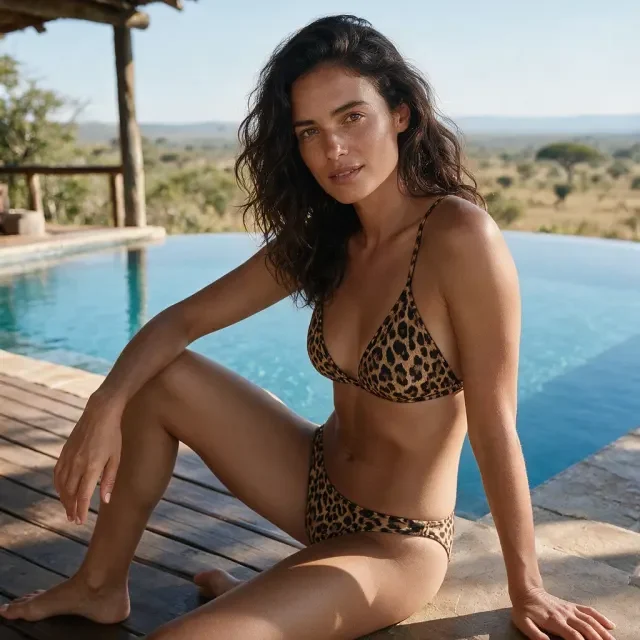

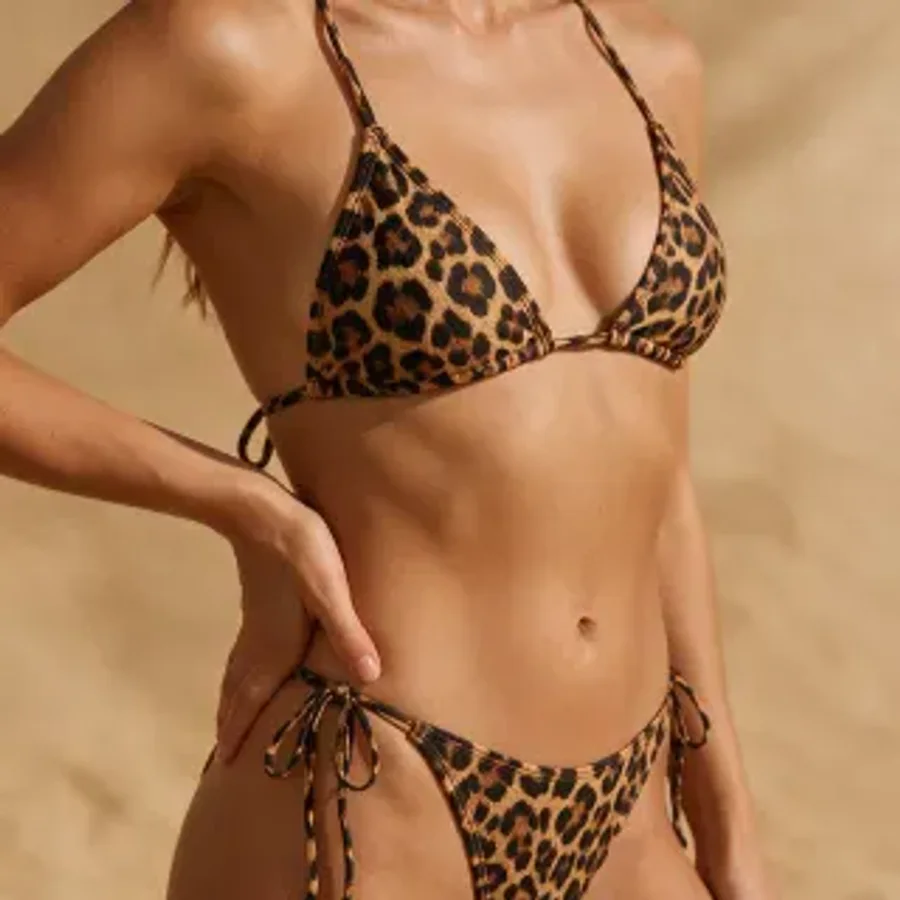 Leopard Print
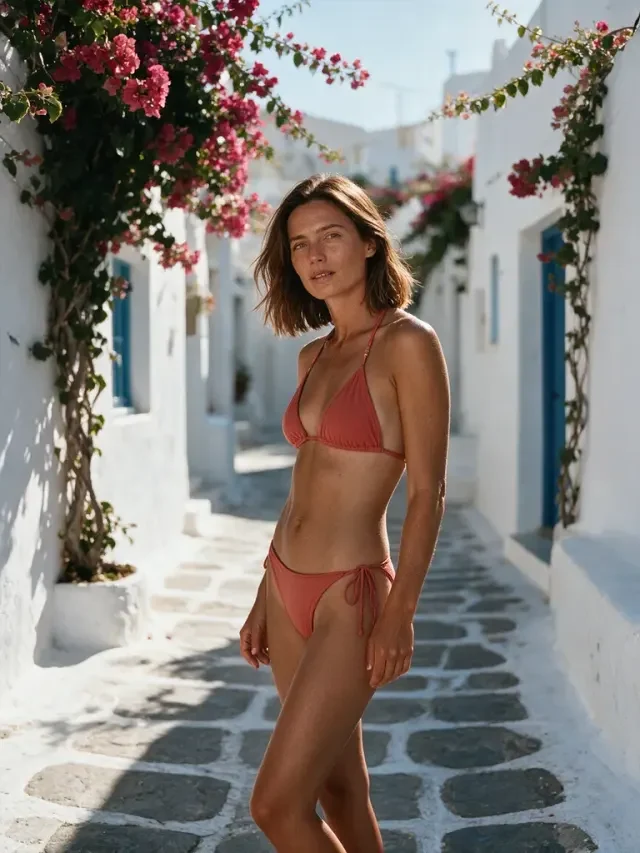
 Coral Triangle
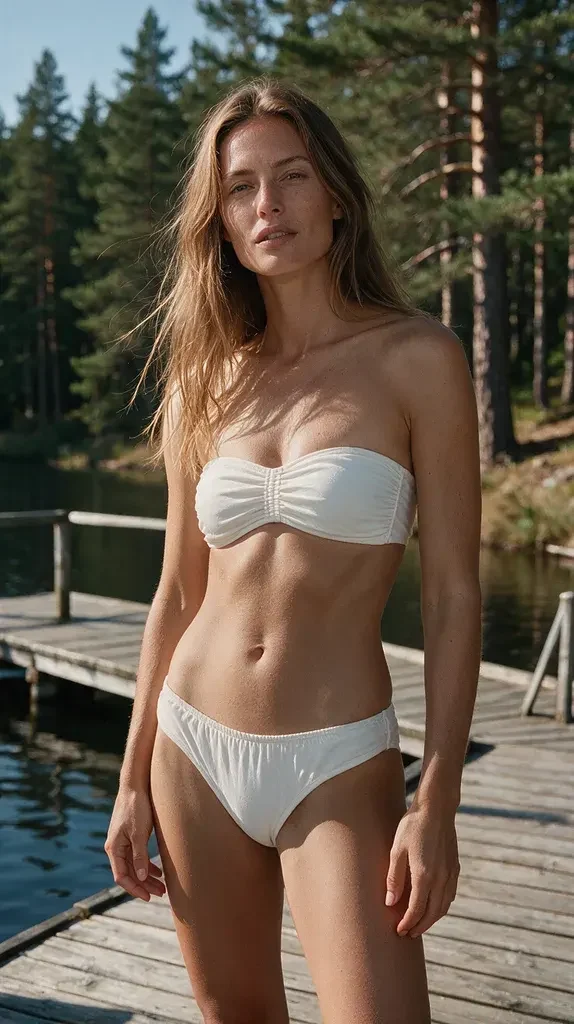
 White Bandeau
About AI Bikini Try-On
Upload a photo of yourself and see what you'd look like in a bikini right away: 10 styles covering the coral red string triangle, noir halter, white bandeau, leopard triangle, retro red-and-white gingham, tropical floral print, metallic gold shimmer, cream handmade crochet, navy-and-white ocean stripe and neon lime sport.
Every style ships with its own image-to-image instruction, and the style sample image is sent to the model as a second reference — so you get that specific bikini, not an improvised one. Only the outfit changes: your face, hairstyle, skin tone, body, pose, background and lighting stay exactly as they are.
How to use AI Bikini Try-On?
Step 1 · Upload a photo
Upload one clear photo. A single person facing the camera, upper body or full body, works best. JPG / PNG / WebP.
Step 2 · Pick a bikini style
Choose one of the 10 style cards — each has a thumbnail and a short description.
Step 3 · Generate and download
Hit the button and the AI needs roughly 20–60 seconds. Download the result or send it to the canvas for finer edits.
Why Choose ikoutu AI Bikini Try-On?
✓Only the outfit changes
Face, features, hairstyle, skin tone, body, pose and background are all kept — the result is still you.
✓10 classic styles
Coral triangle, noir halter, white bandeau, leopard, retro gingham, tropical floral, gold shimmer, crochet, ocean stripe and neon sport.
✓Style images as reference
Each style ships a sample image the model copies from, so ties, prints and metallic finishes actually match.
✓Privacy first
Your photo is used for that one job only and is not kept on the server.
FAQ
Does this tool cost anything?+
It runs a real generation model, so it is billed per use: 3 Credits (💎) for standard users, 2 Credits (💎) for lifetime members. Failed or moderation-blocked jobs are not charged.
How long does one image take?+
Usually 20–60 seconds depending on model load. A clear, well-lit photo shortens the wait.
Does it change my face?+
No. Every style instruction requires keeping the original face shape, features, hairstyle, skin tone and body proportions — only the clothing is replaced.
Which photos work best?+
A single person, facing the camera, upper body or full body in frame, natural light and no heavy filters. JPG / PNG / WebP, up to 15 MB per file.
Is there a watermark? Can I use it commercially?+
Results come out without a watermark. You may use them, including commercially, as long as the photo is yours or you have the subject's consent. Please don't use them to impersonate anyone or mislead others.
Is there an age limit?+
Yes. Only upload photos you own, or photos of adults who have explicitly consented. Photos of minors are strictly not allowed; violating content is blocked and the run is not charged.
Recommended Related Tools
View All 18 Tools →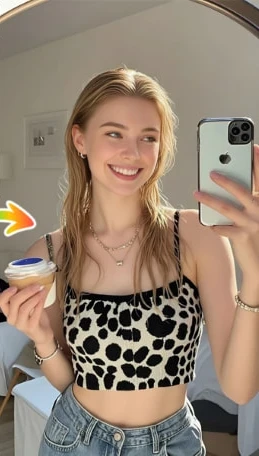
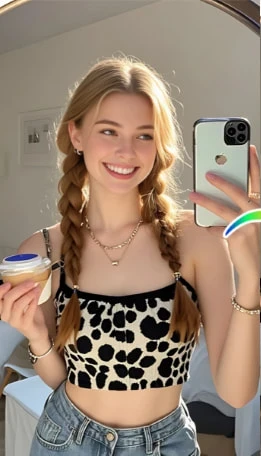
Preview before cutting: Try short, curly, bangs, and more with AI—find your perfect Tony look.
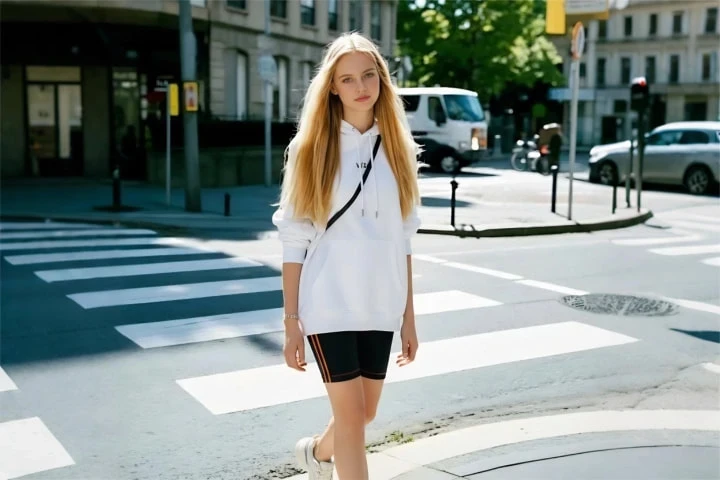
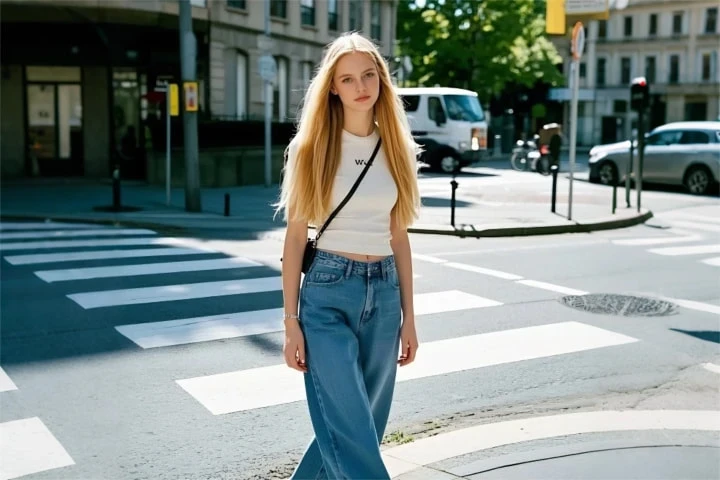
Online virtual fitting: preview suits, Hanfu, gowns, and more on your body with one click—shop online without regrets.
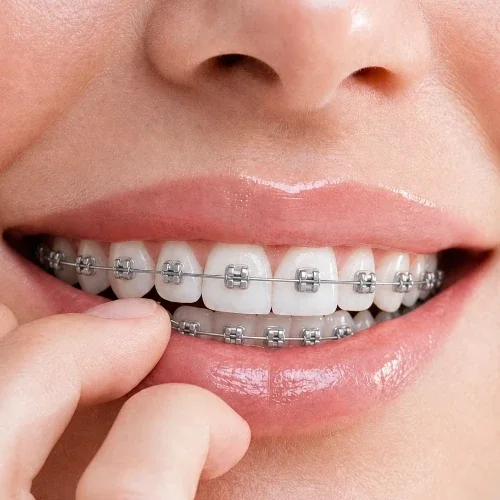
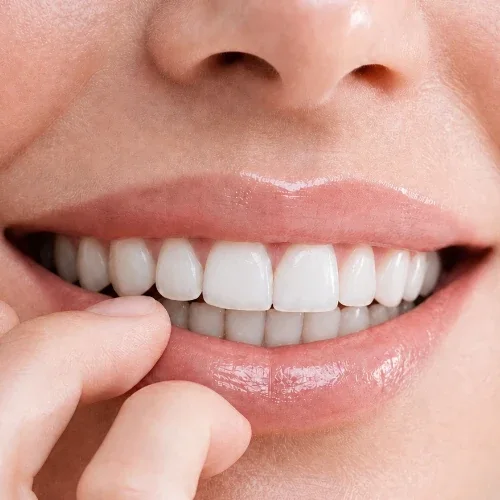
Upload a smiling photo to preview how you’d look with braces—metal braces simulation. Get an intuitive impression before your dental visit.
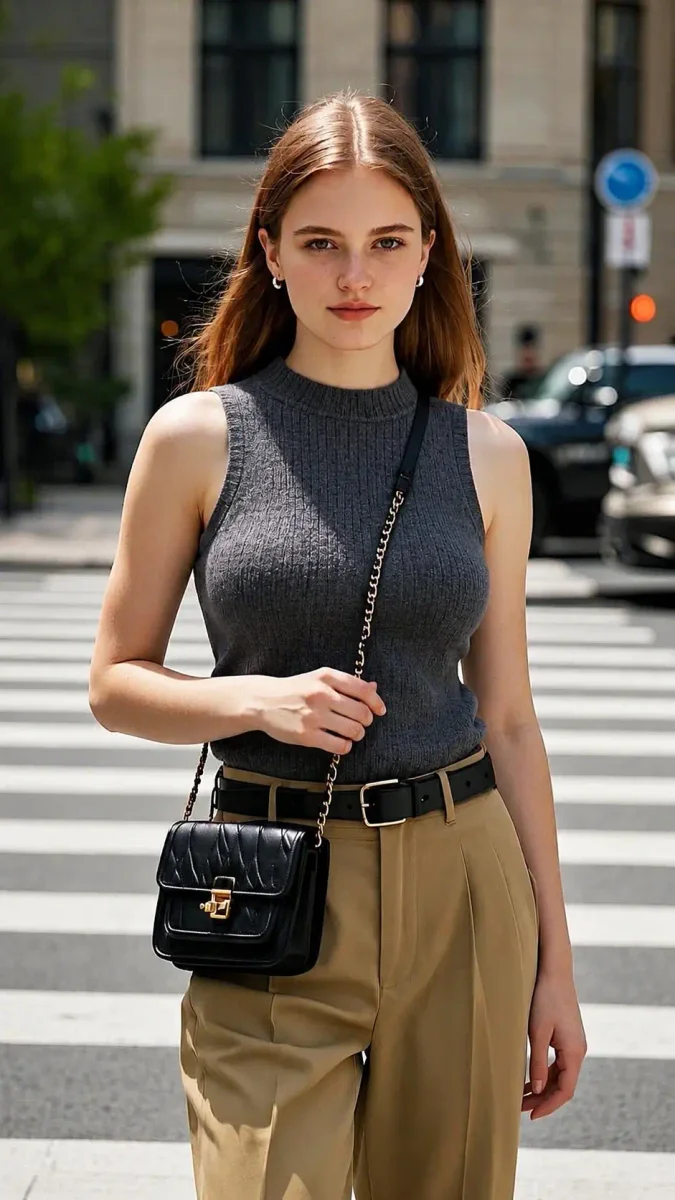
AI Body Proportion Adjustment Preview: View silhouette changes under different curves—strictly for outfit & photography reference.